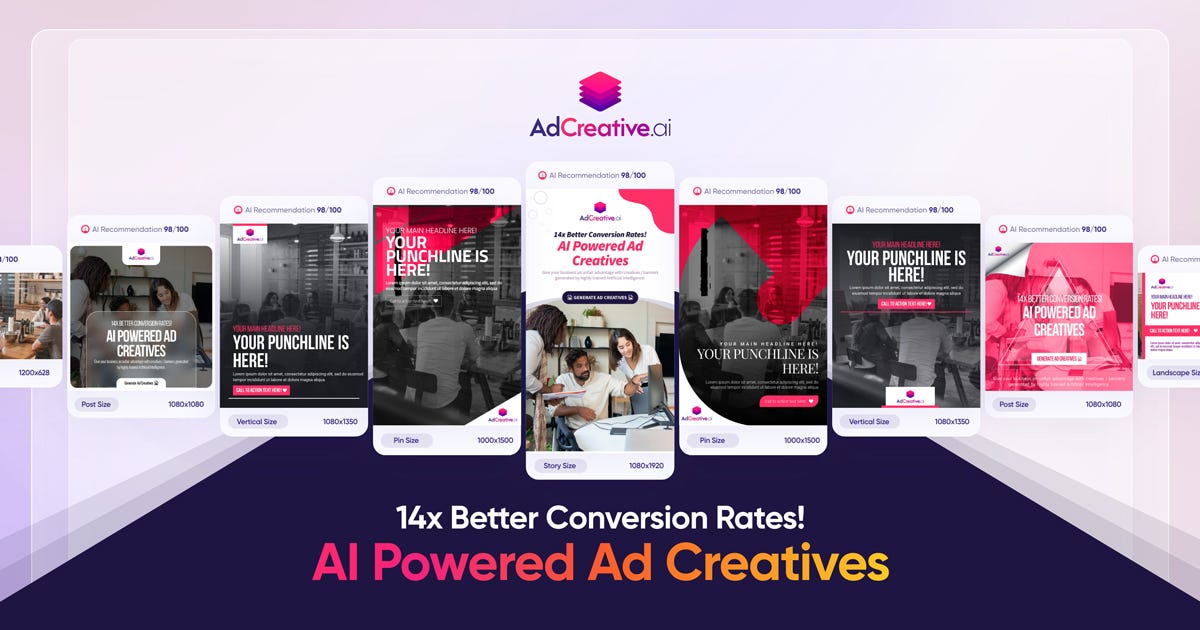
AdCreative.ai is an advanced AI-powered marketing platform that helps users generate high-conversion creatives, ad copy, and visual assets instantly. Leveraging artificial intelligence and data-driven design principles, AdCreative.ai creates compelling ad variations optimized for performance on platforms like Facebook, Instagram, TikTok, Google, and YouTube . AdCreative.ai is widely used by marketers, business owners, performance teams, and advertisers who want to boost engagement, reduce design time, and maximize ROI through intelligent creative automation . What Is AdCreative.ai? AdCreative.ai is an AI creative generation tool that produces multiple versions of ad visuals, headlines, captions, and marketing banners based on input prompts, product descriptions, target audience insights, and campaign goals. Instead of spending hours designing creatives manually, users can generate performance-focused assets in minutes . Key Features of AdCreative.ai AI-generated ad visuals and creatives Automated headline and caption writing Conversion-focused design templates Multiple ad variants for A/B testing Style and brand asset consistency Integration with ad platforms (Meta, Google, TikTok, etc.) Data-driven optimization and predictive insights Export in multiple formats ready for ad platforms Why People Use AdCreative.ai Manual creative design and copywriting can be time-intensive and costly. AdCreative.ai automates both visual and text components of advertising , allowing users to focus on strategy and campaign optimization rather than repetitive design work. Marketers use AdCreative.ai to produce more ad variants quickly, improve click-through rates, and increase conversion outcomes . Popular Use Cases Facebook and Instagram ad creatives TikTok and YouTube video thumbnails and banners Google Display Network visuals E-commerce product ad creatives Seasonal and promotional campaigns A/B testing of ads at scale Benefits of AdCreative.ai Save time on design and copywriting Generate more variations for testing Improve campaign performance with AI insights Maintain brand consistency across creatives Suitable for teams and solo marketers Faster ad deployment and iteration Who Should Use AdCreative.ai? Digital marketers and advertisers E-commerce store owners Social media managers Performance marketing teams Freelancers and agencies Entrepreneurs running paid campaigns Frequently Asked Questions What does AdCreative.ai do? AdCreative.ai uses AI to automatically generate high-conversion ad creatives and marketing assets including visuals, headlines, and captions. Can AdCreative.ai create ads for multiple platforms? Yes, AdCreative.ai supports creative generation for platforms like Facebook, Instagram, Google, TikTok, and YouTube . Do I need design skills to use AdCreative.ai? No. AdCreative.ai generates professional designs without requiring manual graphic design expertise. Can I export creatives directly to ad platforms? Most tools allow export in ad-ready formats , but platform integration options may vary. Does AdCreative.ai help with A/B testing? Yes. AdCreative.ai can generate multiple ad variants for testing and optimization. AdCreative.ai, AI Ad Creative Generator, AI Marketing Tool, AI Ad Design, Automated Ad Creator, Ad Copy AI, Performance-Driven Creative Tool
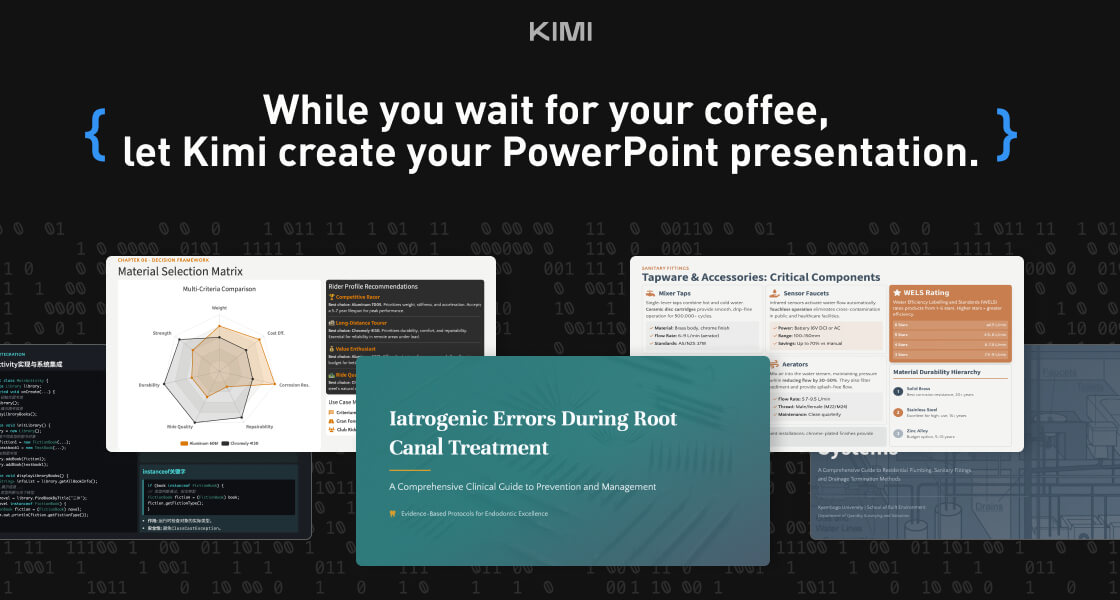
Kimi Slides is a cutting-edge AI-powered slide and presentation generator designed to help users create professional-looking presentations in seconds without manual designing. By using artificial intelligence and smart design templates , Kimi Slides turns your ideas, text, or outlines into visually appealing, structured, and engaging slides . Kimi Slides is frequently searched by users looking for fast presentation creation, AI slide tools, and automated design assistants that simplify the process of building presentations for work, school, and creative projects. Key Features of Kimi Slides AI-generated presentation slides from prompts or text Smart layout, color scheme, and template suggestions Automatic formatting and design consistency Charts, infographics, and visual elements Export options (PowerPoint, PDF, Google Slides compatible) Customizable themes and styles Real-time editing and collaboration tools Why People Use Kimi Slides Traditional presentation design can be time-consuming and requires design skills . Kimi Slides allows users to focus on content while AI handles the visual structure and layout . Whether youΓÇÖre preparing a business pitch, lecture, report, or project summary, Kimi Slides speeds up the process and ensures professional-quality output . Popular Use Cases Business pitch decks and investor presentations Educational lectures and class slides Marketing reports and strategy briefs Project proposals and team updates Training modules and workshops Visual storytelling and client presentations Benefits of Kimi Slides Saves hours of manual slide design Produces consistent, professional-quality visuals Easy to use for beginners and experts Enhances clarity and audience engagement Supports quick revisions and collaborative editing

AdCreative.ai is an advanced AI-powered marketing platform that helps users generate high-conversion creatives, ad copy, and visual assets instantly. Leveraging artificial intelligence and data-driven design principles, AdCreative.ai creates compelling ad variations optimized for performance on platforms like Facebook, Instagram, TikTok, Google, and YouTube . AdCreative.ai is widely used by marketers, business owners, performance teams, and advertisers who want to boost engagement, reduce design time, and maximize ROI through intelligent creative automation . What Is AdCreative.ai? AdCreative.ai is an AI creative generation tool that produces multiple versions of ad visuals, headlines, captions, and marketing banners based on input prompts, product descriptions, target audience insights, and campaign goals. Instead of spending hours designing creatives manually, users can generate performance-focused assets in minutes . Key Features of AdCreative.ai AI-generated ad visuals and creatives Automated headline and caption writing Conversion-focused design templates Multiple ad variants for A/B testing Style and brand asset consistency Integration with ad platforms (Meta, Google, TikTok, etc.) Data-driven optimization and predictive insights Export in multiple formats ready for ad platforms Why People Use AdCreative.ai Manual creative design and copywriting can be time-intensive and costly. AdCreative.ai automates both visual and text components of advertising , allowing users to focus on strategy and campaign optimization rather than repetitive design work. Marketers use AdCreative.ai to produce more ad variants quickly, improve click-through rates, and increase conversion outcomes . Popular Use Cases Facebook and Instagram ad creatives TikTok and YouTube video thumbnails and banners Google Display Network visuals E-commerce product ad creatives Seasonal and promotional campaigns A/B testing of ads at scale Benefits of AdCreative.ai Save time on design and copywriting Generate more variations for testing Improve campaign performance with AI insights Maintain brand consistency across creatives Suitable for teams and solo marketers Faster ad deployment and iteration Who Should Use AdCreative.ai? Digital marketers and advertisers E-commerce store owners Social media managers Performance marketing teams Freelancers and agencies Entrepreneurs running paid campaigns Frequently Asked Questions What does AdCreative.ai do? AdCreative.ai uses AI to automatically generate high-conversion ad creatives and marketing assets including visuals, headlines, and captions. Can AdCreative.ai create ads for multiple platforms? Yes, AdCreative.ai supports creative generation for platforms like Facebook, Instagram, Google, TikTok, and YouTube . Do I need design skills to use AdCreative.ai? No. AdCreative.ai generates professional designs without requiring manual graphic design expertise. Can I export creatives directly to ad platforms? Most tools allow export in ad-ready formats , but platform integration options may vary. Does AdCreative.ai help with A/B testing? Yes. AdCreative.ai can generate multiple ad variants for testing and optimization. AdCreative.ai, AI Ad Creative Generator, AI Marketing Tool, AI Ad Design, Automated Ad Creator, Ad Copy AI, Performance-Driven Creative Tool

Kimi Slides is a cutting-edge AI-powered slide and presentation generator designed to help users create professional-looking presentations in seconds without manual designing. By using artificial intelligence and smart design templates , Kimi Slides turns your ideas, text, or outlines into visually appealing, structured, and engaging slides . Kimi Slides is frequently searched by users looking for fast presentation creation, AI slide tools, and automated design assistants that simplify the process of building presentations for work, school, and creative projects. Key Features of Kimi Slides AI-generated presentation slides from prompts or text Smart layout, color scheme, and template suggestions Automatic formatting and design consistency Charts, infographics, and visual elements Export options (PowerPoint, PDF, Google Slides compatible) Customizable themes and styles Real-time editing and collaboration tools Why People Use Kimi Slides Traditional presentation design can be time-consuming and requires design skills . Kimi Slides allows users to focus on content while AI handles the visual structure and layout . Whether youΓÇÖre preparing a business pitch, lecture, report, or project summary, Kimi Slides speeds up the process and ensures professional-quality output . Popular Use Cases Business pitch decks and investor presentations Educational lectures and class slides Marketing reports and strategy briefs Project proposals and team updates Training modules and workshops Visual storytelling and client presentations Benefits of Kimi Slides Saves hours of manual slide design Produces consistent, professional-quality visuals Easy to use for beginners and experts Enhances clarity and audience engagement Supports quick revisions and collaborative editing
Granola – AI-Powered Meeting Notes & Productivity Assistant Granola is an advanced AI meeting notes and productivity tool designed to help professionals capture, organize, and understand meetings effortlessly . By using artificial intelligence, speech recognition, and natural language processing , Granola turns conversations into structured notes, summaries, and action items without interrupting your workflow. Granola is commonly searched by users looking for AI meeting notes tools, meeting summarizer AI, note-taking assistants, and productivity software that work quietly in the background while meetings happen. What Is Granola? Granola is an AI-powered note-taking assistant built for modern work environments. It listens to meetings, processes conversations in real time, and produces clean, readable notes that highlight key points, decisions, and next steps. Unlike traditional meeting recorders, Granola focuses on clarity and usefulness , helping teams and individuals quickly understand what matters without rewatching or replaying meetings. Key Features of Granola AI-generated meeting notes and summaries Automatic extraction of key points and action items Real-time or post-meeting processing Works across online meetings and discussions Clean, structured, and readable output Searchable meeting history and notes Minimal and distraction-free workflow Secure handling of meeting data Why People Use Granola Meetings often result in lost details and forgotten action items . Granola solves this by ensuring every important discussion is captured accurately and summarized clearly. Professionals use Granola to stay focused during meetings , reduce manual note-taking, and ensure nothing important is missed . Teams benefit from better alignment, faster follow-ups, and improved accountability. Popular Use Cases Business and team meetings Client calls and discussions Project planning and reviews Product and strategy meetings Interviews and research conversations Daily stand-ups and retrospectives Benefits of Granola Saves time spent on manual note-taking Improves meeting clarity and follow-up Keeps teams aligned and informed Reduces the need to record or replay meetings Helps capture decisions and next steps accurately Suitable for individuals and teams Who Should Use Granola? Professionals and business users Startup teams and enterprises Product managers and project managers Sales and customer success teams Consultants and freelancers Students and researchers attending discussions Frequently Asked Questions (FAQ) What does Granola do? Granola uses AI to automatically generate structured notes and summaries from meetings and conversations. Does Granola record meetings? Granola focuses on note generation and summarization , helping users capture insights without relying on full recordings. Can Granola identify action items? Yes. Granola highlights important points, decisions, and action items discussed during meetings. Is Granola suitable for remote meetings? Yes. Granola works well with online and virtual meetings commonly used by remote teams. Does Granola replace manual note-taking? Yes. Granola significantly reduces or eliminates the need for manual note-taking during meetings. Is meeting data secure in Granola? Granola is built with privacy and security in mind to ensure meeting information is handled safely. Granola, AI Meeting Notes, Meeting Summarizer AI, AI Note Taking Tool, Productivity Assistant, Meeting Productivity Software, AI Work Assistant