 Android
 IOS
IOS Mini Tools
 Software
 Web
WebTop matches

Chrome Webstore
Chrome Web Store: Complete Overview and Detailed Description The Chrome Web Store is Google’s official marketplace for browser extensions and themes created for the Google Chrome browser. It serves as a central hub where users can discover, install, manage, and update tools that extend Chrome’s functionality and personalize the browsing experience. As of 2025, the Chrome Web Store has grown into a large-scale ecosystem supporting millions of users and developers worldwide. It plays a critical role in transforming Chrome from a basic web browser into a powerful platform for productivity, creativity, security, and AI-driven workflows. What Is the Chrome Web Store? The Chrome Web Store is an online platform maintained by Google that hosts: Browser extensions Chrome themes Web-based productivity tools Extensions available on the store can modify website behavior, automate repetitive tasks, enhance security, assist with content creation, or integrate advanced technologies such as artificial intelligence directly into the browser. Users can browse extensions by category, popularity, ratings, or featured recommendations, making it easy to find tools that suit specific needs. Evolution of the Chrome Web Store Initially launched as a simple extension directory, the Chrome Web Store has evolved significantly over the years. In recent updates, Google has improved: Search and discovery features Extension review and moderation systems Developer policies and transparency requirements The most notable change in recent years has been the rapid adoption of AI-powered extensions , which now dominate many of the most popular categories. AI-Powered Extensions in 2025 Artificial intelligence has become a major driver of growth in the Chrome Web Store. AI extensions enable users to perform advanced tasks directly within the browser without switching tools. Common AI-powered use cases include: Web page summarization and content analysis Writing assistance, grammar correction, and rewriting Research and note-taking automation Code generation and debugging support Language translation and learning These extensions turn the browser into an intelligent assistant, improving efficiency for professionals, students, and creators. Key Categories in the Chrome Web Store The Chrome Web Store organizes extensions into several major categories: Productivity Includes tools for task management, tab organization, meeting transcription, time tracking, and workflow optimization. Security and Privacy Features ad blockers, tracker blockers, password managers, VPN extensions, and phishing protection tools. Developer Tools Provides debugging utilities, performance monitors, API testers, and code inspection tools for web developers. Shopping and Finance Includes price trackers, coupon finders, cashback tools, and deal comparison extensions. Education and Learning Offers language learning tools, study assistants, note-taking extensions, and exam preparation aids. Personalization and Themes Allows users to customize the look and feel of the Chrome browser with visual themes and layouts. Chrome Web Store for Developers The Chrome Web Store also serves as a distribution and monetization platform for developers. Developers can publish extensions and reach a global audience with minimal infrastructure requirements. Monetization options include: Free extensions with premium features Subscription-based models One-time purchases Google provides analytics, performance insights, and policy guidelines to help developers maintain high-quality extensions and improve user trust. Security, Privacy, and Trust Security remains a key focus area for the Chrome Web Store. While Google actively reviews and removes malicious extensions, users must also take responsibility for managing their installed tools. Best practices for users include: Reviewing extension permissions before installation Installing extensions from trusted developers Removing unused or outdated extensions Keeping extensions updated Google continues to strengthen its extension policies to ensure transparency around data collection and usage. User Experience and Interface Improvements Recent updates to the Chrome Web Store interface have focused on: Clearer permission information Better categorization and filtering Highlighting trusted and featured extensions Improved mobile and desktop usability These improvements aim to help users make informed decisions while browsing the store. Importance of the Chrome Web Store in the Modern Web The Chrome Web Store plays a vital role in how people interact with the internet today. For many users, Chrome extensions are essential tools for: Remote work and collaboration Online learning and research Digital marketing and content creation Secure and efficient browsing By enabling deep customization and automation, the Chrome Web Store has become a foundational part of the modern web ecosystem. Future Outlook Looking ahead, the Chrome Web Store is expected to continue evolving with: Deeper integration of on-device AI models Smarter permission and security systems Greater support for enterprise and professional users More personalized extension recommendations As browsers increasingly function as digital workspaces, the Chrome Web Store will remain a central platform for innovation and user empowerment. The Chrome Web Store is more than an extension marketplace—it is a critical ecosystem that enhances how millions of people use the web every day. With its growing focus on AI, productivity, security, and developer innovation, the Chrome Web Store continues to shape the future of browser-based experiences in 2025 and beyond.
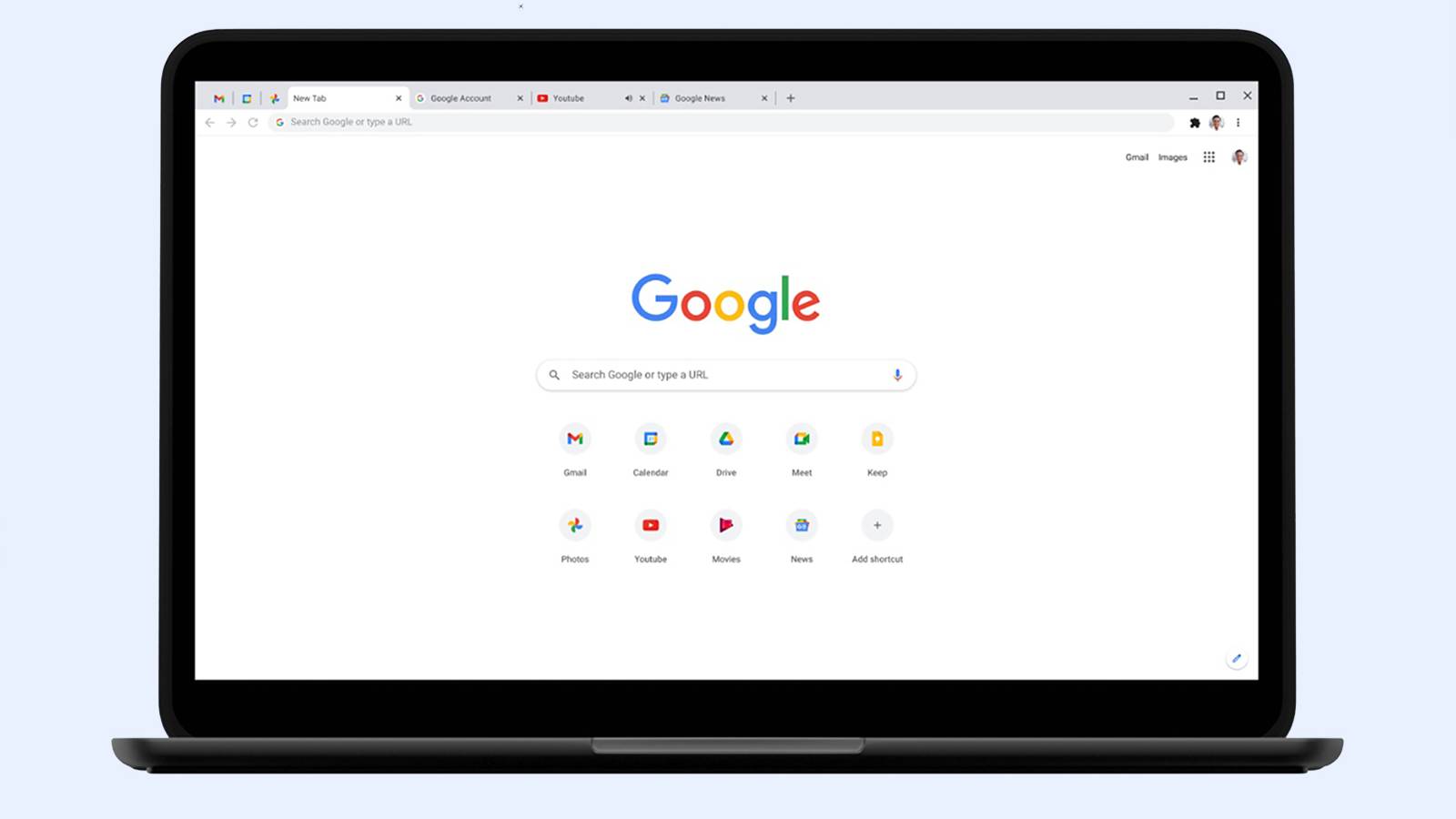
Chrome Web Store: Complete Overview and Detailed Description The Chrome Web Store is Google’s official marketplace for browser extensions and themes created for the Google Chrome browser. It serves as a central hub where users can discover, install, manage, and update tools that extend Chrome’s functionality and personalize the browsing experience. As of 2025, the Chrome Web Store has grown into a large-scale ecosystem supporting millions of users and developers worldwide. It plays a critical role in transforming Chrome from a basic web browser into a powerful platform for productivity, creativity, security, and AI-driven workflows. What Is the Chrome Web Store? The Chrome Web Store is an online platform maintained by Google that hosts: Browser extensions Chrome themes Web-based productivity tools Extensions available on the store can modify website behavior, automate repetitive tasks, enhance security, assist with content creation, or integrate advanced technologies such as artificial intelligence directly into the browser. Users can browse extensions by category, popularity, ratings, or featured recommendations, making it easy to find tools that suit specific needs. Evolution of the Chrome Web Store Initially launched as a simple extension directory, the Chrome Web Store has evolved significantly over the years. In recent updates, Google has improved: Search and discovery features Extension review and moderation systems Developer policies and transparency requirements The most notable change in recent years has been the rapid adoption of AI-powered extensions , which now dominate many of the most popular categories. AI-Powered Extensions in 2025 Artificial intelligence has become a major driver of growth in the Chrome Web Store. AI extensions enable users to perform advanced tasks directly within the browser without switching tools. Common AI-powered use cases include: Web page summarization and content analysis Writing assistance, grammar correction, and rewriting Research and note-taking automation Code generation and debugging support Language translation and learning These extensions turn the browser into an intelligent assistant, improving efficiency for professionals, students, and creators. Key Categories in the Chrome Web Store The Chrome Web Store organizes extensions into several major categories: Productivity Includes tools for task management, tab organization, meeting transcription, time tracking, and workflow optimization. Security and Privacy Features ad blockers, tracker blockers, password managers, VPN extensions, and phishing protection tools. Developer Tools Provides debugging utilities, performance monitors, API testers, and code inspection tools for web developers. Shopping and Finance Includes price trackers, coupon finders, cashback tools, and deal comparison extensions. Education and Learning Offers language learning tools, study assistants, note-taking extensions, and exam preparation aids. Personalization and Themes Allows users to customize the look and feel of the Chrome browser with visual themes and layouts. Chrome Web Store for Developers The Chrome Web Store also serves as a distribution and monetization platform for developers. Developers can publish extensions and reach a global audience with minimal infrastructure requirements. Monetization options include: Free extensions with premium features Subscription-based models One-time purchases Google provides analytics, performance insights, and policy guidelines to help developers maintain high-quality extensions and improve user trust. Security, Privacy, and Trust Security remains a key focus area for the Chrome Web Store. While Google actively reviews and removes malicious extensions, users must also take responsibility for managing their installed tools. Best practices for users include: Reviewing extension permissions before installation Installing extensions from trusted developers Removing unused or outdated extensions Keeping extensions updated Google continues to strengthen its extension policies to ensure transparency around data collection and usage. User Experience and Interface Improvements Recent updates to the Chrome Web Store interface have focused on: Clearer permission information Better categorization and filtering Highlighting trusted and featured extensions Improved mobile and desktop usability These improvements aim to help users make informed decisions while browsing the store. Importance of the Chrome Web Store in the Modern Web The Chrome Web Store plays a vital role in how people interact with the internet today. For many users, Chrome extensions are essential tools for: Remote work and collaboration Online learning and research Digital marketing and content creation Secure and efficient browsing By enabling deep customization and automation, the Chrome Web Store has become a foundational part of the modern web ecosystem. Future Outlook Looking ahead, the Chrome Web Store is expected to continue evolving with: Deeper integration of on-device AI models Smarter permission and security systems Greater support for enterprise and professional users More personalized extension recommendations As browsers increasingly function as digital workspaces, the Chrome Web Store will remain a central platform for innovation and user empowerment. The Chrome Web Store is more than an extension marketplace—it is a critical ecosystem that enhances how millions of people use the web every day. With its growing focus on AI, productivity, security, and developer innovation, the Chrome Web Store continues to shape the future of browser-based experiences in 2025 and beyond.

Alpha Vision
Alpha Vision – Advanced AI Visual Intelligence & Computer Vision Platform Alpha Vision is a powerful AI-driven visual intelligence and computer vision platform designed to analyze, interpret, and generate insights from images and videos. By leveraging deep learning, computer vision, and artificial intelligence , Alpha Vision helps businesses, developers, and creators understand visual data faster and more accurately . Alpha Vision is widely searched by users looking for AI vision tools, computer vision software, image recognition AI, and video analysis platforms that automate visual processing and decision-making. Key Features of Alpha Vision AI-powered image and video analysis Computer vision for object detection and recognition Facial recognition and visual pattern analysis Real-time visual data processing Automated tagging, classification, and labeling Integration with apps, APIs, and cloud platforms High-accuracy visual insights using deep learning models Why People Use Alpha Vision Alpha Vision enables users to extract meaningful insights from visual data without manual analysis . It reduces human effort, improves accuracy, and allows organizations to scale visual intelligence across operations . Businesses, researchers, and developers use Alpha Vision to automate monitoring, improve security, enhance user experiences, and gain visual insights from large datasets. Popular Use Cases Image recognition and classification Video surveillance and security analysis Facial recognition systems Medical imaging and diagnostics Retail analytics and customer behavior tracking Autonomous systems and smart automation AI-powered visual search engines Benefits of Alpha Vision Faster and more accurate visual analysis Automates complex image and video processing Reduces manual effort and operational costs Scalable solution for enterprise and startups Ideal for security, healthcare, retail, and AI research
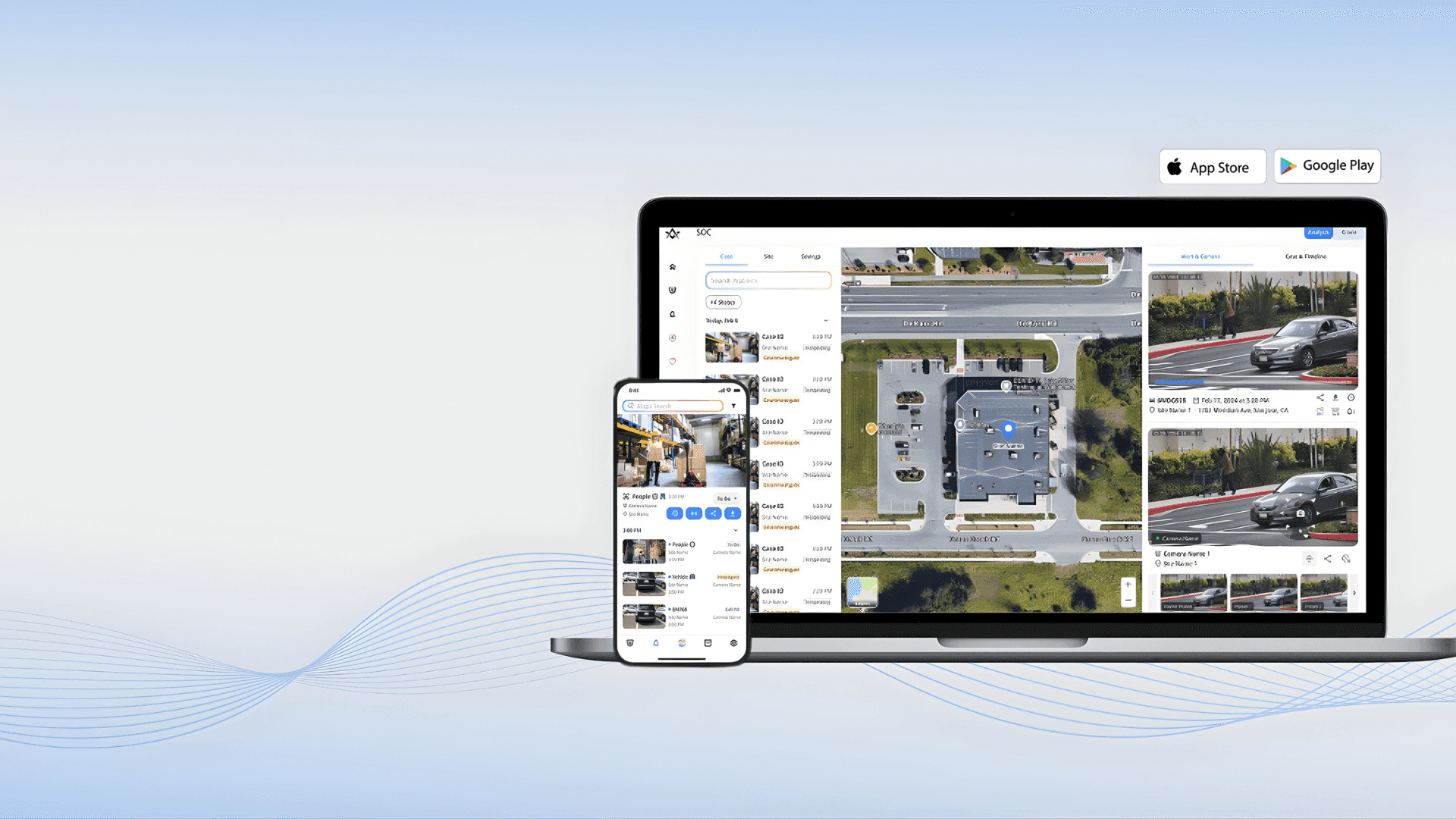
Alpha Vision – Advanced AI Visual Intelligence & Computer Vision Platform Alpha Vision is a powerful AI-driven visual intelligence and computer vision platform designed to analyze, interpret, and generate insights from images and videos. By leveraging deep learning, computer vision, and artificial intelligence , Alpha Vision helps businesses, developers, and creators understand visual data faster and more accurately . Alpha Vision is widely searched by users looking for AI vision tools, computer vision software, image recognition AI, and video analysis platforms that automate visual processing and decision-making. Key Features of Alpha Vision AI-powered image and video analysis Computer vision for object detection and recognition Facial recognition and visual pattern analysis Real-time visual data processing Automated tagging, classification, and labeling Integration with apps, APIs, and cloud platforms High-accuracy visual insights using deep learning models Why People Use Alpha Vision Alpha Vision enables users to extract meaningful insights from visual data without manual analysis . It reduces human effort, improves accuracy, and allows organizations to scale visual intelligence across operations . Businesses, researchers, and developers use Alpha Vision to automate monitoring, improve security, enhance user experiences, and gain visual insights from large datasets. Popular Use Cases Image recognition and classification Video surveillance and security analysis Facial recognition systems Medical imaging and diagnostics Retail analytics and customer behavior tracking Autonomous systems and smart automation AI-powered visual search engines Benefits of Alpha Vision Faster and more accurate visual analysis Automates complex image and video processing Reduces manual effort and operational costs Scalable solution for enterprise and startups Ideal for security, healthcare, retail, and AI research
Sponsored


Top 10 Trending AI Tools

Grammarly

Invideo ai
RightBlogger

D-ID.com

Kera ai
RenameClick
InfiHeal

Haiper Ai
