Pine Script Wizard AI is a cutting-edge AI-powered code generation tool designed specifically for TradingView Pine Script developers, traders, and algorithmic strategists . Using an advanced ChatGPT-based prompt engine fine-tuned for Pine Script coding , this intuitive platform instantly transforms plain-language trading ideas into ready-to-use Pine Script strategies and indicators , saving hours of manual coding and debugging. With Pine Script Wizard AI, users can: Generate optimized Pine Script strategy code within seconds simply by describing their entry, exit, and indicator logic. Produce accurate, clean and TradingView-ready scripts tailored to specific market conditions and technical setups. Customize parameters and trading rules — from SMA/EMA crossovers to RSI filters and stop-loss/take-profit logic — without writing a single line of syntax. Quickly copy the generated code into the TradingView Pine Editor for backtesting, refinement, and live deployment. Whether you’re a seasoned Pine Script coder or a trader with no programming experience, Pine Script Wizard AI accelerates strategy creation, enhances automation workflows, and makes it easier to build custom TradingView tools with AI-assisted precision. Learn more and start generating high-quality Pine Script today at https://www.pinescriptwizard.com/ .
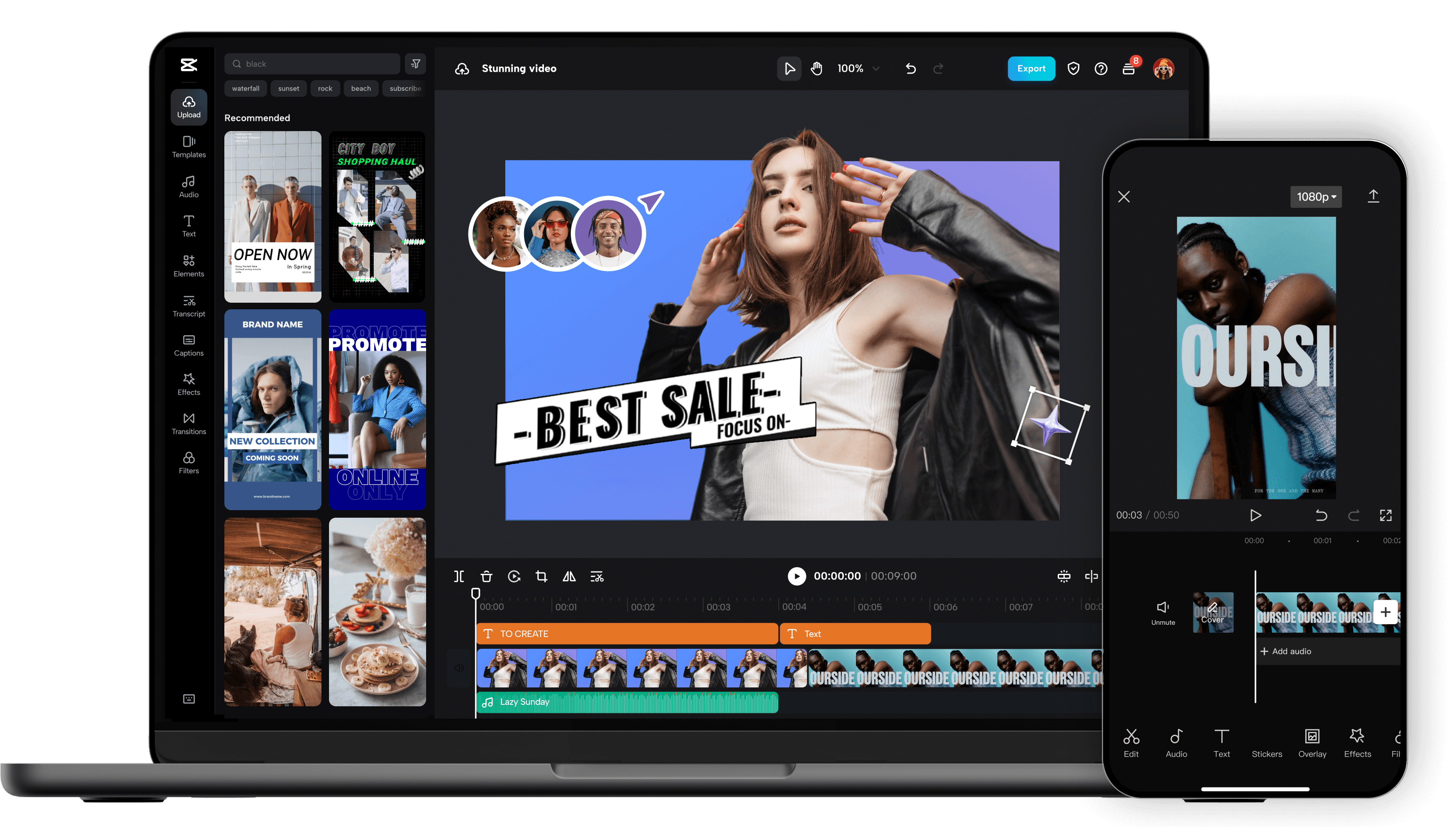
Unleash your creativity and transform your videos with CapCut AI Video Editor, the ultimate all-in-one mobile editing suite designed for creators, influencers, and anyone looking to make their content shine. Whether you're a seasoned pro or just starting out, CapCut's intuitive interface and powerful AI-driven features make professional-quality video editing accessible to everyone, right from your smartphone. Experience the Magic of AI-Powered Editing: CapCut's intelligent AI tools take the heavy lifting out of video production. Effortlessly remove backgrounds with a single tap, creating seamless green-screen effects or isolating subjects for dynamic visual storytelling. Our advanced auto-captions feature transcribes your audio with remarkable accuracy, saving you hours of manual work and making your videos more accessible to a wider audience. Dive into a world of creative possibilities with AI text-to-video , allowing you to generate stunning visuals from simple text prompts. Need to clean up your audio? CapCut's AI audio enhancer intelligently refines your sound, reducing background noise and boosting clarity for a professional finish. Edit Like a Pro, Effortlessly: Beyond its AI prowess, CapCut offers a comprehensive suite of traditional editing tools. Trim, split, merge, and reorder your clips with precision. Enhance your visuals with a vast library of filters, effects, and transitions that will captivate your viewers. Add personality and polish with a wide selection of royalty-free music, sound effects, and voiceovers . Experiment with keyframe animation to bring your elements to life with smooth, dynamic movement. Fine-tune your footage with color correction and adjustment tools to achieve the perfect mood and aesthetic. Elevate Your Content with Premium Features: CapCut empowers you to create engaging and professional content for all your favorite platforms. Speed ramping allows for dramatic slow-motion or exhilarating fast-forward effects. Chroma keying (green screen) opens up endless possibilities for background replacement. Utilize picture-in-picture to layer videos and create dynamic compositions. Explore strobe effects, zoom effects, and motion blur to add visual flair and keep your audience hooked. Why Choose CapCut AI Video Editor? User-Friendly Interface: Designed for ease of use, making complex editing simple. Powerful AI Tools: Automate tedious tasks and unlock new creative avenues with intelligent features. Extensive Feature Set: From basic cuts to advanced effects, CapCut has everything you need. Vast Asset Library: Access a wealth of music, effects, and templates to enhance your videos. No Watermarks (Free Version): Create and export your videos without unwanted branding. Regular Updates: Benefit from continuous improvements and new features. Cross-Platform Sync (with Pro): Seamlessly work across devices. Perfect for Social Media: Optimize your videos for TikTok, Instagram Reels, YouTube Shorts, and more. Who is CapCut for? Social Media Influencers: Create captivating content that drives engagement. Content Creators: Produce professional-looking videos for YouTube, Twitch, and other platforms. Small Business Owners: Craft compelling promotional videos to showcase your products and services. Educators: Develop engaging video lessons and presentations. Hobbyists & Enthusiasts: Bring your passion projects to life with stunning visuals. Anyone! If you have a story to tell, CapCut is your tool. Download CapCut AI Video Editor today and experience the future of mobile video editing. Transform ordinary moments into extraordinary stories. Join millions of creators worldwide and discover how easy it is to make your videos stand out. Your next viral video starts here!
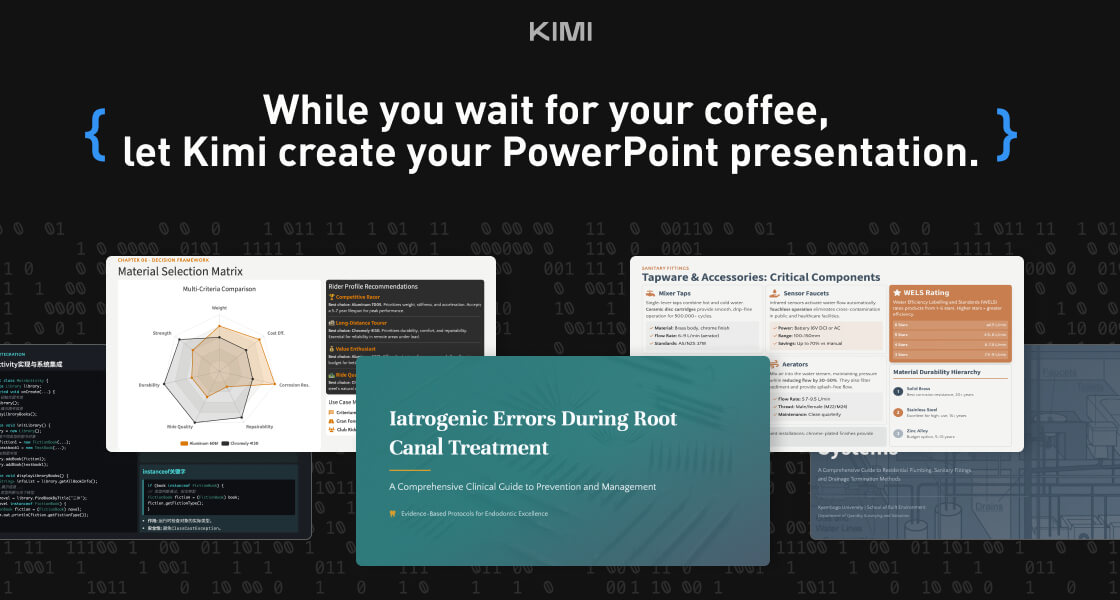
Kimi Slides is a cutting-edge AI-powered slide and presentation generator designed to help users create professional-looking presentations in seconds without manual designing. By using artificial intelligence and smart design templates , Kimi Slides turns your ideas, text, or outlines into visually appealing, structured, and engaging slides . Kimi Slides is frequently searched by users looking for fast presentation creation, AI slide tools, and automated design assistants that simplify the process of building presentations for work, school, and creative projects. Key Features of Kimi Slides AI-generated presentation slides from prompts or text Smart layout, color scheme, and template suggestions Automatic formatting and design consistency Charts, infographics, and visual elements Export options (PowerPoint, PDF, Google Slides compatible) Customizable themes and styles Real-time editing and collaboration tools Why People Use Kimi Slides Traditional presentation design can be time-consuming and requires design skills . Kimi Slides allows users to focus on content while AI handles the visual structure and layout . Whether youΓÇÖre preparing a business pitch, lecture, report, or project summary, Kimi Slides speeds up the process and ensures professional-quality output . Popular Use Cases Business pitch decks and investor presentations Educational lectures and class slides Marketing reports and strategy briefs Project proposals and team updates Training modules and workshops Visual storytelling and client presentations Benefits of Kimi Slides Saves hours of manual slide design Produces consistent, professional-quality visuals Easy to use for beginners and experts Enhances clarity and audience engagement Supports quick revisions and collaborative editing
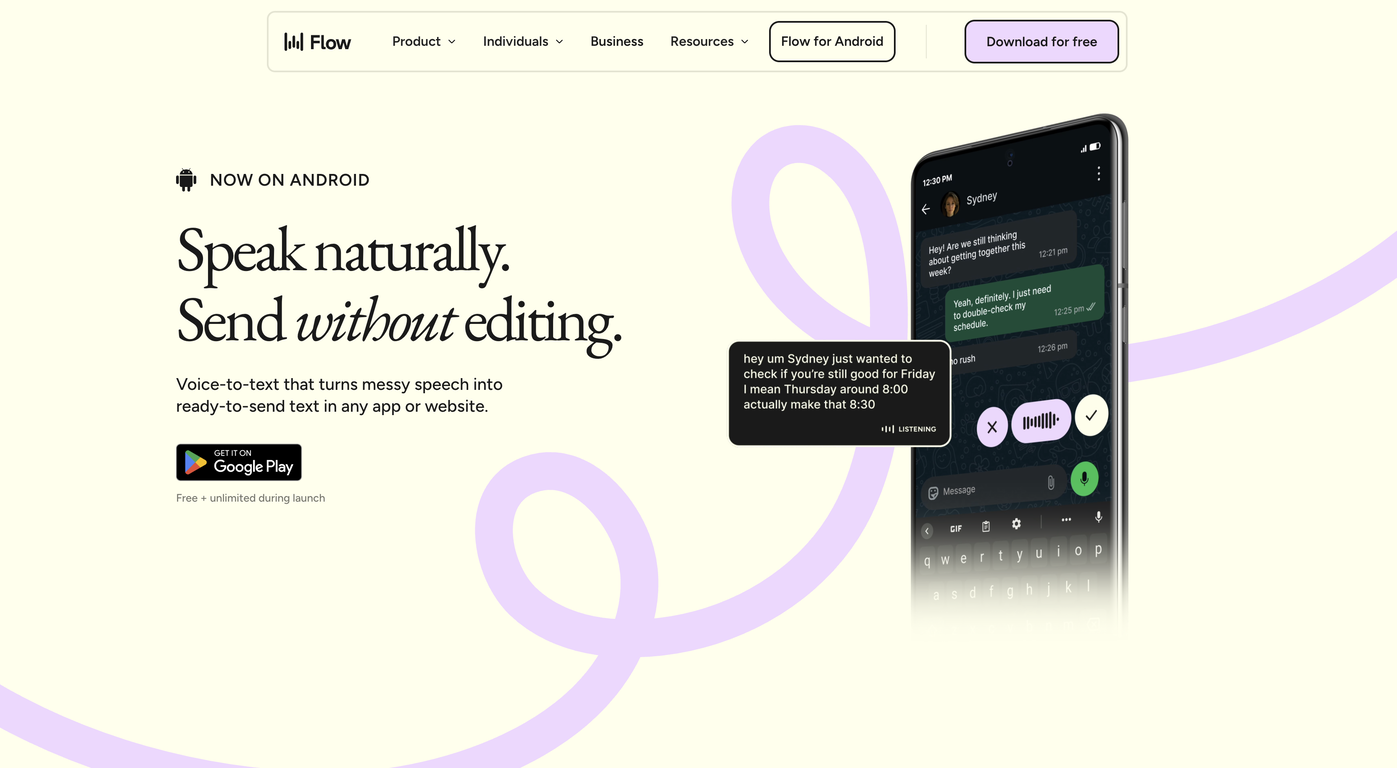
Wispr Flow – AI Voice Dictation & Productivity Tool Wispr Flow is an advanced AI-powered voice dictation and productivity tool designed to help users write, communicate, and work faster using their voice . By combining speech recognition, natural language processing, and real-time AI transcription , Wispr Flow allows users to convert spoken words into accurate, well-structured text across apps and workflows. Wispr Flow is commonly searched by users looking for AI voice typing tools, speech-to-text software, voice productivity apps, and AI dictation solutions that improve efficiency and reduce manual typing. What Is Wispr Flow? Wispr Flow is an AI-driven voice interface that enables hands-free writing and seamless voice-to-text conversion . It works across emails, documents, notes, chats, and productivity tools, allowing users to think and speak naturally while AI handles transcription and formatting . Unlike traditional dictation tools, Wispr Flow focuses on speed, accuracy, and workflow integration , making it ideal for professionals who want to maintain focus without switching between tools. Key Features of Wispr Flow Real-time AI-powered speech-to-text High-accuracy voice recognition Natural language understanding for better formatting Works across multiple apps and platforms Supports emails, documents, notes, and messaging Voice commands for editing and navigation Low-latency transcription for fast workflows Secure and privacy-focused processing Why People Use Wispr Flow Typing can slow down thinking and reduce productivity. Wispr Flow allows users to capture ideas at the speed of thought , helping them write faster, reduce fatigue, and stay focused. Professionals, creators, and knowledge workers use Wispr Flow to draft content, reply to messages, write reports, and take notes without breaking their workflow. Popular Use Cases Writing emails and professional messages Drafting documents, articles, and notes Meeting notes and quick idea capture Productivity workflows and task management Hands-free writing for multitasking Accessibility and ergonomic writing support Benefits of Wispr Flow Significantly faster than manual typing Improves productivity and focus Reduces physical strain and fatigue Enables natural and fluid writing Works seamlessly across daily tools Suitable for beginners and professionals Who Should Use Wispr Flow? Professionals and business users Writers, bloggers, and content creators Developers and technical teams Students and researchers People who prefer voice-first workflows Users seeking accessibility-friendly tools Frequently Asked Questions (FAQ) What does Wispr Flow do? Wispr Flow converts spoken voice into accurate text in real time, helping users write and communicate faster using AI-powered dictation. Is Wispr Flow better than traditional dictation tools? Yes. Wispr Flow is optimized for speed, accuracy, and workflow integration , making it more efficient than basic speech-to-text tools. Can Wispr Flow be used across different applications? Yes. Wispr Flow is designed to work across emails, documents, chats, and productivity platforms. Does Wispr Flow support long-form writing? Yes. It is suitable for both short messages and long-form content such as articles, reports, and notes. Is Wispr Flow useful for accessibility? Yes. Wispr Flow supports hands-free writing and reduces the need for typing, making it useful for accessibility and ergonomic use cases. Is voice data secure in Wispr Flow? Wispr Flow is built with privacy and security in mind, ensuring safe handling of voice and text data. Wispr Flow, AI Voice Dictation, Speech to Text AI, Voice Typing Tool, AI Productivity Tool, Voice Writing Software, AI Transcription Tool

The Chrome Web Store is GoogleΓÇÖs official marketplace for browser extensions and themes created for the Google Chrome browser. It serves as a central hub where users can discover, install, manage, and update tools that extend ChromeΓÇÖs functionality and personalize the browsing experience. As of 2025, the Chrome Web Store has grown into a large-scale ecosystem supporting millions of users and developers worldwide. It plays a critical role in transforming Chrome from a basic web browser into a powerful platform for productivity, creativity, security, and AI-driven workflows. What Is the Chrome Web Store? The Chrome Web Store is an online platform maintained by Google that hosts: Browser extensions Chrome themes Web-based productivity tools Extensions available on the store can modify website behavior, automate repetitive tasks, enhance security, assist with content creation, or integrate advanced technologies such as artificial intelligence directly into the browser. Users can browse extensions by category, popularity, ratings, or featured recommendations, making it easy to find tools that suit specific needs. Evolution of the Chrome Web Store Initially launched as a simple extension directory, the Chrome Web Store has evolved significantly over the years. In recent updates, Google has improved: Search and discovery features Extension review and moderation systems Developer policies and transparency requirements The most notable change in recent years has been the rapid adoption of AI-powered extensions , which now dominate many of the most popular categories. AI-Powered Extensions in 2025 Artificial intelligence has become a major driver of growth in the Chrome Web Store. AI extensions enable users to perform advanced tasks directly within the browser without switching tools. Common AI-powered use cases include: Web page summarization and content analysis Writing assistance, grammar correction, and rewriting Research and note-taking automation Code generation and debugging support Language translation and learning These extensions turn the browser into an intelligent assistant, improving efficiency for professionals, students, and creators. Key Categories in the Chrome Web Store The Chrome Web Store organizes extensions into several major categories: Productivity Includes tools for task management, tab organization, meeting transcription, time tracking, and workflow optimization. Security and Privacy Features ad blockers, tracker blockers, password managers, VPN extensions, and phishing protection tools. Developer Tools Provides debugging utilities, performance monitors, API testers, and code inspection tools for web developers. Shopping and Finance Includes price trackers, coupon finders, cashback tools, and deal comparison extensions. Education and Learning Offers language learning tools, study assistants, note-taking extensions, and exam preparation aids. Personalization and Themes Allows users to customize the look and feel of the Chrome browser with visual themes and layouts. Chrome Web Store for Developers The Chrome Web Store also serves as a distribution and monetization platform for developers. Developers can publish extensions and reach a global audience with minimal infrastructure requirements. Monetization options include: Free extensions with premium features Subscription-based models One-time purchases Google provides analytics, performance insights, and policy guidelines to help developers maintain high-quality extensions and improve user trust. Security, Privacy, and Trust Security remains a key focus area for the Chrome Web Store. While Google actively reviews and removes malicious extensions, users must also take responsibility for managing their installed tools. Best practices for users include: Reviewing extension permissions before installation Installing extensions from trusted developers Removing unused or outdated extensions Keeping extensions updated Google continues to strengthen its extension policies to ensure transparency around data collection and usage. User Experience and Interface Improvements Recent updates to the Chrome Web Store interface have focused on: Clearer permission information Better categorization and filtering Highlighting trusted and featured extensions Improved mobile and desktop usability These improvements aim to help users make informed decisions while browsing the store. Importance of the Chrome Web Store in the Modern Web The Chrome Web Store plays a vital role in how people interact with the internet today. For many users, Chrome extensions are essential tools for: Remote work and collaboration Online learning and research Digital marketing and content creation Secure and efficient browsing By enabling deep customization and automation, the Chrome Web Store has become a foundational part of the modern web ecosystem. Future Outlook Looking ahead, the Chrome Web Store is expected to continue evolving with: Deeper integration of on-device AI models Smarter permission and security systems Greater support for enterprise and professional users More personalized extension recommendations As browsers increasingly function as digital workspaces, the Chrome Web Store will remain a central platform for innovation and user empowerment. The Chrome Web Store is more than an extension marketplaceΓÇöit is a critical ecosystem that enhances how millions of people use the web every day. With its growing focus on AI, productivity, security, and developer innovation, the Chrome Web Store continues to shape the future of browser-based experiences in 2025 and beyond.

Granola – AI-Powered Meeting Notes & Productivity Assistant Granola is an advanced AI meeting notes and productivity tool designed to help professionals capture, organize, and understand meetings effortlessly . By using artificial intelligence, speech recognition, and natural language processing , Granola turns conversations into structured notes, summaries, and action items without interrupting your workflow. Granola is commonly searched by users looking for AI meeting notes tools, meeting summarizer AI, note-taking assistants, and productivity software that work quietly in the background while meetings happen. What Is Granola? Granola is an AI-powered note-taking assistant built for modern work environments. It listens to meetings, processes conversations in real time, and produces clean, readable notes that highlight key points, decisions, and next steps. Unlike traditional meeting recorders, Granola focuses on clarity and usefulness , helping teams and individuals quickly understand what matters without rewatching or replaying meetings. Key Features of Granola AI-generated meeting notes and summaries Automatic extraction of key points and action items Real-time or post-meeting processing Works across online meetings and discussions Clean, structured, and readable output Searchable meeting history and notes Minimal and distraction-free workflow Secure handling of meeting data Why People Use Granola Meetings often result in lost details and forgotten action items . Granola solves this by ensuring every important discussion is captured accurately and summarized clearly. Professionals use Granola to stay focused during meetings , reduce manual note-taking, and ensure nothing important is missed . Teams benefit from better alignment, faster follow-ups, and improved accountability. Popular Use Cases Business and team meetings Client calls and discussions Project planning and reviews Product and strategy meetings Interviews and research conversations Daily stand-ups and retrospectives Benefits of Granola Saves time spent on manual note-taking Improves meeting clarity and follow-up Keeps teams aligned and informed Reduces the need to record or replay meetings Helps capture decisions and next steps accurately Suitable for individuals and teams Who Should Use Granola? Professionals and business users Startup teams and enterprises Product managers and project managers Sales and customer success teams Consultants and freelancers Students and researchers attending discussions Frequently Asked Questions (FAQ) What does Granola do? Granola uses AI to automatically generate structured notes and summaries from meetings and conversations. Does Granola record meetings? Granola focuses on note generation and summarization , helping users capture insights without relying on full recordings. Can Granola identify action items? Yes. Granola highlights important points, decisions, and action items discussed during meetings. Is Granola suitable for remote meetings? Yes. Granola works well with online and virtual meetings commonly used by remote teams. Does Granola replace manual note-taking? Yes. Granola significantly reduces or eliminates the need for manual note-taking during meetings. Is meeting data secure in Granola? Granola is built with privacy and security in mind to ensure meeting information is handled safely. Granola, AI Meeting Notes, Meeting Summarizer AI, AI Note Taking Tool, Productivity Assistant, Meeting Productivity Software, AI Work Assistant
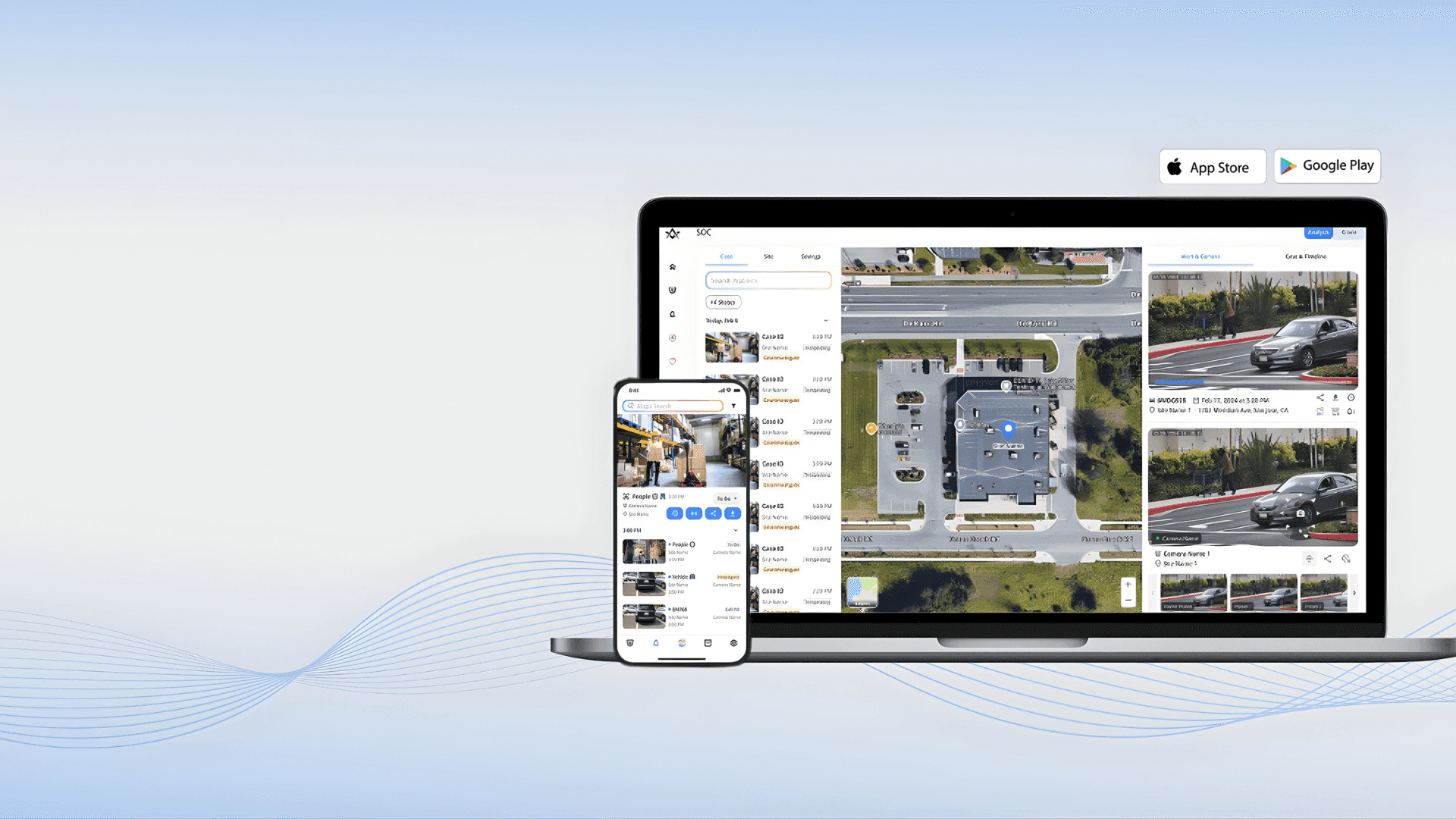
Alpha Vision is a powerful AI-driven visual intelligence and computer vision platform designed to analyze, interpret, and generate insights from images and videos. By leveraging deep learning, computer vision, and artificial intelligence , Alpha Vision helps businesses, developers, and creators understand visual data faster and more accurately . Alpha Vision is widely searched by users looking for AI vision tools, computer vision software, image recognition AI, and video analysis platforms that automate visual processing and decision-making. Key Features of Alpha Vision AI-powered image and video analysis Computer vision for object detection and recognition Facial recognition and visual pattern analysis Real-time visual data processing Automated tagging, classification, and labeling Integration with apps, APIs, and cloud platforms High-accuracy visual insights using deep learning models Why People Use Alpha Vision Alpha Vision enables users to extract meaningful insights from visual data without manual analysis . It reduces human effort, improves accuracy, and allows organizations to scale visual intelligence across operations . Businesses, researchers, and developers use Alpha Vision to automate monitoring, improve security, enhance user experiences, and gain visual insights from large datasets. Popular Use Cases Image recognition and classification Video surveillance and security analysis Facial recognition systems Medical imaging and diagnostics Retail analytics and customer behavior tracking Autonomous systems and smart automation AI-powered visual search engines Benefits of Alpha Vision Faster and more accurate visual analysis Automates complex image and video processing Reduces manual effort and operational costs Scalable solution for enterprise and startups Ideal for security, healthcare, retail, and AI research

Replicate Run and Deploy AI Models in the Cloud Replicate is a powerful AI model hosting and deployment platform that allows developers, startups, and businesses to run, test, and integrate machine learning models using simple APIs. It removes the complexity of setting up infrastructure, GPUs, and environments by providing instant access to advanced AI models in the cloud. Replicate is widely searched by users looking for AI model APIs, machine learning deployment platforms, open-source AI models, image generation APIs, and AI inference tools. What Is Replicate? Replicate is a cloud-based platform that lets users run open-source and community-built AI models with minimal setup. Instead of downloading models, managing dependencies, or configuring hardware, users can access AI models directly through APIs. The platform supports a wide range of AI use cases including image generation, video processing, speech, text, vision, audio, and multimodal AI models. Key Features of Replicate Cloud-based AI model execution Simple REST APIs for running models GPU-powered inference without setup Access to popular open-source AI models Scalable and production-ready infrastructure Versioned models for consistent results Image, video, text, and audio model support Types of AI Models Available on Replicate Image generation and enhancement models Video generation and processing models Speech recognition and audio models Text generation and language models Multimodal AI models Community-contributed custom models Why People Use Replicate Running AI models locally requires powerful hardware, technical expertise, and time-consuming setup. Replicate eliminates these challenges by offering ready-to-use AI models in the cloud. Developers use Replicate to prototype faster, deploy AI features into applications, test new models, automate workflows, and scale AI workloads without managing infrastructure. Popular Use Cases AI-powered image and video generation Integrating AI features into apps and websites Prototyping machine learning ideas Running open-source AI models at scale Creative AI projects and automation Research and experimentation Benefits of Replicate No need for GPUs or servers Faster AI development and deployment Pay-as-you-go pricing model Access to cutting-edge open-source AI models Easy integration into existing products Suitable for individuals and enterprises Who Should Use Replicate? Software developers and engineers AI researchers and ML practitioners Startups building AI-powered products Content creators using AI generation Businesses integrating AI APIs Students learning AI deployment Frequently Asked Questions What does Replicate do? Replicate allows users to run and deploy AI models in the cloud using simple APIs without managing infrastructure. Does Replicate host open-source models? Yes, Replicate focuses on hosting and running open-source and community-built AI models. Do I need a GPU to use Replicate? No, Replicate provides GPU-powered infrastructure, so users do not need their own hardware. Can I use Replicate for production applications? Yes, Replicate supports scalable and production-ready AI inference. What types of AI models are supported? Replicate supports image, video, audio, text, and multimodal AI models. Is Replicate beginner-friendly? Yes, Replicate offers simple APIs and documentation that make it accessible to beginners. SEO Keywords Replicate, AI model hosting, AI model API, machine learning deployment, run AI models online, AI inference platform, open source AI models

 Android
 IOS
IOS Mini Tools
 Software
 Web
Web