PencilArtvsCraiyon
Side-by-side battle & analysis. Compare features, pricing, real community ratings, and pros & cons in 2026.
PencilArt
Transform any photo into a timeless pencil masterpiece with AI-driven artistic filters.
Craiyon
Craiyon is an accessible AI image generator that allows users to create unique images from text descriptions, offering a creative outlet for individuals and professionals alike.
Quick Verdict & Takeaway
Head-to-head summary recommendation
Both PencilArt and Craiyon provide high-performance solutions in the Ai Image generator ecosystem. Craiyon holds the rating edge with an average community score of ★ 4.5/5.0 (2 verified reviews).
Choose PencilArt if:
You need a mixed tool optimized for AI Image Creator with IMAGE input formats.
Choose Craiyon if:
You prefer a free platform geared towards AI Image Creator with TEXT output options.
Specification & Feature Matrix
Direct technical comparison between PencilArt and Craiyon
| Feature / Spec | PencilArt | Craiyon |
|---|---|---|
| Pricing Model | MIXED | FREE |
| Starting Price | $0.45/mo | Free / Not Listed |
| Category | Ai Image generator | Ai Image generator |
| Subcategory | AI Image Creator | AI Image Creator |
| Supported Inputs | IMAGE | TEXT |
| Generated Outputs | IMAGE | TEXT |
| User Rating | ★ 4.0 / 5.0 (0) | ★ 4.5 / 5.0 (2) |
| Verified Status | Unverified | Unverified |
Interface & UI Showcase
Visual previews and interface screenshots
PencilArt Interface
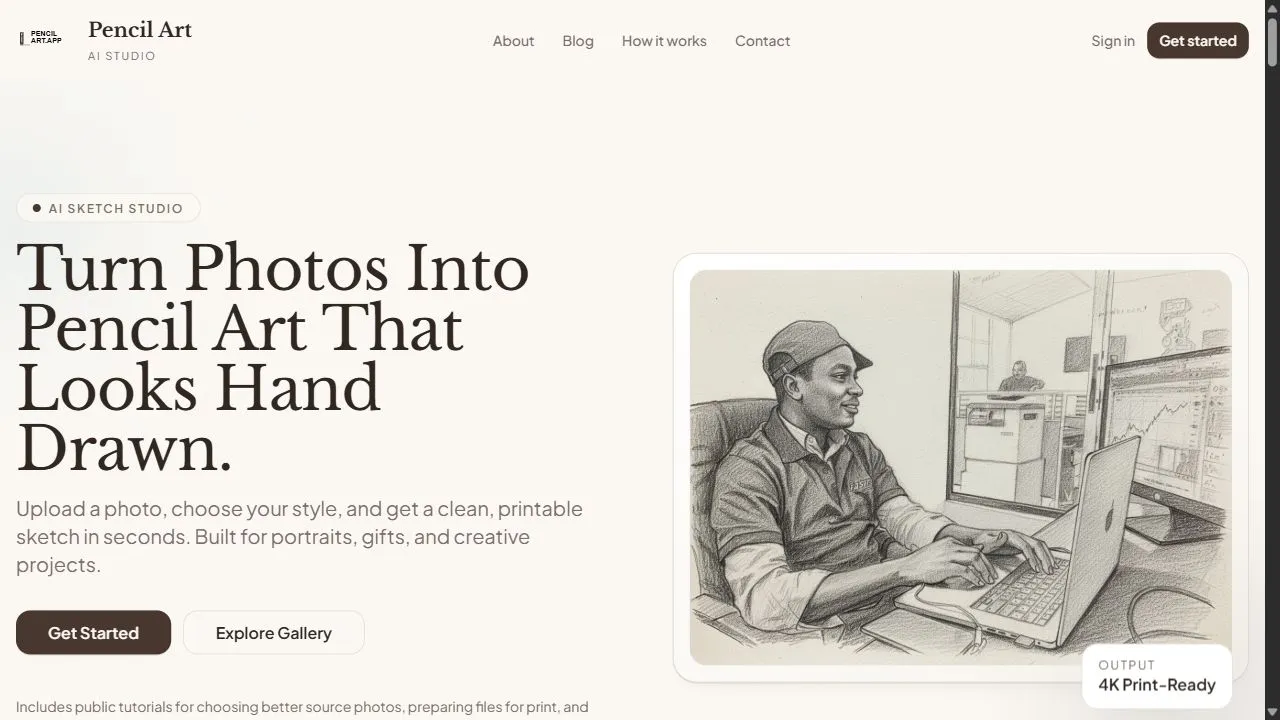
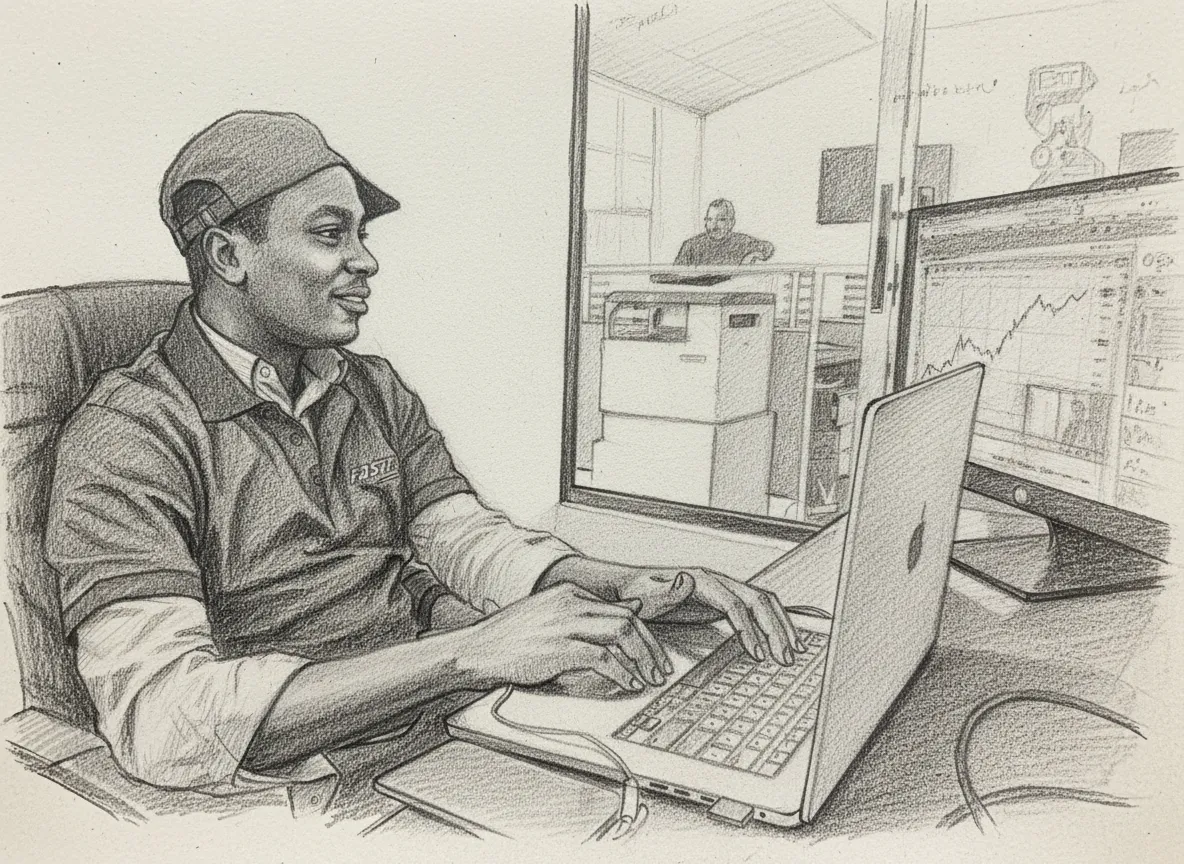
Craiyon Interface

Pros & Cons Comparison
PencilArt Pros & Cons
Strengths
- Very affordable pricing
- Fast generation
Limitations
- Limited to sketch styles
- Requires clear input photos
Craiyon Pros & Cons
Real Community Feedback
Verified user reviews from GetAiTools community
PencilArt Reviews0
No community reviews yet for PencilArt.
Craiyon Reviews2
"gg"
"noice"
About PencilArt
PencilArt is a specialized AI-powered photo-to-sketch converter designed to help users transform standard digital photographs into professional-grade artistic pencil drawings by leveraging artificial intelligence, computer vision, and advanced image processing . The tool solves the common problem of the steep learning curve and time consumption associated with traditional hand-drawing, allowing individuals without formal artistic training to produce high-quality sketches. By utilizing deep learning algorithms, the AI analyzes the contours, lighting, and depth of an uploaded image to recreate the nuanced textures of graphite and charcoal, ensuring the final output retains the emotional essence and structural integrity of the original subject. This tool is primarily built for digital creators, social media influencers, hobbyists, and individuals seeking a streamlined way to generate artistic content. Whether the goal is to create unique personalized gifts, enhance a professional portfolio, or develop a consistent aesthetic for a brand, the platform provides an automated workflow that eliminates the need for manual sketching or complex photo editing software. By focusing on automated artistic rendering , PencilArt bridges the gap between digital photography and traditional fine art, making sophisticated sketch styles accessible to a global audience through a simple, browser-based interface. The core technology behind the platform focuses on edge detection and shading simulation. Unlike basic filters that simply overlay a texture onto an image, the AI in PencilArt evaluates the spatial relationships within a photo to determine where a pencil would naturally apply more pressure or where a charcoal smudge would create depth. This results in a more authentic, hand-drawn appearance that mimics the organic imperfections and precise lines of a human artist, providing a level of detail and realism that traditional software filters often fail to achieve. Key Features of PencilArt AI-driven edge detection that accurately identifies and traces the primary contours of any uploaded subject. Multiple artistic rendering styles including detailed graphite shading, subtle charcoal sketches, and clean line art. Intelligent depth mapping to ensure that shadows and highlights are translated into appropriate pencil hatching and cross-hatching. High-speed image processing engine that generates completed artistic renderings in a matter of seconds. Seamless image upload integration supporting various standard digital photo formats. Automated texture synthesis that mimics the grain and feel of physical drawing paper. Preservation of facial expressions and subject proportions to maintain the likeness of the original photograph. User-friendly interface designed for rapid iteration and immediate output generation. Why People Use PencilArt The primary motivation for using PencilArt is the desire to achieve a high-end artistic aesthetic without the requirement of years of technical training in fine arts. Traditionally, creating a realistic pencil portrait required an immense investment of time, expensive materials, and a high degree of manual dexterity. Even for those using digital illustration software, achieving a convincing "pencil" look often involves hours of layering, masking, and custom brushwork. PencilArt removes these barriers by automating the entire creative process, allowing users to achieve a professional result almost instantaneously. Furthermore, users turn to this AI tool because traditional photo filters frequently produce "plastic" or artificial results that are easily identifiable as digital overlays. Because the AI analyzes the actual geometry of the image, it can produce varying line weights and shading densities that mimic the way a physical pencil interacts with paper. This produces a sense of authenticity and timelessness that is highly valued in digital storytelling and personal branding. The scalability of the tool is another driving factor. For professional content creators who need to maintain a specific visual theme across dozens of images, manual sketching is impossible. PencilArt allows for the rapid transformation of large batches of photos into a cohesive artistic series, ensuring visual consistency while significantly reducing the production timeline. This shift from manual labor to AI-driven automation allows users to focus more on the conceptual side of their projects rather than the technical execution of a sketch. Popular Use Cases Personalized Gift Creation : Transforming family photographs or pet portraits into timeless pencil sketches for printing on canvas, greeting cards, or framed art. Social Media Branding : Creating a unique and consistent visual identity for Instagram or X (Twitter) profiles by converting all profile and cover images into artistic sketches. Conceptual Art and Storyboarding : Rapidly converting reference photos into sketch-style assets for filmmakers and game designers to use in early-stage mood boards. Digital Scrapbooking : Adding a hand-drawn, nostalgic feel to digital albums and memory books by mixing standard photos with AI-generated drawings. Marketing and Advertising : Developing "hand-drawn" promotional materials for brands that want to project an image of craftsmanship, authenticity, or elegance. Portraiture for Non-Artists : Allowing individuals to create a sketch version of a loved one or a landscape for personal enjoyment without needing to master drawing techniques. Educational Materials : Creating stylized diagrams or illustrative figures for textbooks and presentations that require a clean, sketched appearance. Benefits of PencilArt Dramatic Time Savings : Reduces the time required to create a detailed sketch from several hours of manual work to just a few seconds of AI processing. Democratization of Art : Enables individuals without artistic skills to produce visually appealing and professional-looking artwork. Enhanced Visual Appeal : Provides a sophisticated, timeless alternative to standard digital photography, adding an element of elegance to digital content. Operational Efficiency : Streamlines the workflow for designers and marketers who need artistic assets quickly without hiring external illustrators for every project. High Consistency : Ensures that every image processed maintains the same artistic quality and stylistic coherence, regardless of the original photo's complexity. Cost-Effectiveness : Offers a budget-friendly alternative to commissioning custom hand-drawn portraits from professional artists. Ease of Access : Removes the need for expensive hardware or high-end graphic design software, requiring only a web browser and an image file. Preservation of Subject Essence : Maintains the emotional impact and recognizable features of the original subject while applying a completely new artistic medium.
About Craiyon
Craiyon is an accessible AI image generator that allows users to create unique images from text descriptions, offering a creative outlet for individuals and professionals alike. It addresses the challenge of visual content creation by providing a simple, AI-powered solution for generating original artwork, illustrations, and visual concepts. Utilizing diffusion models and artificial intelligence , Craiyon empowers anyone to visualize their ideas, regardless of artistic skill. This tool is particularly valuable for marketers, content creators, educators, and anyone seeking to quickly produce custom visuals. Key Features of Craiyon Generates images from text prompts. Offers a variety of artistic styles, including photo, illustration, and vector. Allows users to specify negative prompts to exclude unwanted elements. Provides options for different aspect ratios. Offers a free tier for basic image generation. Includes a Pro subscription for higher quality and faster generation. Supports private image generation for subscribers. Enables users to download images in various formats. Features a user-friendly interface for easy prompt input. Provides options for adjusting image quality and resolution. Why People Use Craiyon Craiyon provides a streamlined alternative to traditional image creation methods, which often require significant time, skill, and resources. Previously, generating custom visuals involved hiring designers, purchasing stock photos, or investing in complex design software. Craiyon democratizes this process, enabling users to produce a wide range of images simply by describing what they envision. The speed and ease of use are significant advantages, allowing for rapid prototyping of ideas and quick visual content creation. Unlike relying on pre-existing stock imagery, Craiyon generates entirely original images tailored to specific needs, fostering creativity and unique branding opportunities. The platform’s accessibility makes it a valuable tool for individuals and small businesses with limited budgets or design expertise. Popular Use Cases Social Media Marketing: Creating engaging visuals for social media posts, advertisements, and campaigns. Content Creation: Generating illustrations for blog posts, articles, and website content. Brainstorming & Ideation: Visualizing concepts and ideas during brainstorming sessions. Educational Purposes: Illustrating complex topics and creating visual aids for students. Prototyping & Design: Quickly generating visual mockups for product designs and user interfaces. Personal Art Projects: Exploring artistic expression and creating unique artwork for personal enjoyment. Storytelling & Narrative Development: Visualizing scenes and characters for creative writing projects. Presentations: Enhancing presentations with custom-generated images. Game Development: Creating concept art and visual assets for game projects. Marketing Materials: Generating unique images for flyers, brochures, and other marketing collateral. Benefits of Craiyon Increased Creativity: Empowers users to visualize and explore their ideas in new and innovative ways. Time Savings: Significantly reduces the time required to create custom visuals compared to traditional methods. Cost-Effectiveness: Offers a free tier and affordable subscription options, making it accessible to a wide range of users. Originality: Generates unique images tailored to specific prompts, avoiding the limitations of stock photography. Ease of Use: Requires no design skills or technical expertise, making it accessible to anyone. Rapid Prototyping: Enables quick visualization of concepts for faster iteration and decision-making. Enhanced Content: Improves the visual appeal and engagement of content across various platforms. Accessibility: Available online, eliminating the need for software downloads or installations. Versatility: Supports a wide range of artistic styles and applications. Scalability: Allows for the generation of numerous images quickly and efficiently.
More AI Competitors to Compare
Nano Banana Pro / Gemini 3 Pro Image Generation
Ai Image generator
AI Image Generator
Ai Image generator
AI Image to Image.io
Ai Image generator
Evoke AI
Ai Image generator

Crano AI
Ai Image generator

Editly
Ai Image generator
Frequently Asked Questions
Most questions answered in under 30 seconds — but if you still have one, write to us at contactgetaitool@gmail.com and we reply within a few hours.
Which is better in 2026, PencilArt or Craiyon?
How does the pricing compare between PencilArt and Craiyon?
Can I use PencilArt and Craiyon for free?
What input and output formats do PencilArt and Craiyon support?
What are the key advantages of PencilArt?
What are the key advantages of Craiyon?
What are top alternative competitors to PencilArt and Craiyon?
Ready to Choose Your AI Tool?
Try both platforms or explore thousands of other curated artificial intelligence tools on GetAiTools.
Tags & Core Competencies
Specific tags and feature capabilities