VimmersevsVeggie AI
Side-by-side battle & analysis. Compare features, pricing, real community ratings, and pros & cons in 2026.

Vimmerse
Transform your static photos into cinematic 3D motion videos with ease.
Veggie AI
Veggie AI is an innovative AI animation generator that transforms text prompts into captivating and whimsical animated videos featuring adorable vegetable characters.
Quick Verdict & Takeaway
Head-to-head summary recommendation
Both Vimmerse and Veggie AI provide high-performance solutions in the Animations ecosystem. Both platforms are top-rated in their respective categories.
Choose Vimmerse if:
You need a subscription tool optimized for Ai Animation with IMAGE input formats.
Choose Veggie AI if:
You prefer a subscription platform geared towards Ai Animation with TEXT output options.
Specification & Feature Matrix
Direct technical comparison between Vimmerse and Veggie AI
| Feature / Spec | Vimmerse | Veggie AI |
|---|---|---|
| Pricing Model | SUBSCRIPTION | SUBSCRIPTION |
| Starting Price | $14/mo | $9.99/mo |
| Category | Animations | Animations |
| Subcategory | Ai Animation | Ai Animation |
| Supported Inputs | IMAGE | TEXT |
| Generated Outputs | VIDEO | TEXT |
| User Rating | ★ 4.0 / 5.0 (0) | ★ 4.0 / 5.0 (0) |
| Verified Status | Unverified | Unverified |
Interface & UI Showcase
Visual previews and interface screenshots
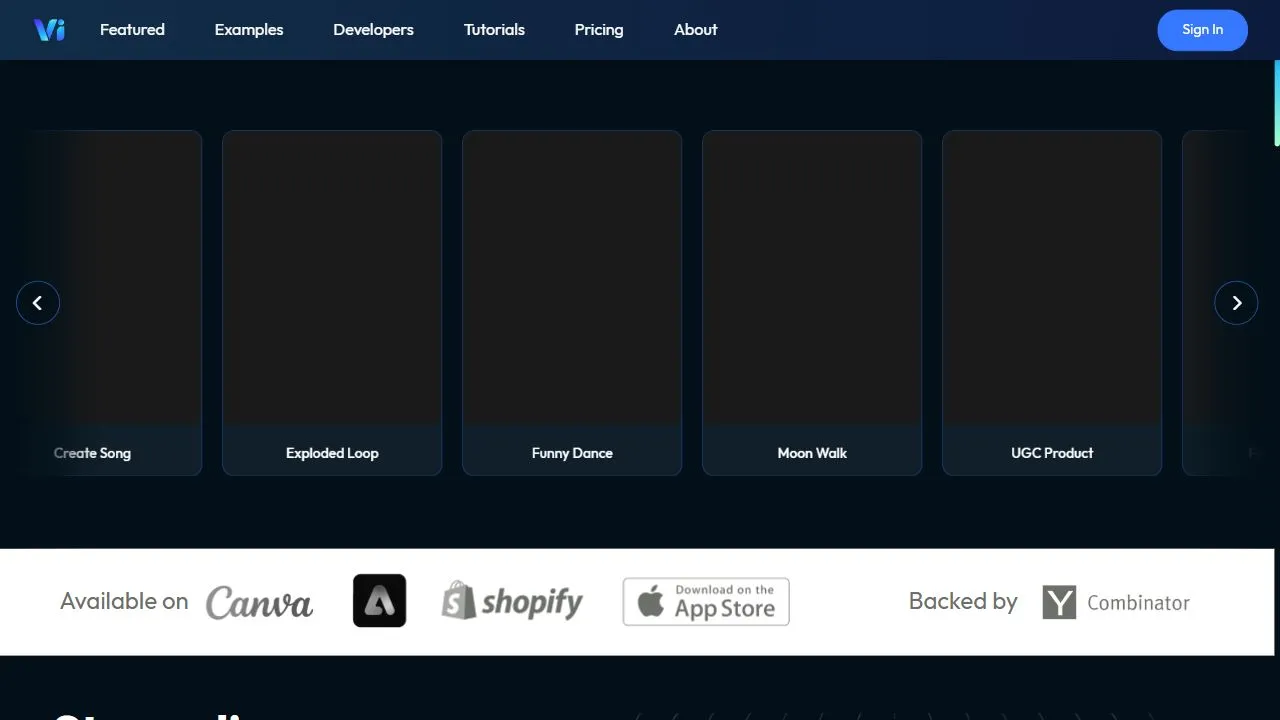
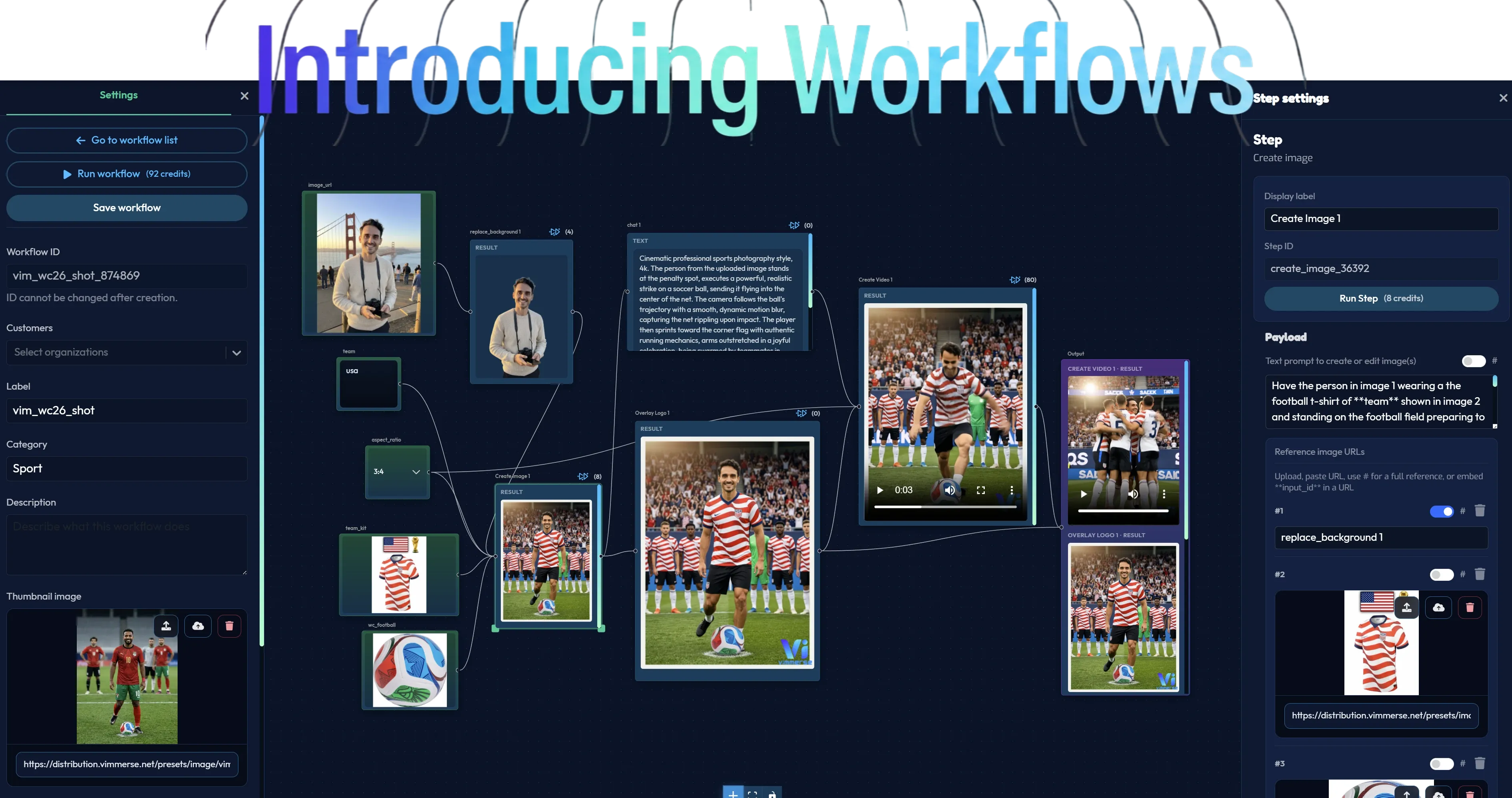
Vimmerse Interface
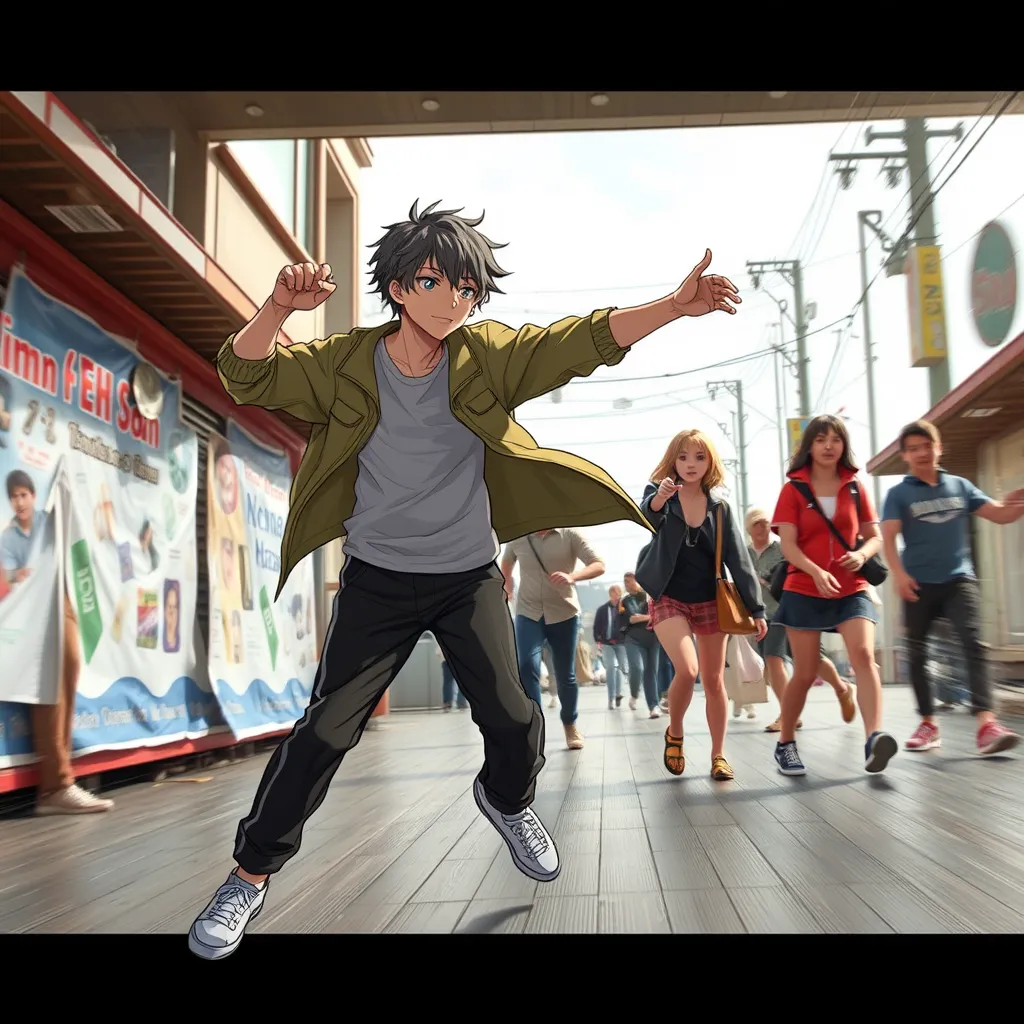
Veggie AI Interface

Pros & Cons Comparison
Vimmerse Pros & Cons
Strengths
- Professional cinematic look
- Engaging visual output
- Smart layer analysis
Limitations
- Higher price point
- Requires good source photos for best effects
Veggie AI Pros & Cons
Real Community Feedback
Verified user reviews from GetAiTools community
Vimmerse Reviews0
No community reviews yet for Vimmerse.
Veggie AI Reviews1
"Veggie AI integrates well with other platforms I use."
About Vimmerse
Vimmerse is an advanced AI-powered 3D motion production tool designed to help users transform static, flat photographs into immersive 3D motion videos by leveraging artificial intelligence, automated layer parsing, and intelligent depth mapping . The tool addresses a critical challenge in modern digital communication: the declining effectiveness of static imagery in capturing audience attention. By converting two-dimensional images into dynamic, cinematic experiences, it allows creators to produce high-impact visual content without requiring professional training in complex 3D animation software or manual rendering. The core technology within the platform utilizes sophisticated AI algorithms to analyze the spatial composition of an uploaded image. The AI intelligently identifies the foreground, midground, and background elements, creating a virtual depth map that simulates a three-dimensional environment. This process enables the application of realistic camera movements and depth-of-field effects, effectively breathing life into a still shot. This capability is particularly valuable for marketers, motion designers, and social media content creators who need to scale their video production while maintaining a high standard of visual quality. By bridging the gap between photography and cinematography, Vimmerse empowers users to enhance their storytelling capabilities. Instead of relying on traditional video shoots, which are often costly and time-consuming, users can leverage existing image libraries to create professional-grade motion assets. The integration of AI-driven automation ensures that the transition from a flat image to a 3D video is seamless, making it an essential tool for those operating in the high-demand environment of the attention economy, where "thumb-stopping" content is the primary metric for success. Key Features of Vimmerse Automated AI depth map generation for instantaneous spatial analysis of static images. Intelligent layer separation that distinguishes between subjects and backgrounds. Cinematic camera movement controls to simulate pans, tilts, and zooms. Dynamic depth-of-field effects to create professional focal blur and emphasis. High-resolution video export options optimized for various digital platforms. Automated perspective warping to maintain visual consistency during motion. Adaptive motion paths that follow the natural geometry of the source image. Batch-processing capabilities for converting multiple images into a cohesive video series. Smart edge detection to prevent visual artifacts during the 3D transition. Customizable motion intensity settings to control the subtlety of the 3D effect. Why People Use Vimmerse The primary motivation for using Vimmerse lies in the significant technical and financial barriers associated with traditional 3D animation. In a conventional workflow, transforming a photo into a 3D motion video would require a skilled motion designer to manually mask every element of the image, create a separate Z-depth map in a program like Photoshop, and then animate those layers within a complex environment like Adobe After Effects or Blender. This manual process is not only time-consuming—often taking hours or days for a single clip—but also expensive, requiring specialized labor and high-end hardware. Vimmerse replaces this labor-intensive pipeline with an AI-driven automation engine. Users turn to this tool because it provides a scalable way to generate cinematic content in a fraction of the time. By automating the most tedious parts of the animation process, the tool allows creators to focus on the creative direction rather than the technical execution. The ability to achieve a professional, high-end cinematic look with a few clicks makes it an attractive alternative for those who lack the budget for a full production studio but still require a high-caliber visual presence. Furthermore, the shift toward short-form video platforms such as TikTok, Instagram Reels, and YouTube Shorts has created an urgent need for dynamic content. Static images often fail to trigger the algorithms of these platforms, which prioritize video engagement. Vimmerse allows users to repurpose their existing photography libraries into video assets, ensuring their content remains competitive and engaging without the need to organize new video shoots. Popular Use Cases E-commerce and Product Marketing: Online retailers use the tool to turn standard product photography into dynamic 3D advertisements. By adding subtle motion to a product shot, brands can highlight the contours and details of an item, making the product feel more tangible and appealing to the consumer. Real Estate and Architecture: Real estate agents transform static photos of properties into cinematic virtual walkthroughs. This adds a sense of space and luxury to listings, allowing potential buyers to experience the depth and layout of a room more effectively than a flat photo allows. Social Media Influence and Content Creation: Influencers utilize Vimmerse to elevate their visual storytelling. By converting lifestyle photos into 3D motion clips, they can increase viewer retention rates and create a more polished, professional aesthetic for their feeds. Digital Advertising Agencies: Agencies employ the tool to rapidly prototype ad creatives for clients. This allows them to test different motion styles and camera angles to see which version drives the highest click-through rate before committing to a full-scale video production. Travel and Tourism Promotion: Tourism boards and travel bloggers use the tool to bring landscapes and architectural landmarks to life. Transforming a static mountain vista or a city skyline into a sweeping 3D motion shot evokes a stronger emotional response and a greater sense of immersion. Digital Art and Photography Portfolios: Professional photographers use the tool to add a modern dimension to their portfolios, showcasing their work as a hybrid of still photography and motion art to attract a wider range of commercial clients. Benefits of Vimmerse Increased Audience Engagement: By converting static images into motion, users see a significant lift in engagement metrics, as 3D-effect videos are more likely to capture and hold attention on social feeds. Drastic Reduction in Production Time: The automation of depth mapping and layer parsing eliminates hours of manual editing, allowing for a rapid turnaround from concept to final export. Lowered Cost of Entry for 3D Content: It removes the need for expensive software licenses and specialized 3D animation training, making cinematic visuals accessible to small businesses and individual creators. Enhanced Brand Perception: The ability to produce high-quality, cinematic motion content gives brands a more professional and innovative image, positioning them as leaders in their respective digital spaces. Improved Scalability of Content Workflows: Users can quickly transform an entire library of existing images into a suite of video assets, ensuring a consistent flow of content across multiple marketing channels. Greater Creative Flexibility: The tool allows for experimentation with different camera movements and depths, enabling users to find the most impactful way to present their visual narrative without risking high production costs. Higher Conversion Rates: In the context of digital advertising, dynamic 3D visuals often lead to higher conversion rates compared to static images by creating a more compelling and persuasive visual experience.
About Veggie AI
Veggie AI is an innovative AI animation generator that transforms text prompts into captivating and whimsical animated videos featuring adorable vegetable characters. It solves the problem of expensive and time-consuming traditional animation production, making animated content creation accessible to everyone. Utilizing advanced artificial intelligence and machine learning algorithms , Veggie AI empowers users to quickly generate engaging videos for various purposes. This tool is designed for marketers, educators, content creators, and anyone seeking a fun and efficient way to produce animated content without requiring animation expertise. It is a valuable resource for those exploring AI video generation , animated storytelling , and digital content creation . Key Features of Veggie AI Generates animated videos from text prompts. Features a library of charming vegetable-based characters. Offers customizable animation styles and backgrounds. Provides options for adding text overlays to videos. Allows users to download videos in MP4 format. Supports various aspect ratios for different platforms. Includes a user-friendly interface for easy navigation. Enables quick iteration and experimentation with different prompts. Offers a free plan for basic video generation. Provides options for adjusting animation speed. Why People Use Veggie AI Individuals and businesses are increasingly turning to Veggie AI as a solution to the challenges associated with traditional animation. Creating high-quality animated videos typically requires significant investment in skilled animators, specialized software, and considerable time. Veggie AI drastically reduces these barriers to entry, allowing users to produce professional-looking animations in a fraction of the time and at a lower cost. Unlike manual animation processes, Veggie AI automates the core animation tasks, freeing users to focus on the creative aspects of their projects ΓÇô crafting compelling narratives and refining the visual style. The platform’s intuitive interface and simple text-to-video workflow make it accessible to individuals with no prior animation experience. This democratization of animation empowers a wider range of users to leverage the power of video marketing, educational content, and engaging storytelling. The speed and efficiency of Veggie AI are particularly valuable for businesses needing to rapidly create content for social media, advertising campaigns, or internal communications. Popular Use Cases Social Media Marketing: Creating short, attention-grabbing animated videos for platforms like TikTok, Instagram, and Facebook to promote products or services. Educational Content: Developing engaging animated explainers for complex topics, making learning more accessible and enjoyable for students of all ages. Storytelling: Bringing imaginative stories to life with charming vegetable characters, ideal for children’s content or lighthearted narratives. Internal Communications: Producing animated videos for employee training, company announcements, or team-building exercises. Product Demonstrations: Showcasing product features and benefits in a visually appealing and memorable way. Explainer Videos: Simplifying complex concepts or processes through concise and animated explanations. Personal Projects: Creating unique animated videos for birthdays, greetings, or personal expression. Content Marketing: Developing shareable animated content to attract and engage target audiences. YouTube Content: Generating animated shorts or segments for YouTube channels to increase viewership and subscriber engagement. Presentations: Enhancing presentations with visually appealing animated slides to capture audience attention. Benefits of Veggie AI Increased Efficiency: Significantly reduces the time and effort required to create animated videos compared to traditional methods. Cost Savings: Eliminates the need for expensive animation software and skilled animators, making animation accessible on a budget. Enhanced Engagement: Captures audience attention with charming vegetable characters and visually appealing animations. Simplified Workflow: Offers a user-friendly interface and intuitive text-to-video process, requiring no prior animation experience. Rapid Prototyping: Enables quick iteration and experimentation with different prompts and animation styles. Scalable Content Creation: Allows users to generate a large volume of animated videos efficiently. Improved Brand Visibility: Creates memorable and shareable content that enhances brand awareness. Versatile Application: Suitable for a wide range of industries and use cases, from marketing and education to entertainment and personal projects. Accessibility: Empowers individuals and businesses without animation expertise to create professional-quality videos. Creative Freedom: Provides a platform for exploring imaginative ideas and bringing them to life through animation.
More AI Competitors to Compare
ImagineX | Image to Video
Animations
Blipix
Animations
Medeo
Animations
AnimateMyPic | Image to Video
Animations

SuperMaker
Animations
ReadKidz
Animations
Frequently Asked Questions
Most questions answered in under 30 seconds — but if you still have one, write to us at contactgetaitool@gmail.com and we reply within a few hours.
Which is better in 2026, Vimmerse or Veggie AI?
How does the pricing compare between Vimmerse and Veggie AI?
Can I use Vimmerse and Veggie AI for free?
What input and output formats do Vimmerse and Veggie AI support?
What are the key advantages of Vimmerse?
What are the key advantages of Veggie AI?
What are top alternative competitors to Vimmerse and Veggie AI?
Ready to Choose Your AI Tool?
Try both platforms or explore thousands of other curated artificial intelligence tools on GetAiTools.
Tags & Core Competencies
Specific tags and feature capabilities