WhatthediffvsBrowser MCP
Side-by-side battle & analysis. Compare features, pricing, real community ratings, and pros & cons in 2026.

Whatthediff
An AI-powered GitHub app that generates automated pull request summaries and helps with code reviews.

Browser MCP
BrowserMCP.io is a platform and browser automation tool that connects AI applications directly to your web browser so they can control, navigate, and automate tasks within real browser sessions.
Quick Verdict & Takeaway
Head-to-head summary recommendation
Both Whatthediff and Browser MCP provide high-performance solutions in the Ai Coding Assistance ecosystem. Both platforms are top-rated in their respective categories.
Choose Whatthediff if:
You need a free tool optimized for Debugging with TEXT input formats.
Choose Browser MCP if:
You prefer a free platform geared towards Coding Tutor with TEXT output options.
Specification & Feature Matrix
Direct technical comparison between Whatthediff and Browser MCP
| Feature / Spec | Whatthediff | Browser MCP |
|---|---|---|
| Pricing Model | FREE | FREE |
| Starting Price | Free / Not Listed | Free / Not Listed |
| Category | Ai Coding Assistance | Ai Coding Assistance |
| Subcategory | Debugging | Coding Tutor |
| Supported Inputs | TEXT | TEXT |
| Generated Outputs | TEXT | TEXT |
| User Rating | ★ 4.0 / 5.0 (0) | ★ 4.0 / 5.0 (0) |
| Verified Status | Unverified | Verified |
Interface & UI Showcase
Visual previews and interface screenshots
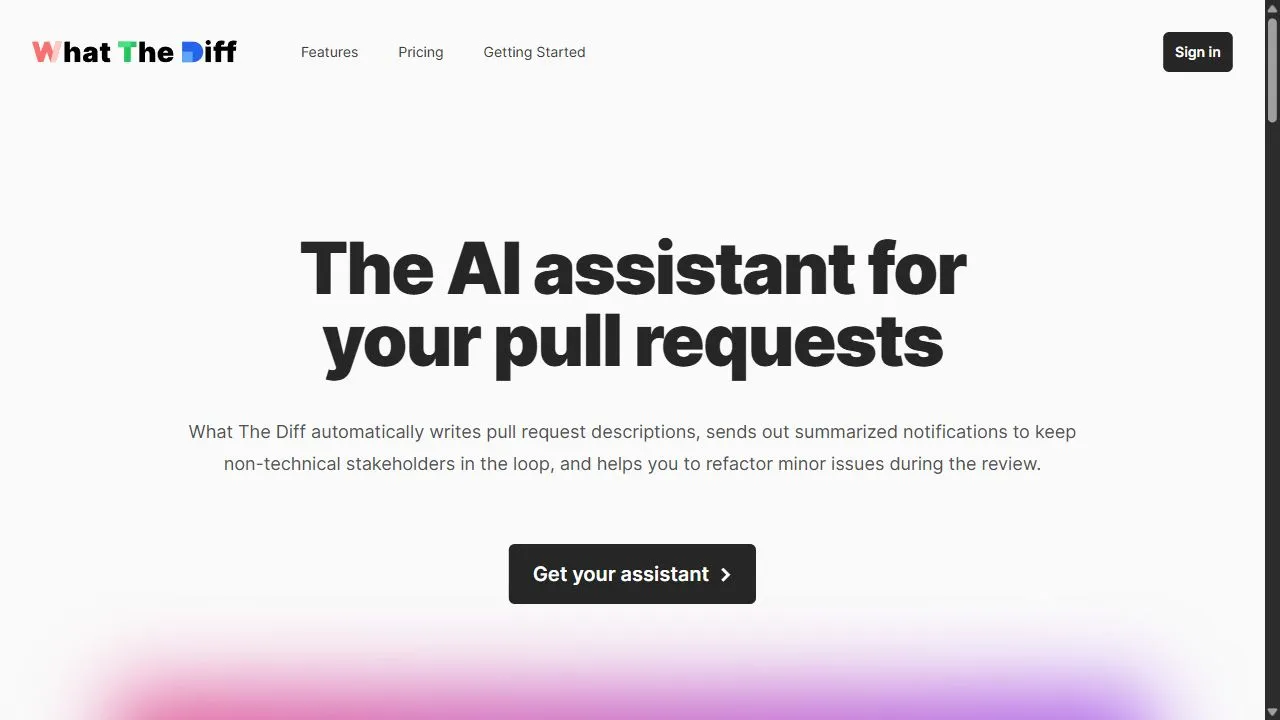
Whatthediff Interface
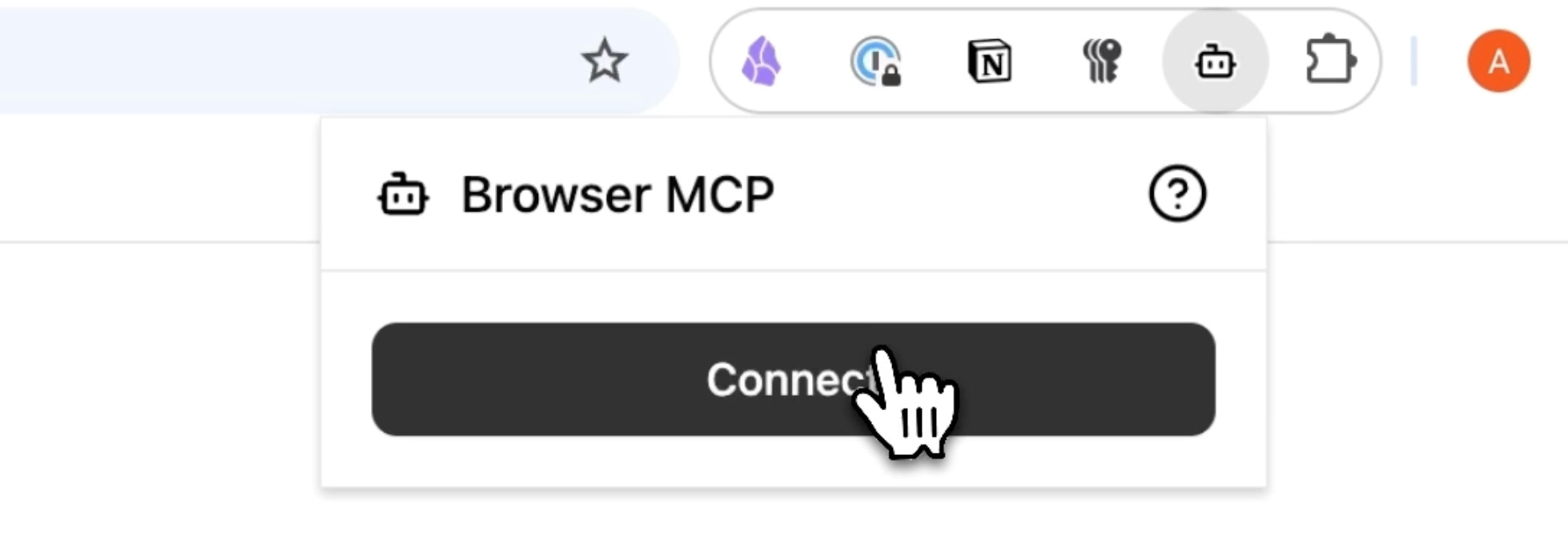
Browser MCP Interface

Video Walkthroughs & Demos
Watch official video demos and workflow tutorials
Browser MCP Demo
Pros & Cons Comparison
Whatthediff Pros & Cons
Strengths
- Significant time-saver for reviews
- Great at explaining code changes
Limitations
- Only supports GitHub
- Cannot always detect complex logic bugs
Browser MCP Pros & Cons
Real Community Feedback
Verified user reviews from GetAiTools community
Whatthediff Reviews0
No community reviews yet for Whatthediff.
Browser MCP Reviews1
"Very useful in daily tasks."
About Whatthediff
Whatthediff is a powerful AI-powered GitHub app designed to help development teams streamline the code review process by leveraging artificial intelligence, automation, and intelligent workflows . By automatically generating concise and accurate summaries for pull requests, the tool eliminates the tedious task of manually parsing through hundreds or thousands of lines of code to understand the intent behind a change. The tool solves the critical problem of "review fatigue," where senior engineers and maintainers become bottlenecks in the development pipeline due to the sheer volume of code that requires scrutiny. In traditional workflows, reviewers must manually trace logic changes across multiple files, which is not only time-consuming but also prone to human oversight. Whatthediff utilizes advanced large language models to analyze the "diff" of a pull request, translating technical code changes into plain, human-readable language that explains exactly what has been modified and why. This solution is specifically engineered for software development teams, DevOps engineers, and open-source maintainers who aim to maintain high code quality without sacrificing deployment velocity. By integrating directly into the GitHub ecosystem, it optimizes the continuous integration and continuous deployment (CI/CD) pipeline, ensuring that the path from "code complete" to "merged" is as efficient as possible. Key Features of Whatthediff Automated generation of pull request summaries based on code diffs. Translation of complex technical changes into plain-language explanations. Direct integration as a GitHub app for seamless workflow synchronization. Intelligent identification of potential issues or anomalies within the code changes. Provision of actionable suggestions to improve code efficiency and readability. Analysis of multi-file changes to provide a holistic overview of the PR intent. Automated synchronization of technical changes with internal documentation logic. Rapid processing of large pull requests to distill core modifications. Why People Use Whatthediff The primary motivation for adopting Whatthediff is the drastic reduction of cognitive load placed on code reviewers. In a standard manual review process, a developer must hold the entire context of a project in their mind while scanning lines of additions and deletions. This manual method is inherently inefficient, especially in large-scale enterprise environments where pull requests can be sprawling and complex. By providing an AI-generated summary, the tool allows the reviewer to grasp the "what" and "why" of a change before they even look at the first line of code, allowing them to focus their mental energy on critical logic flaws rather than basic comprehension. Furthermore, organizations use this tool to combat the bottleneck effect often created by senior engineers. In many teams, only a few individuals have the architectural knowledge required to approve complex changes. When these individuals are overwhelmed with PRs, the entire development velocity slows down. Whatthediff accelerates this process by prepping the reviewer with a high-level summary, effectively reducing the time spent on the initial "orientation" phase of a review. The shift from manual diff reading to AI-assisted summaries also improves the accuracy of the review process. Human reviewers can easily miss a subtle but critical change buried in a large PR of boilerplate code. The AI's ability to scan every line systematically ensures that the summary captures all relevant modifications, highlighting the most impactful changes and reducing the likelihood of critical bugs slipping into the production environment. Popular Use Cases Enterprise Software Development: Large engineering departments use the tool to manage a high volume of daily pull requests across multiple microservices, ensuring that no change goes unexamined due to time constraints. Open Source Project Maintenance: Maintainers of popular repositories leverage the AI to quickly categorize and understand contributions from external developers, allowing them to merge valid improvements faster. Agile Sprint Cycles: Teams operating in fast-paced environments use the summaries to keep the PR cycle time low, enabling them to meet tight sprint deadlines without compromising on code quality. Developer Onboarding: Junior developers use the generated summaries to understand the history of changes in a codebase, treating the AI summaries as a learning tool to see how senior developers solve specific problems. Cross-Functional Communication: Technical leads use the plain-language summaries to explain the nature of a technical update to product managers or non-technical stakeholders who need to track feature progress. Legacy Code Refactoring: When migrating or refactoring old codebases, teams use the tool to ensure that the intent of the refactor is clearly documented and understood by all stakeholders during the review phase. Benefits of Whatthediff Reduced PR Cycle Time: By accelerating the comprehension phase of the review, teams can merge code faster and increase their overall deployment frequency. Enhanced Code Quality: Reviewers can spend more time analyzing the architectural impact and security implications of a change rather than simply trying to figure out what the code does. Minimized Cognitive Load: Developers avoid the mental exhaustion associated with reviewing massive diffs, leading to higher job satisfaction and fewer burnout-related errors. Improved Documentation: The AI-generated summaries serve as a permanent, readable record of why a change was made, which is invaluable for future debugging and audits. Increased Reviewer Confidence: Senior engineers can approve changes with greater confidence, knowing that the AI has provided a comprehensive overview of all modifications. Scalable Review Workflows: The tool enables teams to scale their development efforts without needing to linearly increase the number of senior reviewers. Streamlined Collaboration: Clearer summaries lead to more focused discussions in the PR comments, as reviewers and authors are aligned on the intent of the changes from the start.
About Browser MCP
BrowserMCP.io is a platform and browser automation tool that connects AI applications directly to your web browser so they can control, navigate, and automate tasks within real browser sessions. It leverages the Model Context Protocol (MCP) to enable AI tools like Claude, Cursor, Windsurf, VS Code, and others to interact with web pages, fill forms, extract data, drive tests, and perform complex workflows without manual input. :contentReference[oaicite:0] What Is BrowserMCP.io? BrowserMCP.io combines a local MCP server with a Chrome extension that lets you use AI-powered agents to automate your browser actions securely and privately. Instead of running automation in remote servers or using headless bots, the MCP approach works with your active, logged-in browser profile and uses your real browser fingerprint to avoid bot-detection and session issues. :contentReference[oaicite:1] Key Features AI-driven browser automation : Control navigation, clicks, typing, form filling, and screenshots via AI tools. :contentReference[oaicite:2] Local and private execution : Automation runs on your device, keeping your data secure and within your session. :contentReference[oaicite:3] Integration with AI clients : Works with AI editors and assistants like Claude, Cursor, Windsurf, and VS Code. :contentReference[oaicite:4] Stealth automation : Uses your real browser’s profile and fingerprint to reduce bot detection and CAPTCHAs. :contentReference[oaicite:5] Rich browser commands : Includes capabilities like navigate, click, type, drag, screenshot, and log collection. :contentReference[oaicite:6] Why People Use BrowserMCP.io Web automation traditionally requires manual scripting or headless browser tools. BrowserMCP.io enables AI tools to automate browser tasks seamlessly and context-aware , turning repetitive online actions — such as data extraction, form automation, UI testing, workflow automation, and multi-step sequences — into AI-driven processes without technical scripting. :contentReference[oaicite:7] Popular Use Cases Web task automation (form filling, navigation, data entry) AI-driven UI testing and validation Automated data collection and scraping Browser-based workflow automation Integration between AI assistants and web applications :contentReference[oaicite:8] Benefits of BrowserMCP.io Works with your existing logged-in browser session Keeps all automation local and privacy-focused Reduces errors from bot detection or headless environments Enables advanced automation without coding Accelerates AI-based workflows directly where you work :contentReference[oaicite:9] Who Should Use BrowserMCP.io? Developers and engineers building AI integrations QA teams needing automated web testing Data professionals doing web extraction Product and growth teams automating repetitive tasks Anyone using AI assistants with browser workflows :contentReference[oaicite:10] Frequently Asked Questions What does BrowserMCP.io do? BrowserMCP.io enables AI applications to control and automate your web browser using a local MCP server and extension. :contentReference[oaicite:11] How is it different from traditional automation tools? Instead of headless bots or remote scripts, BrowserMCP.io runs automation in your actual browser profile , maintaining sessions and reducing bot detection issues. :contentReference[oaicite:12] Do I need a separate AI tool to use it? Yes. You connect BrowserMCP.io with AI clients like Claude, Cursor, or an AI editor that supports MCP. :contentReference[oaicite:13] Is my data secure with BrowserMCP.io? Automation runs locally, so data isn’t sent to external servers; the tool preserves privacy and session context on your machine. :contentReference[oaicite:14] Can it automate form filling and testing? Yes. BrowserMCP.io supports web navigation, form interaction, and UI automation tasks. :contentReference[oaicite:15] BrowserMCP.io, MCP Browser Automation, AI Browser Toolkit, Model Context Protocol Browser, AI Web Automation, Chrome AI Extension, Browser Task Automation
More AI Competitors to Compare

ScreenHelp
Ai Coding Assistance

Qwen Code
Ai Coding Assistance

Chatsistant
Ai Coding Assistance
FastRouter
Ai Coding Assistance

GitHub Copilot
Ai Coding Assistance

Repli
Ai Coding Assistance
Frequently Asked Questions
Most questions answered in under 30 seconds — but if you still have one, write to us at contactgetaitool@gmail.com and we reply within a few hours.
Which is better in 2026, Whatthediff or Browser MCP?
How does the pricing compare between Whatthediff and Browser MCP?
Can I use Whatthediff and Browser MCP for free?
What input and output formats do Whatthediff and Browser MCP support?
What are the key advantages of Whatthediff?
What are the key advantages of Browser MCP?
What are top alternative competitors to Whatthediff and Browser MCP?
Ready to Choose Your AI Tool?
Try both platforms or explore thousands of other curated artificial intelligence tools on GetAiTools.
Tags & Core Competencies
Specific tags and feature capabilities