YappJamvsBrowser MCP
Side-by-side battle & analysis. Compare features, pricing, real community ratings, and pros & cons in 2026.

YappJam
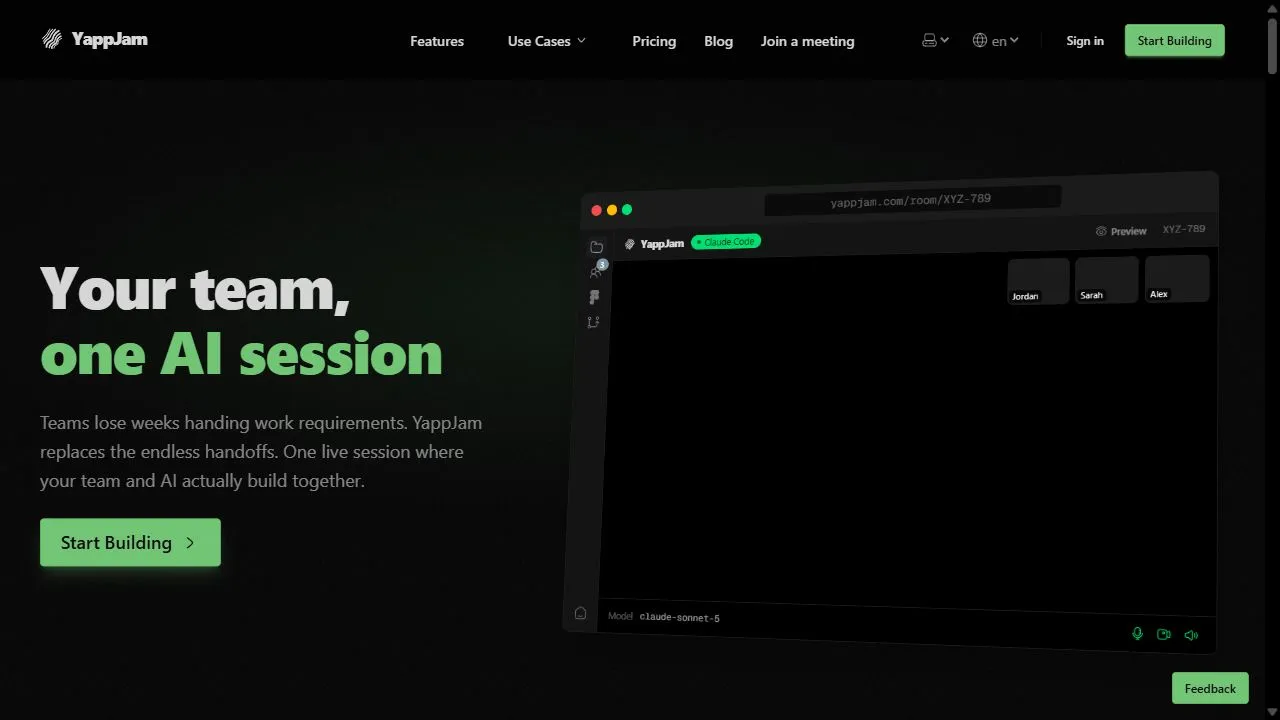
Experience multiplayer vibe coding with YappJam, the real-time AI workspace built for modern software teams.

Browser MCP
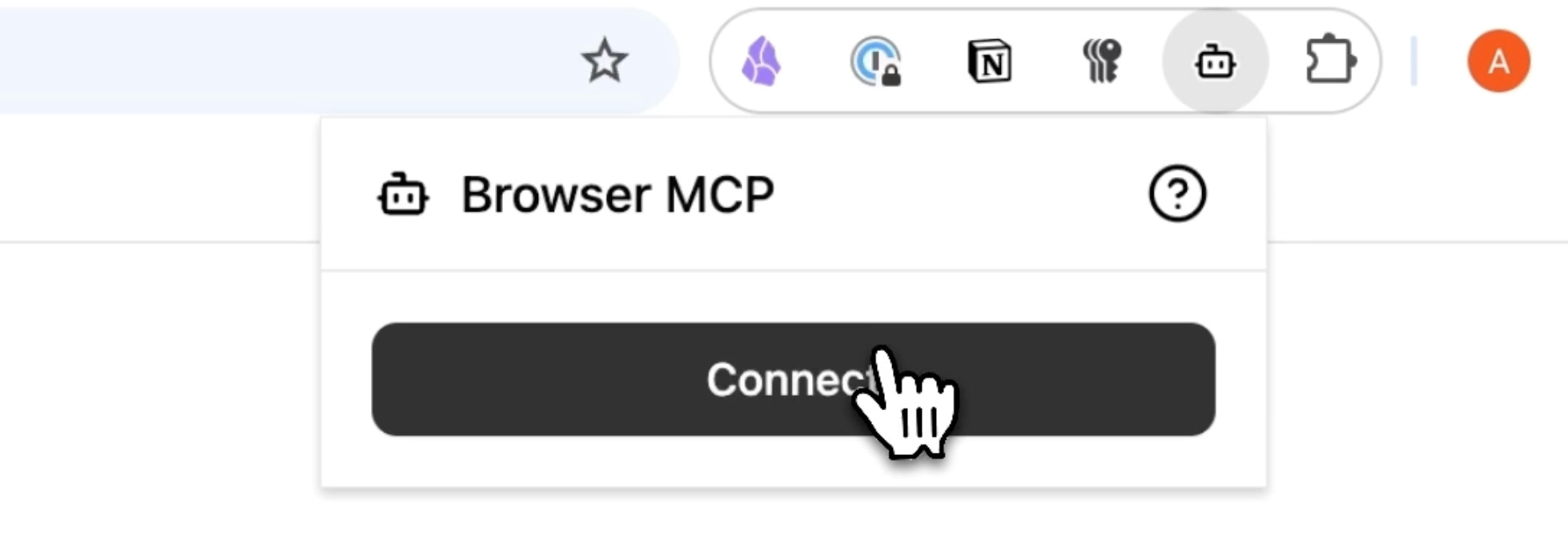
BrowserMCP.io is a platform and browser automation tool that connects AI applications directly to your web browser so they can control, navigate, and automate tasks within real browser sessions.
Quick Verdict & Takeaway
Head-to-head summary recommendation
Both YappJam and Browser MCP provide high-performance solutions in the Ai Coding Assistance ecosystem. Both platforms are top-rated in their respective categories.
Choose YappJam if:
You need a mixed tool optimized for Vibe Coding with TEXT, OTHERS input formats.
Choose Browser MCP if:
You prefer a free platform geared towards Coding Tutor with TEXT output options.
Specification & Feature Matrix
Direct technical comparison between YappJam and Browser MCP
| Feature / Spec | YappJam | Browser MCP |
|---|---|---|
| Pricing Model | MIXED | FREE |
| Starting Price | $36/mo | Free / Not Listed |
| Category | Ai Coding Assistance | Ai Coding Assistance |
| Subcategory | Vibe Coding | Coding Tutor |
| Supported Inputs | TEXT, OTHERS | TEXT |
| Generated Outputs | TEXT, OTHERS | TEXT |
| User Rating | ★ 4.0 / 5.0 (0) | ★ 4.0 / 5.0 (0) |
| Verified Status | Unverified | Verified |
Interface & UI Showcase
Visual previews and interface screenshots
YappJam Interface
Browser MCP Interface

Video Walkthroughs & Demos
Watch official video demos and workflow tutorials
Browser MCP Demo
Pros & Cons Comparison
YappJam Pros & Cons
Strengths
- Excellent real-time collaboration
- Intuitive AI-assisted coding
- Fast iteration cycles
Limitations
- High price point for individuals
- Requires a modern browser environment
Browser MCP Pros & Cons
Real Community Feedback
Verified user reviews from GetAiTools community
YappJam Reviews0
No community reviews yet for YappJam.
Browser MCP Reviews1
"Very useful in daily tasks."
About YappJam
YappJam is a powerful AI-powered multiplayer workspace designed to help teams build software collaboratively by leveraging artificial intelligence, real-time synchronization, and intelligent development workflows . The platform introduces a paradigm shift in software creation, moving away from the traditional, isolated coding environment toward a shared, interactive space where ideas are translated into functional code instantaneously. By integrating advanced AI assistants directly into a multiplayer interface, the tool bridges the gap between technical execution and creative vision. The primary problem YappJam solves is the fragmentation and communication lag inherent in traditional software development lifecycles. In conventional setups, developers work in silos, and non-technical stakeholders only see the results during scheduled demos or staging reviews. YappJam eliminates these silos by allowing multiple users to iterate on a codebase simultaneously. The tool employs AI to facilitate "vibe coding," a process where the focus shifts from meticulous syntax management to high-level creative flow and intent. This allows teams to move from a conceptual idea to a deployed feature with unprecedented velocity, making it an ideal solution for startups, rapid prototyping teams, and cross-functional product squads. Designed for the modern era of development, YappJam is built for users who require a seamless transition between natural language descriptions and executable code. By providing a environment where AI handles the heavy lifting of boilerplate and syntax, the platform empowers both experienced engineers and non-technical product owners to participate in the building process. This collaborative AI ecosystem ensures that the development process is no longer a bottleneck but a catalyst for innovation, allowing for rapid experimentation and immediate validation of software features. Key Features of YappJam Real-time multiplayer workspace for simultaneous collaborative coding. Integrated AI assistants that guide the development process via natural language. Instant code materialization for immediate visual feedback on changes. Unified interface that blends natural language prompts with traditional code editors. Collaborative prototyping environment for rapid iteration of software features. Synchronized state management allowing all team members to see updates in real time. AI-driven code generation and refinement based on user "vibes" and intent. Seamless transition from conceptual prompting to functional software deployment. Multi-user interaction tools for shared problem-solving and debugging. Cloud-based infrastructure requiring only a modern browser for full functionality. Why People Use YappJam The core motivation behind using YappJam is the pursuit of extreme development velocity and the elimination of the "translation error" that typically occurs between product managers and developers. In traditional software development, a feature request must be documented, discussed, ticketed, coded, reviewed, and finally demonstrated. This linear process is often slow and prone to misunderstandings. YappJam replaces this sequence with a parallel process where stakeholders can "vibe code" together, seeing the AI implement changes as they are discussed. Users gravitate toward this platform because it reduces the cognitive load associated with manual syntax management. By leveraging AI to handle the structural requirements of the code, developers can focus on the architecture and user experience rather than spending hours on repetitive boilerplate. For non-technical users, the tool provides a doorway into the development process, allowing them to suggest and see changes in real time without needing to master a specific programming language. Furthermore, the multiplayer nature of the tool solves the isolation problem of the modern remote work era. Instead of relying on asynchronous pull requests and long comment threads in version control systems, teams can jump into a live session and solve complex problems together. This shift from asynchronous to synchronous AI-assisted development significantly reduces the time spent in meetings and increases the time spent in actual production. Popular Use Cases Rapid MVP Development: Startups use the platform to build Minimum Viable Products in days rather than months by iterating on features in a live, AI-assisted environment. Cross-Functional Feature Refinement: Product managers and lead developers collaborate in the same workspace to tweak UI/UX elements and logic flows without leaving the tool. Collaborative Prototyping: Design agencies use the multiplayer workspace to build interactive prototypes that function as real software, allowing clients to see changes instantly. AI-Driven Pair Programming: Senior developers use YappJam to mentor junior developers, guiding them through AI-generated code and refining it in real time. Hackathons and Sprint Events: Teams in high-pressure, time-constrained environments use the tool to rapidly iterate and deploy functional applications. Technical Ideation Sessions: Teams use the workspace to "sketch" software ideas using natural language, letting the AI generate the initial structure for further refinement. Benefits of YappJam Accelerated Time-to-Market: By collapsing the distance between ideation and deployment, teams can release features and updates significantly faster. Enhanced Team Alignment: Real-time collaboration ensures that everyone from the founder to the engineer is seeing the same version of the product at all times. Increased Accessibility: The emphasis on natural language and AI assistance lowers the barrier to entry, allowing non-coders to contribute meaningfully to the build process. Reduced Development Friction: The elimination of traditional silos and long feedback loops reduces the frustration and delays associated with manual hand-offs. Higher Creative Throughput: "Vibe coding" allows teams to experiment with more ideas in less time, leading to more innovative and polished final products. Improved Resource Efficiency: AI assistants handle repetitive coding tasks, freeing up human developers to focus on complex logic and high-level system design. Seamless Remote Collaboration: The browser-based multiplayer environment provides a cohesive experience for distributed teams, mimicking the feeling of sitting at the same desk.
About Browser MCP
BrowserMCP.io is a platform and browser automation tool that connects AI applications directly to your web browser so they can control, navigate, and automate tasks within real browser sessions. It leverages the Model Context Protocol (MCP) to enable AI tools like Claude, Cursor, Windsurf, VS Code, and others to interact with web pages, fill forms, extract data, drive tests, and perform complex workflows without manual input. :contentReference[oaicite:0] What Is BrowserMCP.io? BrowserMCP.io combines a local MCP server with a Chrome extension that lets you use AI-powered agents to automate your browser actions securely and privately. Instead of running automation in remote servers or using headless bots, the MCP approach works with your active, logged-in browser profile and uses your real browser fingerprint to avoid bot-detection and session issues. :contentReference[oaicite:1] Key Features AI-driven browser automation : Control navigation, clicks, typing, form filling, and screenshots via AI tools. :contentReference[oaicite:2] Local and private execution : Automation runs on your device, keeping your data secure and within your session. :contentReference[oaicite:3] Integration with AI clients : Works with AI editors and assistants like Claude, Cursor, Windsurf, and VS Code. :contentReference[oaicite:4] Stealth automation : Uses your real browser’s profile and fingerprint to reduce bot detection and CAPTCHAs. :contentReference[oaicite:5] Rich browser commands : Includes capabilities like navigate, click, type, drag, screenshot, and log collection. :contentReference[oaicite:6] Why People Use BrowserMCP.io Web automation traditionally requires manual scripting or headless browser tools. BrowserMCP.io enables AI tools to automate browser tasks seamlessly and context-aware , turning repetitive online actions — such as data extraction, form automation, UI testing, workflow automation, and multi-step sequences — into AI-driven processes without technical scripting. :contentReference[oaicite:7] Popular Use Cases Web task automation (form filling, navigation, data entry) AI-driven UI testing and validation Automated data collection and scraping Browser-based workflow automation Integration between AI assistants and web applications :contentReference[oaicite:8] Benefits of BrowserMCP.io Works with your existing logged-in browser session Keeps all automation local and privacy-focused Reduces errors from bot detection or headless environments Enables advanced automation without coding Accelerates AI-based workflows directly where you work :contentReference[oaicite:9] Who Should Use BrowserMCP.io? Developers and engineers building AI integrations QA teams needing automated web testing Data professionals doing web extraction Product and growth teams automating repetitive tasks Anyone using AI assistants with browser workflows :contentReference[oaicite:10] Frequently Asked Questions What does BrowserMCP.io do? BrowserMCP.io enables AI applications to control and automate your web browser using a local MCP server and extension. :contentReference[oaicite:11] How is it different from traditional automation tools? Instead of headless bots or remote scripts, BrowserMCP.io runs automation in your actual browser profile , maintaining sessions and reducing bot detection issues. :contentReference[oaicite:12] Do I need a separate AI tool to use it? Yes. You connect BrowserMCP.io with AI clients like Claude, Cursor, or an AI editor that supports MCP. :contentReference[oaicite:13] Is my data secure with BrowserMCP.io? Automation runs locally, so data isn’t sent to external servers; the tool preserves privacy and session context on your machine. :contentReference[oaicite:14] Can it automate form filling and testing? Yes. BrowserMCP.io supports web navigation, form interaction, and UI automation tasks. :contentReference[oaicite:15] BrowserMCP.io, MCP Browser Automation, AI Browser Toolkit, Model Context Protocol Browser, AI Web Automation, Chrome AI Extension, Browser Task Automation
More AI Competitors to Compare

ScreenHelp
Ai Coding Assistance

Qwen Code
Ai Coding Assistance

Chatsistant
Ai Coding Assistance
FastRouter
Ai Coding Assistance

GitHub Copilot
Ai Coding Assistance

Repli
Ai Coding Assistance
Frequently Asked Questions
Most questions answered in under 30 seconds — but if you still have one, write to us at contactgetaitool@gmail.com and we reply within a few hours.
Which is better in 2026, YappJam or Browser MCP?
How does the pricing compare between YappJam and Browser MCP?
Can I use YappJam and Browser MCP for free?
What input and output formats do YappJam and Browser MCP support?
What are the key advantages of YappJam?
What are the key advantages of Browser MCP?
What are top alternative competitors to YappJam and Browser MCP?
Ready to Choose Your AI Tool?
Try both platforms or explore thousands of other curated artificial intelligence tools on GetAiTools.
Tags & Core Competencies
Specific tags and feature capabilities