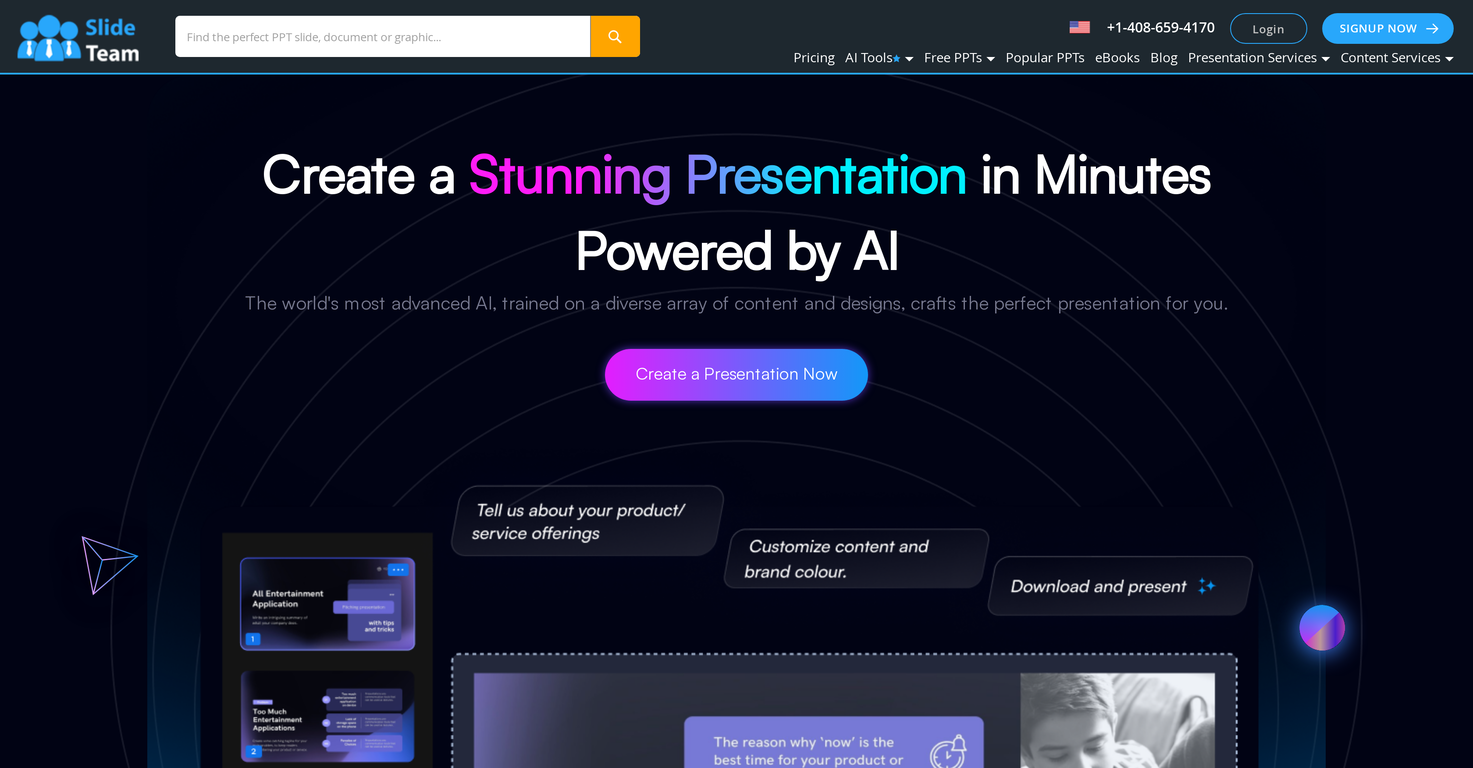
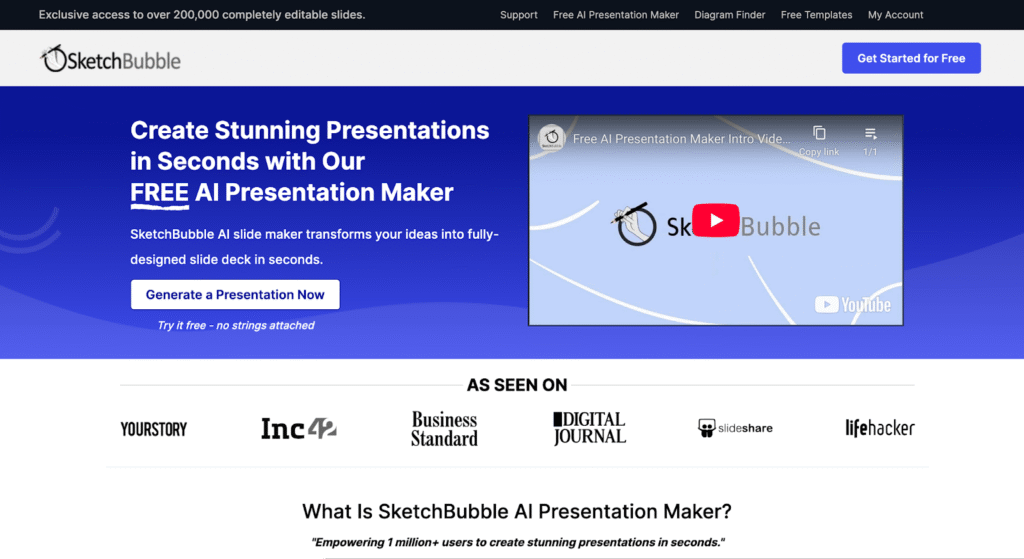
Slideteam - Presentation Maker is an AI-powered presentation generator that streamlines the creation of professional-quality presentations, offering a solution to the challenges of time-consuming design and content creation. It leverages artificial intelligence to automatically generate slides with relevant graphics and layouts based on user-provided text, catering to professionals, educators, and anyone needing to create compelling visual communications. This tool addresses the need for efficient and visually appealing presentations, particularly for those lacking extensive design expertise. Key Features of Slideteam - Presentation Maker Generates complete presentations from text input. Offers compatibility with Microsoft PowerPoint, Google Slides, and Apple Keynote. Provides customizable slide designs and layouts. Automatically integrates relevant graphics and imagery. Adapts to user-defined brand colors and palettes. Allows for full editing and redesign capabilities post-generation. Facilitates quick creation of presentations for various purposes. Offers a user-friendly interface for seamless operation. Provides a fast turnaround for presentation development. Supports a wide range of presentation topics and industries. Why People Use Slideteam - Presentation Maker Individuals and organizations utilize Slideteam - Presentation Maker to overcome the common hurdles associated with presentation development. Traditionally, creating impactful presentations requires significant time investment in both content writing and visual design. This often necessitates specialized skills in graphic design and a deep understanding of presentation best practices. Slideteam’s AI presentation maker drastically reduces this time and skill requirement. By simply inputting text, users can quickly generate a visually coherent and professionally designed presentation. This allows users to focus on refining their message and delivering their content, rather than struggling with formatting and design elements. The tool’s ability to maintain brand consistency through color palette integration further enhances its value, ensuring a polished and professional final product. Popular Use Cases Business Professionals: Creating sales pitches, project updates, and internal reports. Educators: Developing lecture slides and course materials. Marketing Teams: Generating presentations for marketing campaigns and client proposals. Students: Preparing presentations for academic assignments and projects. Consultants: Building presentations for client engagements and workshops. Entrepreneurs: Crafting pitch decks for investors and stakeholders. Human Resources: Developing training materials and onboarding presentations. Project Managers: Presenting project timelines, progress reports, and key deliverables. Non-profit Organizations: Creating presentations for fundraising and awareness campaigns. Event Planners: Designing presentations for conferences and events. Benefits of Slideteam - Presentation Maker Significant Time Savings: Reduces presentation creation time from hours to minutes. Enhanced Visual Appeal: Generates professionally designed slides with relevant graphics. Improved Content Clarity: Facilitates a more structured and visually engaging presentation of information. Increased Productivity: Allows users to focus on content refinement and delivery. Brand Consistency: Maintains brand identity through customizable color palettes. Accessibility for All Skill Levels: Enables users without design experience to create impactful presentations. Cost-Effectiveness: Offers a free solution for generating high-quality presentations. Seamless Integration: Works with popular presentation software like PowerPoint, Google Slides, and Keynote. Greater Efficiency: Streamlines the presentation workflow, from ideation to delivery. Professional Results: Delivers polished and professional-looking presentations that captivate audiences.

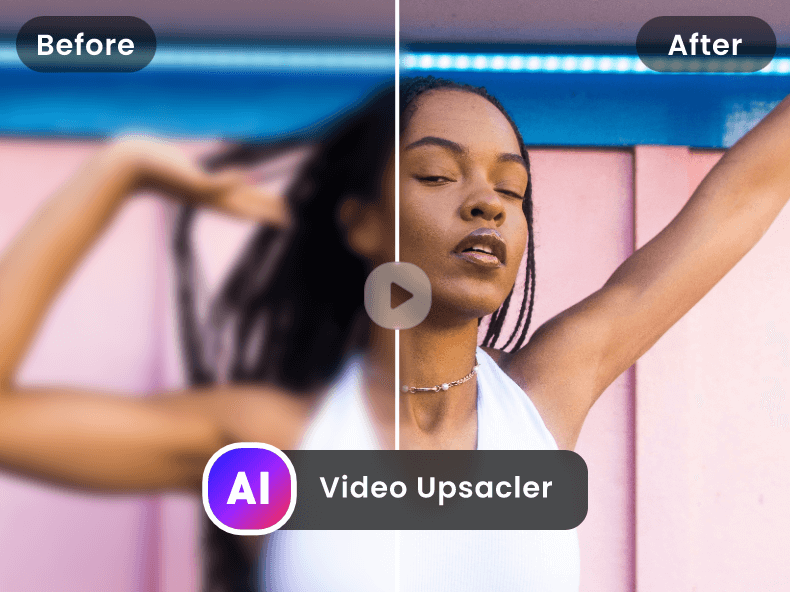
4K Image Enhancer is an AI-powered image enhancement tool that allows users to upscale, sharpen, and restore images quickly and easily. It addresses the common problem of low-resolution or blurry images, offering a solution for improving visual quality without requiring advanced technical skills. The tool utilizes artificial intelligence and deep learning algorithms to analyze and enhance image details, making it ideal for individuals, photographers, designers, and businesses seeking to improve their visual content. It is a valuable resource for anyone needing to enhance image resolution , improve image clarity , or restore old or damaged photos. Key Features of 4K Image Enhancer Enhances image resolution up to 4K. Sharpens blurry images automatically. Removes noise and artifacts from images. Restores details in old or low-quality photos. Supports various image formats including JPEG, PNG, and more. Offers a user-friendly interface for easy operation. Provides AI-powered upscaling without significant quality loss. Improves image brightness and contrast. Allows for batch processing of multiple images. Offers a simple, web-based platform requiring no software installation. Why People Use 4K Image Enhancer Individuals and professionals alike utilize 4K Image Enhancer to overcome the limitations of low-quality images. Traditionally, improving image quality required specialized software, technical expertise, and significant time investment. Manual editing processes can be tedious and often yield suboptimal results, especially when dealing with severely degraded images. 4K Image Enhancer streamlines this process by automating the enhancement process through AI algorithms . This results in significant time savings and allows users to achieve professional-looking results without needing extensive photo editing skills. The tool is particularly useful for those who need to quickly improve images for online use, presentations, or printing, offering a convenient and effective alternative to complex and time-consuming manual methods. The ability to enhance images without losing crucial details is a key benefit, making it a preferred choice for preserving the integrity of valuable visual content. Popular Use Cases Social Media Management: Enhancing profile pictures and content for platforms like Instagram, Facebook, and Twitter. E-commerce: Improving product images to increase sales and customer engagement. Photography: Restoring old or damaged photographs and upscaling low-resolution images for printing or digital display. Graphic Design: Preparing images for use in design projects, ensuring high quality and clarity. Real Estate: Enhancing property photos to create more appealing listings. Marketing and Advertising: Improving the visual impact of marketing materials and advertisements. Genealogy and Family History: Restoring and enhancing old family photos to preserve memories. Online Retailers: Improving the quality of product images to attract more customers. Bloggers and Content Creators: Enhancing images for blog posts and articles to improve reader engagement. Law Enforcement: Clarifying images for investigative purposes. Benefits of 4K Image Enhancer Improved Visual Quality: Enhances images to a higher resolution and clarity, making them more visually appealing. Time Savings: Automates the image enhancement process, reducing the time and effort required compared to manual editing. Ease of Use: Offers a user-friendly interface that requires no technical expertise. Accessibility: Provides a web-based solution accessible from any device with an internet connection. Cost-Effectiveness: Offers a free solution for basic image enhancement needs. Enhanced Detail: Restores lost details in images, bringing them back to life. Increased Engagement: Improves the visual impact of images, leading to increased engagement and attention. Professional Results: Delivers professional-quality image enhancements without the need for expensive software or training. Versatility: Supports a wide range of image formats and use cases. Preservation of Memories: Allows users to restore and preserve cherished memories captured in old or damaged photos.











 Android
 IOS
IOS Mini Tools
 Software
 Web
Web