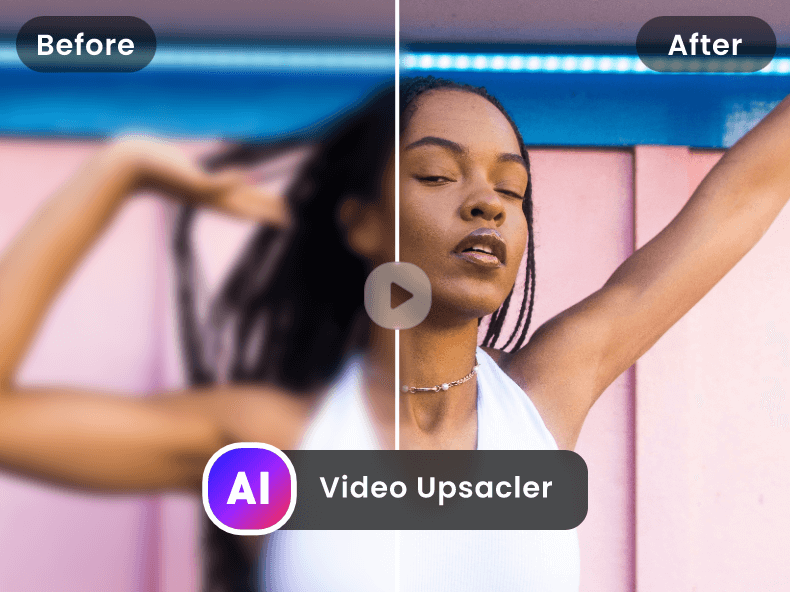
Free AI Video Upscaler is a web-based application that enhances the resolution of videos using artificial intelligence, transforming low-quality footage into high-definition visuals. It addresses the common problem of blurry or pixelated videos, offering a solution for improving video clarity without requiring complex software or extensive technical expertise. The tool utilizes deep learning algorithms to intelligently upscale video content, making it suitable for a wide range of users seeking to improve their video quality. It is a valuable resource for anyone looking for an AI video enhancer , video upscaling , or video quality improvement solution. Key Features of Free AI Video Upscaler Upscales video resolution up to 4K. Supports various video formats. Offers a user-friendly, web-based interface. Utilizes AI algorithms for intelligent upscaling. Provides fast processing speeds. Allows users to enhance video quality without watermarks. Requires no software download or installation. Offers batch processing capabilities for multiple files. Enhances details and reduces noise in videos. Provides a simple upload and download process. Why People Use Free AI Video Upscaler Individuals and professionals alike often find themselves with video footage that lacks the desired clarity. This can stem from older recordings, low-resolution source material, or the need to repurpose content for higher-resolution displays. Traditionally, improving video quality involved expensive software, significant processing power, and a steep learning curve. Free AI Video Upscaler simplifies this process dramatically. By leveraging the power of artificial intelligence , the tool automatically analyzes and enhances video footage, restoring details and reducing artifacts. This results in a noticeably sharper and more visually appealing final product. Users can avoid the time-consuming and often unsatisfactory results of manual editing techniques. The platform’s accessibility and ease of use make it a compelling alternative to traditional video editing workflows, offering a quick and effective solution for video enhancement and resolution upscaling . It empowers users to breathe new life into existing video content, making it suitable for modern viewing platforms and applications. Popular Use Cases Restoring Old Family Videos: Individuals can improve the quality of cherished memories captured on older cameras or formats. Enhancing Surveillance Footage: Security professionals can clarify blurry security camera recordings for better identification and analysis. Improving Online Course Videos: Educators can enhance the visual quality of their online learning materials for a more engaging student experience. Preparing Videos for Social Media: Content creators can upscale videos to meet the resolution requirements of platforms like YouTube, TikTok, and Instagram. Revitalizing Archived Footage: Filmmakers and archivists can restore and preserve historical video content. Upscaling Gameplay Recordings: Gamers can improve the quality of their gameplay videos for streaming or sharing. Enhancing Drone Footage: Aerial videographers can clarify footage captured by drones, often limited by camera resolution or distance. Improving Video Conferencing Recordings: Professionals can enhance the quality of recordings from video conferences and webinars. Preparing Videos for Presentations: Users can upscale videos to ensure clear visibility during presentations and meetings. Enhancing Low-Resolution Stock Footage: Video editors can improve the quality of stock footage for use in projects. Benefits of Free AI Video Upscaler Enhanced Video Clarity: Users experience a significant improvement in video sharpness and detail. Time Savings: The automated AI-powered process eliminates the need for manual editing, saving valuable time and effort. Cost-Effectiveness: As a free tool, it provides a budget-friendly solution for video enhancement. Ease of Use: The intuitive web interface requires no technical expertise or software installation. Improved Visual Appeal: Enhanced videos are more engaging and professional-looking. Wider Compatibility: Upscaled videos are suitable for a broader range of devices and platforms. Preservation of Memories: Old or damaged videos can be restored and enjoyed for years to come. Increased Content Value: Improved video quality can enhance the perceived value of content. Accessibility: The web-based nature of the tool allows access from any device with an internet connection. No Watermarks: Enhanced videos are delivered without any intrusive watermarks.

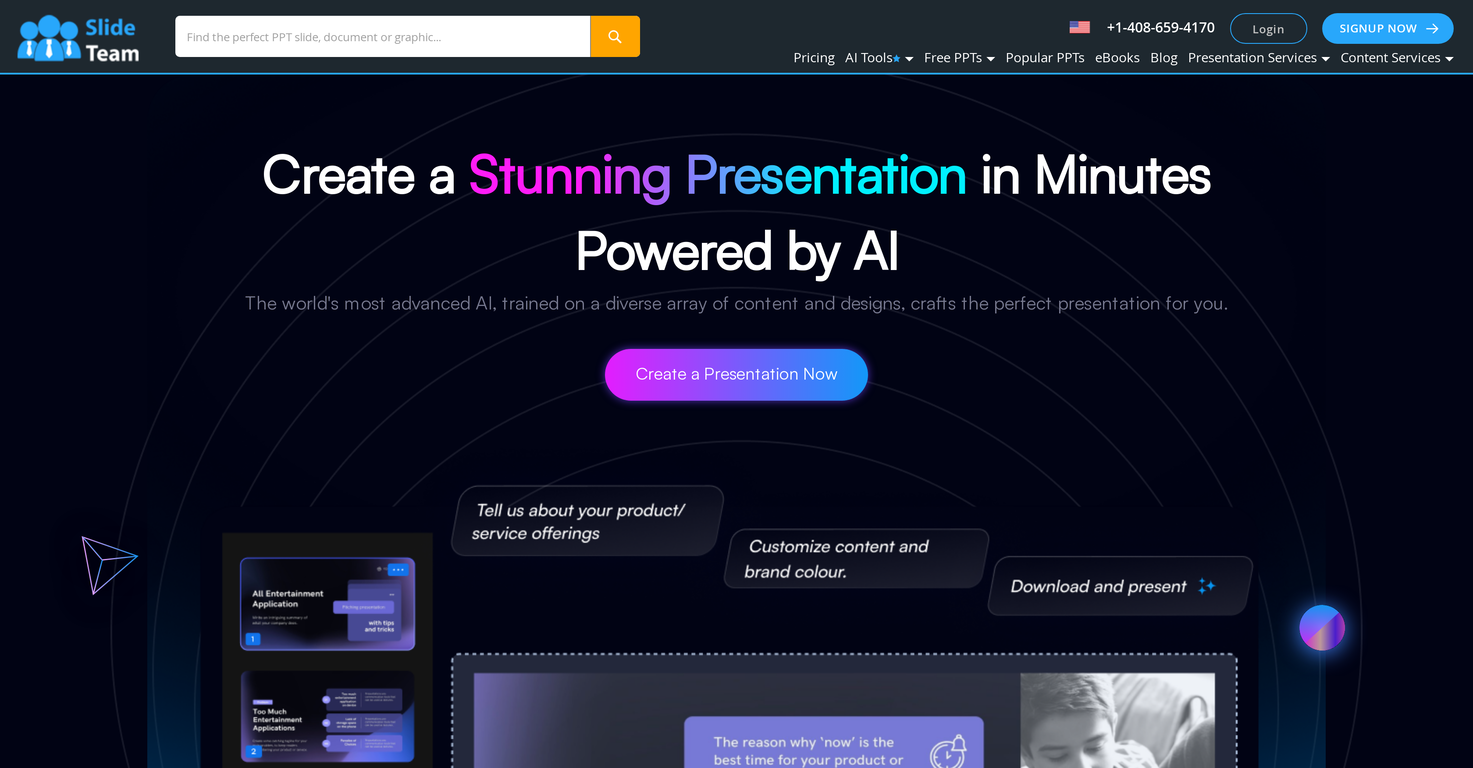
Slideteam - Presentation Maker is an AI-powered presentation generator that streamlines the creation of professional-quality presentations, offering a solution to the challenges of time-consuming design and content creation. It leverages artificial intelligence to automatically generate slides with relevant graphics and layouts based on user-provided text, catering to professionals, educators, and anyone needing to create compelling visual communications. This tool addresses the need for efficient and visually appealing presentations, particularly for those lacking extensive design expertise. Key Features of Slideteam - Presentation Maker Generates complete presentations from text input. Offers compatibility with Microsoft PowerPoint, Google Slides, and Apple Keynote. Provides customizable slide designs and layouts. Automatically integrates relevant graphics and imagery. Adapts to user-defined brand colors and palettes. Allows for full editing and redesign capabilities post-generation. Facilitates quick creation of presentations for various purposes. Offers a user-friendly interface for seamless operation. Provides a fast turnaround for presentation development. Supports a wide range of presentation topics and industries. Why People Use Slideteam - Presentation Maker Individuals and organizations utilize Slideteam - Presentation Maker to overcome the common hurdles associated with presentation development. Traditionally, creating impactful presentations requires significant time investment in both content writing and visual design. This often necessitates specialized skills in graphic design and a deep understanding of presentation best practices. Slideteam’s AI presentation maker drastically reduces this time and skill requirement. By simply inputting text, users can quickly generate a visually coherent and professionally designed presentation. This allows users to focus on refining their message and delivering their content, rather than struggling with formatting and design elements. The tool’s ability to maintain brand consistency through color palette integration further enhances its value, ensuring a polished and professional final product. Popular Use Cases Business Professionals: Creating sales pitches, project updates, and internal reports. Educators: Developing lecture slides and course materials. Marketing Teams: Generating presentations for marketing campaigns and client proposals. Students: Preparing presentations for academic assignments and projects. Consultants: Building presentations for client engagements and workshops. Entrepreneurs: Crafting pitch decks for investors and stakeholders. Human Resources: Developing training materials and onboarding presentations. Project Managers: Presenting project timelines, progress reports, and key deliverables. Non-profit Organizations: Creating presentations for fundraising and awareness campaigns. Event Planners: Designing presentations for conferences and events. Benefits of Slideteam - Presentation Maker Significant Time Savings: Reduces presentation creation time from hours to minutes. Enhanced Visual Appeal: Generates professionally designed slides with relevant graphics. Improved Content Clarity: Facilitates a more structured and visually engaging presentation of information. Increased Productivity: Allows users to focus on content refinement and delivery. Brand Consistency: Maintains brand identity through customizable color palettes. Accessibility for All Skill Levels: Enables users without design experience to create impactful presentations. Cost-Effectiveness: Offers a free solution for generating high-quality presentations. Seamless Integration: Works with popular presentation software like PowerPoint, Google Slides, and Keynote. Greater Efficiency: Streamlines the presentation workflow, from ideation to delivery. Professional Results: Delivers polished and professional-looking presentations that captivate audiences.

Eureka Survey is an AI-powered survey platform that enables users to earn rewards by sharing their opinions and participating in market research. It addresses the challenge of connecting businesses with valuable consumer insights while simultaneously providing individuals with a legitimate avenue for supplemental income. The platform utilizes artificial intelligence to match users with relevant surveys, ensuring a more efficient and rewarding experience for both parties. This tool is designed for individuals seeking to monetize their opinions and businesses aiming to gather targeted consumer data and market research . Key Features of Eureka Survey Users can earn cash rewards for completing online surveys. The platform offers a user-friendly interface for easy navigation. Eureka Survey utilizes AI-driven survey matching to optimize relevance. It provides a secure and reliable platform for data collection. Users receive notifications about new survey opportunities. The platform supports multiple devices, including desktops and mobile phones. Eureka Survey offers a variety of survey topics covering diverse interests. It provides a clear and transparent system for tracking earnings. Users can redeem earnings through various payout methods. The platform prioritizes user privacy and data security. Why People Use Eureka Survey Individuals are increasingly seeking flexible and accessible ways to supplement their income, and Eureka Survey provides a straightforward solution. Unlike traditional part-time jobs, it requires no specialized skills or fixed schedules, allowing users to participate in surveys at their convenience. For businesses, obtaining reliable consumer insights is crucial for informed decision-making, but traditional market research methods can be expensive and time-consuming. Eureka Survey offers a cost-effective and efficient alternative, providing access to a diverse pool of respondents and streamlining the data collection process. The platform’s AI-powered matching ensures that businesses receive feedback from individuals who are genuinely interested in their products or services, leading to more accurate and actionable results. This contrasts sharply with methods like cold calling or focus groups, which often yield lower response rates and potentially biased data. Popular Use Cases Market Research for Small Businesses: Small businesses can utilize Eureka Survey to gather feedback on new product ideas, assess customer satisfaction, and identify potential market opportunities without significant financial investment. Consumer Behavior Analysis: Researchers and analysts can leverage the platform to study consumer preferences, trends, and behaviors across various demographics. Product Development Feedback: Companies can use survey data to refine existing products or develop new ones that better meet the needs of their target audience. Advertising Campaign Evaluation: Marketers can assess the effectiveness of advertising campaigns by gauging consumer awareness, recall, and purchase intent. Academic Research: Students and academics can utilize Eureka Survey to collect data for research projects in fields such as psychology, sociology, and marketing. Individual Supplemental Income: Individuals can earn extra money in their spare time by participating in surveys on topics they find interesting. Brand Sentiment Analysis: Businesses can monitor public perception of their brand by analyzing survey responses related to brand awareness and customer loyalty. Political Polling and Opinion Gathering: Organizations can use the platform to gauge public opinion on political issues and candidates. User Experience (UX) Research: Companies can gather feedback on the usability and design of their websites and applications. Competitive Analysis: Businesses can gain insights into the strengths and weaknesses of their competitors by surveying consumers about their preferences. Benefits of Eureka Survey Earn Passive Income: Users can generate supplemental income with minimal effort by simply sharing their opinions. Convenient and Flexible: The platform allows users to participate in surveys at their own pace and on their own schedule. Access to Diverse Insights: Businesses gain access to a wide range of consumer perspectives and data points. Cost-Effective Market Research: Eureka Survey provides a more affordable alternative to traditional market research methods. Improved Product Development: Feedback from surveys can lead to the creation of better products and services. Enhanced Customer Understanding: Businesses can gain a deeper understanding of their target audience’s needs and preferences. Data-Driven Decision Making: Survey data provides valuable insights that can inform strategic business decisions. Increased Brand Awareness: Conducting surveys can help businesses raise awareness of their brand and products. Streamlined Data Collection: The platform simplifies the process of collecting and analyzing consumer data. Secure and Reliable Platform: Eureka Survey prioritizes user privacy and data security, ensuring a safe and trustworthy experience.

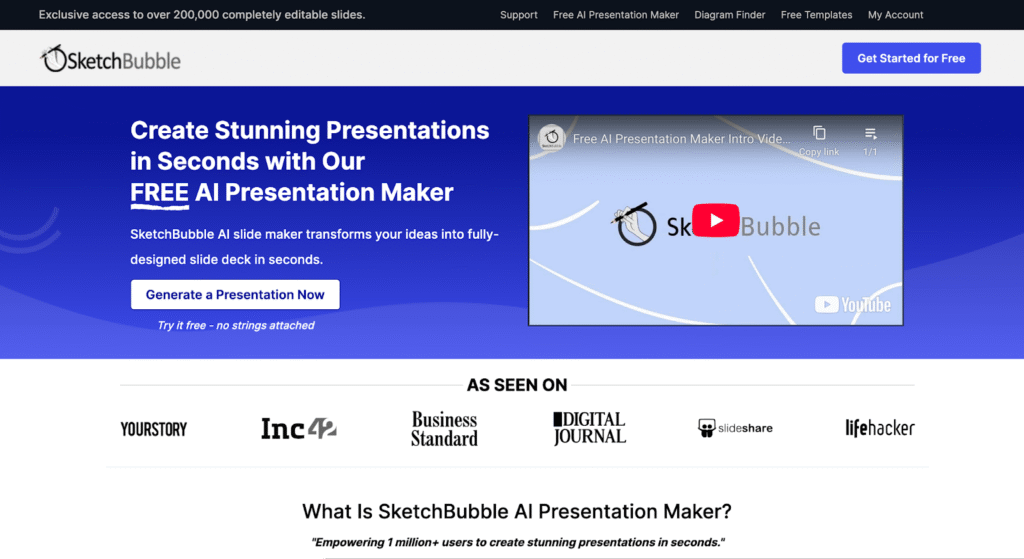
SketchBubble AI Presentation Maker is an innovative AI-powered presentation tool designed to help users generate complete slide decks quickly and easily by leveraging artificial intelligence and natural language processing . This tool addresses the common challenge of time-consuming presentation creation, often requiring significant effort in design, content structuring, and visual layout. SketchBubble automates this process, allowing individuals to focus on their message rather than the mechanics of slide design. It is particularly valuable for professionals, educators, and students who need to create compelling presentations efficiently. The core technology utilizes AI algorithms to transform text prompts into visually appealing and informative presentations, streamlining the workflow from concept to delivery. SketchBubble is ideal for anyone seeking a rapid and accessible solution for creating presentations without needing extensive design skills or software expertise. It offers a free and efficient alternative to traditional presentation methods, empowering users to communicate their ideas effectively. The tool is optimized for keywords such as AI presentation maker , AI slide generator , and automatic presentation tool . Key Features of SketchBubble AI Presentation Maker Generates complete presentations from text prompts. Creates presentations with relevant content and structure. Offers visually appealing slide layouts and designs. Allows for easy downloading in PowerPoint format. Enables opening and editing in Google Slides. Requires no prior design experience. Provides a fast and efficient presentation creation process. Supports a wide range of presentation topics. Automatically structures content into logical slide sequences. Offers a user-friendly interface for prompt input. Why People Use SketchBubble AI Presentation Maker Individuals and organizations utilize SketchBubble to overcome the hurdles associated with traditional presentation development. Manually creating presentations often involves hours of work, including research, content writing, design, and formatting. SketchBubble significantly reduces this time investment by automating the majority of these tasks. The tool empowers users to quickly transform their ideas into polished presentations, even without design expertise. This is particularly beneficial for those who prioritize content and delivery over aesthetic details. By streamlining the presentation creation process, SketchBubble allows users to focus on refining their message and engaging their audience, ultimately improving communication effectiveness. It offers a scalable solution for generating presentations, making it suitable for both individual projects and large-scale initiatives. Popular Use Cases Business Professionals: Creating pitch decks, sales presentations, and internal reports. Educators: Developing lecture slides, course materials, and student presentations. Students: Preparing class presentations, project reports, and thesis defenses. Marketing Teams: Generating presentations for webinars, product launches, and marketing campaigns. Trainers & Consultants: Developing training materials and workshop presentations. Project Managers: Creating project status updates and stakeholder presentations. Public Speakers: Crafting engaging presentations for conferences and events. Content Creators: Visualizing blog posts or articles into presentation format. Researchers: Presenting findings and data in a clear and concise manner. Startups: Quickly building pitch decks to attract investors. Benefits of SketchBubble AI Presentation Maker Significant Time Savings: Reduces presentation creation time from hours to minutes. Increased Productivity: Enables users to create more presentations with less effort. Enhanced Content Quality: Generates well-structured and informative slide decks. Improved Visual Appeal: Creates visually engaging presentations with professional designs. Accessibility for All Users: Requires no prior design skills or software expertise. Cost-Effective Solution: Offers a free alternative to expensive presentation software or design services. Streamlined Workflow: Simplifies the presentation creation process from start to finish. Greater Focus on Message: Allows users to concentrate on content and delivery. Easy Customization: Enables easy editing and refinement in PowerPoint or Google Slides. Scalable Presentation Creation: Supports the generation of presentations for various needs and audiences.
 Android
 IOS
IOS Mini Tools
 Software
 Web
Web