
RiversideNew
Overview
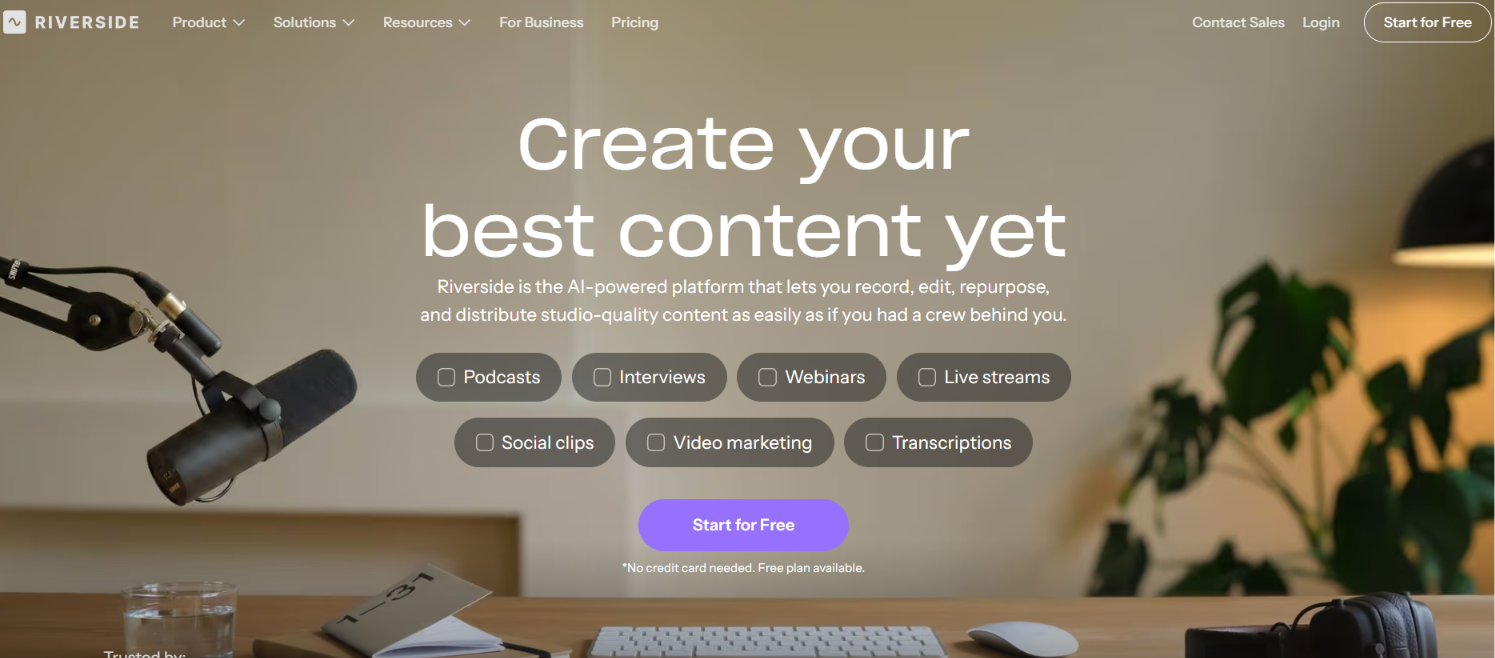
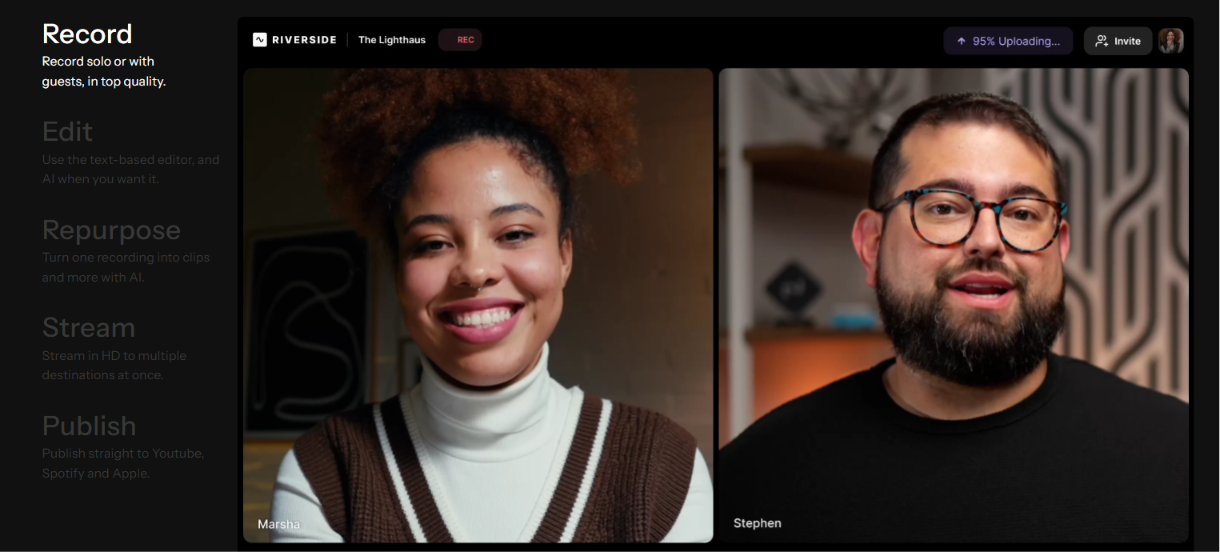
Riverside is a powerful online podcast and video recording platform that enables creators, businesses, educators, marketers, and professionals to record studio-quality audio and 4K video remotely. Designed for modern content creators, Riverside combines high-quality local recording with AI-powered editing, automatic transcription, screen recording, and live streaming tools to simplify the entire content creation workflow.
Whether you're hosting a podcast, interviewing guests, recording webinars, creating YouTube videos, conducting remote interviews, or producing online courses, Riverside provides everything you need to capture professional-quality content from anywhere in the world. Unlike traditional video conferencing tools, Riverside records audio and video locally on each participant's device, ensuring crystal-clear recordings even if the internet connection becomes unstable.
High-Quality Remote Recording
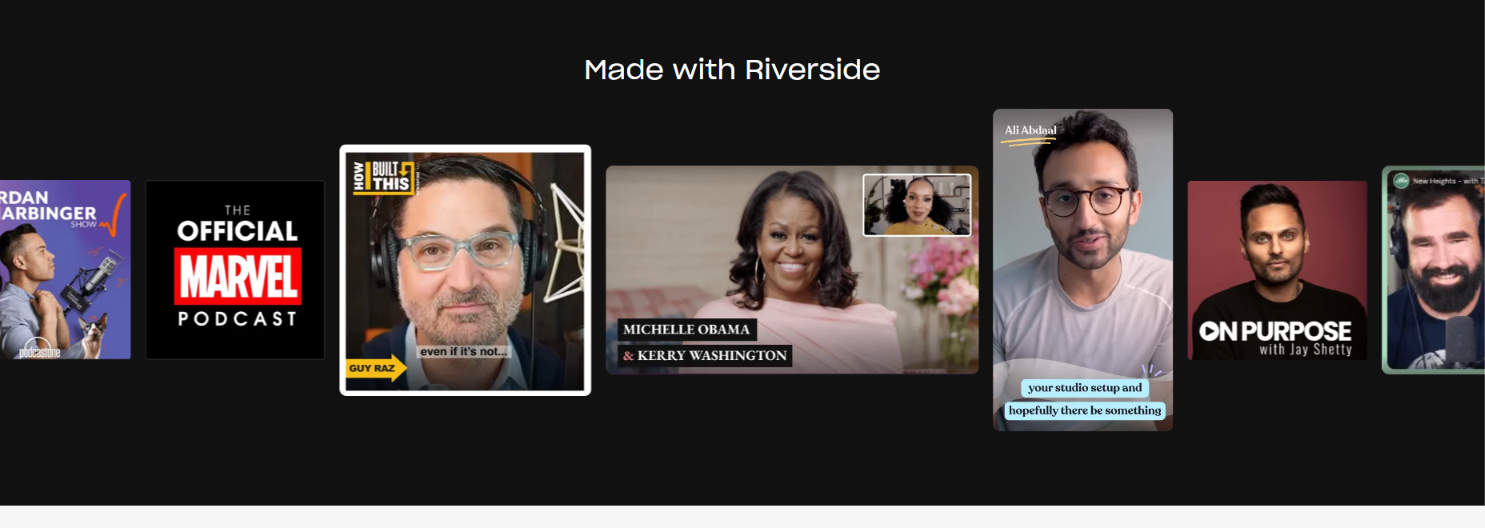
Riverside is trusted by podcasters, YouTubers, media companies, educators, agencies, and businesses because it delivers broadcast-quality recordings without requiring expensive studio equipment. Users can record multiple participants, capture separate audio and video tracks, and produce professional content with ease.
Popular features include:
- 4K video recording
- Studio-quality audio recording
- Local recording technology
- AI-powered video editing
- Automatic transcription
- AI-generated show notes
- Magic Clips for social media
- Screen recording
- Live streaming
- Multi-track recording
- Podcast editing
- Speaker detection
- Noise reduction
- Cloud storage
- Team collaboration tools
AI-Powered Content Creation
Riverside uses advanced artificial intelligence to speed up post-production. AI tools automatically generate transcripts, captions, summaries, chapters, titles, and short video clips, allowing creators to publish content faster across multiple platforms. These automation features help reduce editing time while improving productivity and content quality.
Perfect for Creators and Businesses
Riverside is designed for a wide range of users, including:
- Podcasters
- YouTubers
- Content Creators
- Digital Marketers
- Journalists
- Online Educators
- Coaches
- Business Teams
- Agencies
- Media Companies
- Remote Interviewers
- Freelancers
- Entrepreneurs
Whether you're recording interviews, creating educational content, hosting webinars, or producing marketing videos, Riverside helps you achieve professional results with minimal effort.
Why Choose Riverside?
Riverside offers a complete recording and content production solution by combining high-quality recording with AI-powered editing tools. Key benefits include:
- Studio-quality audio and 4K video
- Reliable local recording technology
- Automatic AI transcription
- AI-generated clips and summaries
- Easy remote guest recording
- Separate audio and video tracks
- Fast cloud-based workflow
- Beginner-friendly interface
- Collaboration features for teams
- Professional content production
Popular Use Cases
Riverside is commonly used for:
- Podcast recording
- Remote interviews
- YouTube videos
- Webinar recording
- Online courses
- Virtual events
- Business meetings
- Marketing content
- Social media videos
- Customer testimonials
- Product demonstrations
- Educational tutorials
Final Thoughts
As remote content creation continues to grow, Riverside has become one of the leading platforms for professional podcast and video recording. With its studio-quality local recording, AI-powered editing tools, automatic transcription, and streamlined publishing workflow, Riverside enables creators and businesses to produce high-quality content faster and more efficiently than ever before.
Frequently Asked Questions (FAQs)
1. What is Riverside?
Riverside is an online podcast and video recording platform that allows users to record studio-quality audio and up to 4K video remotely. It also includes AI-powered editing, transcription, screen recording, and live streaming features.
2. Is Riverside free to use?
Riverside offers both free and paid plans. The free version includes essential recording features, while premium plans unlock higher recording limits, advanced AI tools, additional storage, and professional collaboration features.
3. Who should use Riverside?
Riverside is ideal for podcasters, YouTubers, journalists, educators, marketers, business teams, coaches, agencies, content creators, and anyone who needs professional-quality remote audio and video recording.
4. What makes Riverside different from Zoom or Google Meet?
Unlike traditional video conferencing platforms, Riverside records audio and video locally on each participant's device instead of relying entirely on internet quality. This results in significantly higher-quality recordings even if the connection experiences interruptions.
5. Does Riverside provide AI-powered editing tools?
Yes. Riverside includes AI-powered features such as automatic transcription, AI-generated show notes, smart captions, summaries, speaker detection, and Magic Clips that help creators quickly repurpose long-form content into short social media videos.
6. Can Riverside record podcasts and videos simultaneously?
Yes. Riverside allows users to record both high-quality audio and up to 4K video at the same time, making it an excellent solution for video podcasts, interviews, webinars, and YouTube content.
7. Does Riverside support remote guests?
Absolutely. Riverside enables users to invite remote guests through a simple browser link without requiring complex software installation. Each participant's recording is captured locally for maximum quality.
8. Is Riverside suitable for professional content creation?
Yes. Riverside is trusted by professional creators, businesses, media companies, and educators because it combines studio-quality recording, AI-powered editing, cloud collaboration, and efficient publishing tools in a single platform, making it ideal for producing professional podcasts, interviews, webinars, and marketing videos.
Key use cases and capabilities
- Riverside
- Riverside FM
- Riverside AI
- Riverside Podcast Studio
- AI Podcast Editor
- Podcast Recording Software
- Remote Podcast Recording
- AI Video Editor
- AI Audio Editor
- Video Content Creation
- Podcast Editing Tool
- AI Transcription
- AI Show Notes Generator
- AI Clip Generator
- YouTube Content Creation
- Content Creator Tools
- Studio Quality Recording
- Online Podcast Platform
- AI Media Production
- Video Recording Software
- Audio Recording Tool
- Creator Economy Tools
- AI Content Creation
- Marketing Content Tools
- Interview Recording Software
- Best Podcast Software
- Professional Recording Tool
- Remote Video Interviews
- Latest AI Tools
- Best AI Tools.
Page Insights
Related AIs
Featured

Compare with Alternatives
All VS
GetAi
@getai
Professional Content Creation tools for creators.
Pricing Details
More Related AIs
View All
Soona
Opening Overview Soona is a powerful AI-powered creative platform designed to help users streaml
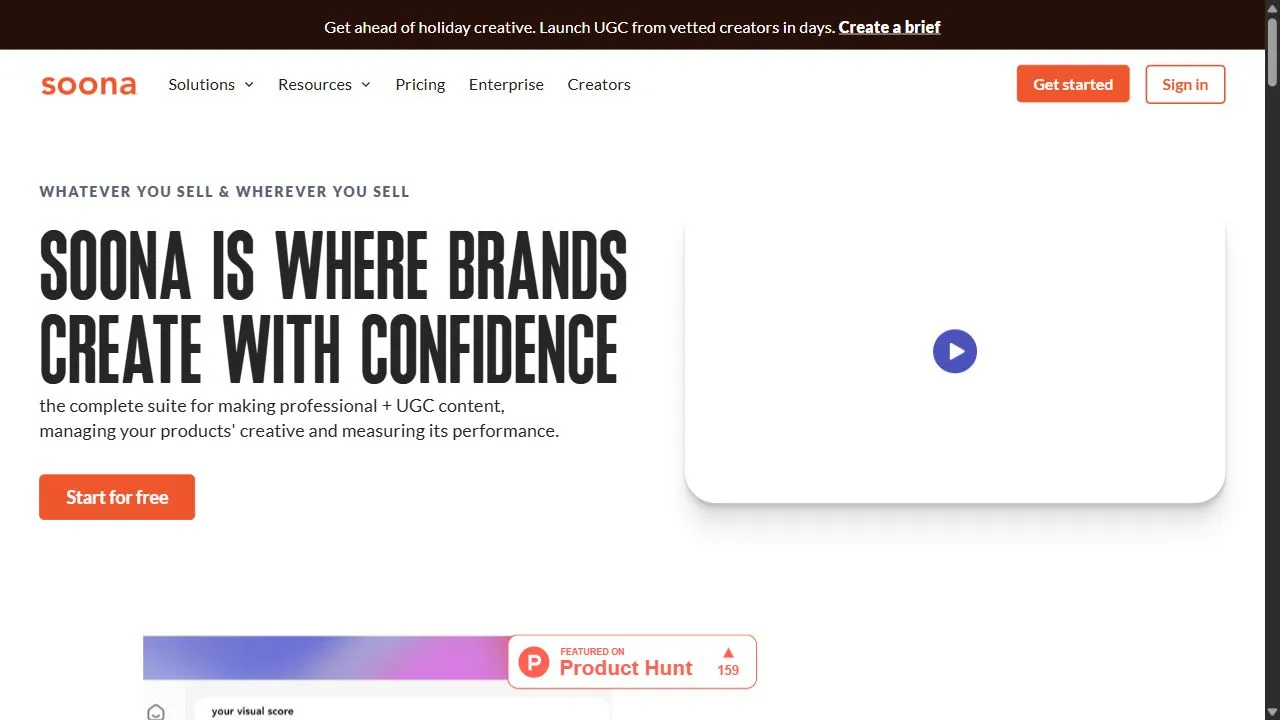
Opening Overview Soona is a powerful AI-powered creative platform designed to help users streamline professional content production and performance tracking by leveraging artificial intelligence, automation, and intelligent workflows . The platform addresses the critical problem of fragmented

Tok Live Recorder
Opening Overview Tok Live Recorder is a specialized AI-powered stream capture tool designed to he
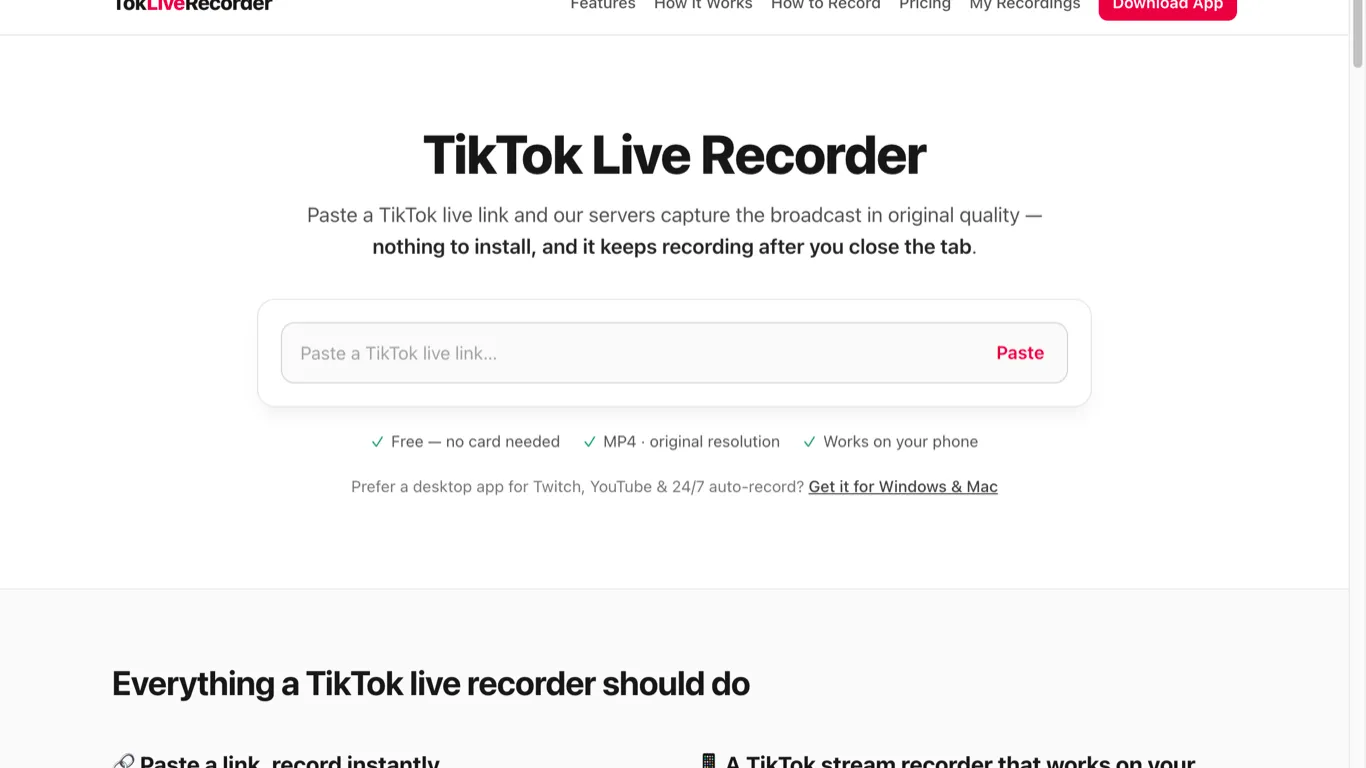
Opening Overview Tok Live Recorder is a specialized AI-powered stream capture tool designed to help users archive public TikTok LIVE broadcasts by leveraging server-side automation and intelligent recording workflows . The platform solves a primary limitation of the TikTok ecosystem: the fact th
