
Tok Live RecorderNew
Tok Live Recorder
Ai Tool Screenshots & Usage
Overview
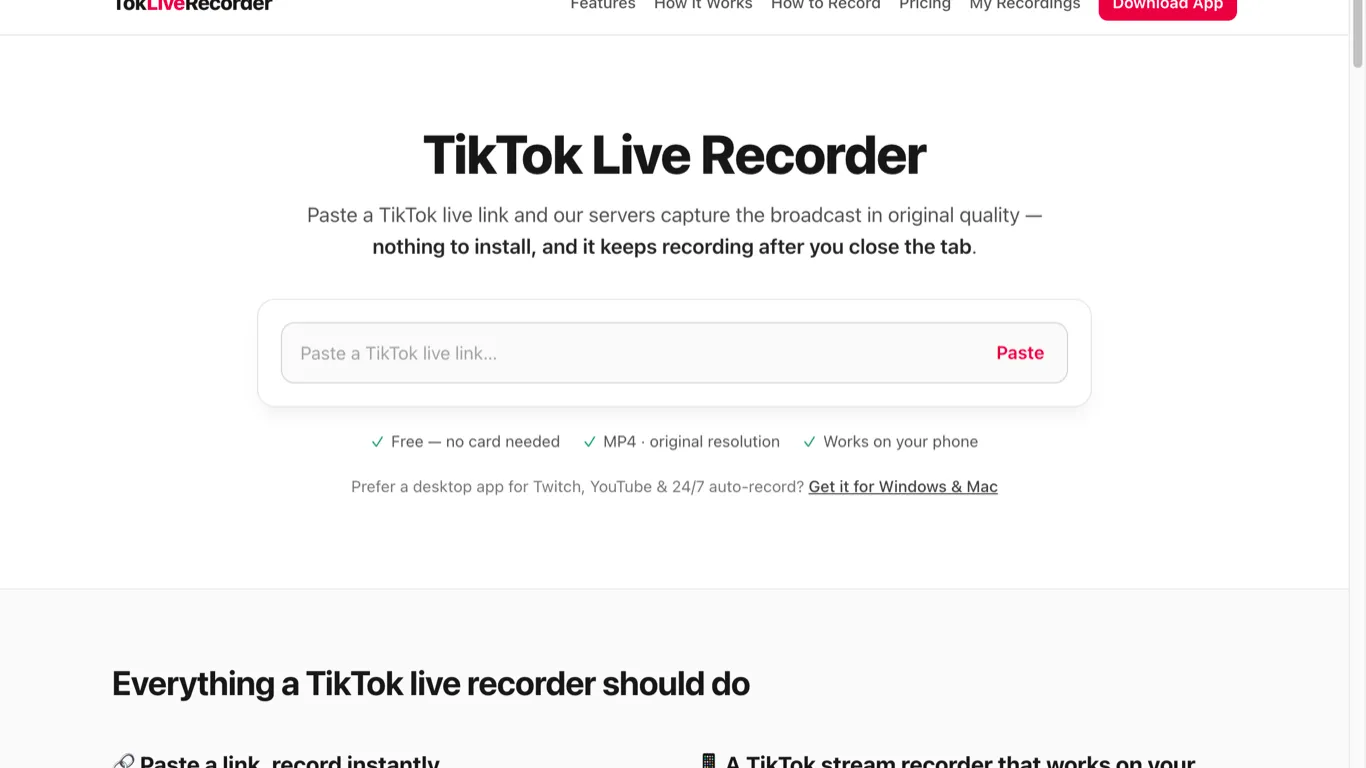
Tok Live Recorder is a web tool for keeping a copy of public TikTok LIVE streams. A LIVE disappears when it ends, and TikTok only lets the host download their own replay, so viewers who want to rewatch a stream, review a live-selling session or keep an archive have no built-in option.
How it works
- Copy the link of a public TikTok LIVE.
- Paste it into tokliverecorder.com and start the recording.
- The stream is captured on the server from the broadcast source, not by screen recording, so you can close the tab or turn off your phone while it records.
- When the LIVE ends, download the recording as an MP4.
What you get
- Original broadcast quality, no watermark, no chat or gift overlays
- Works in any browser on phone or desktop, nothing to install
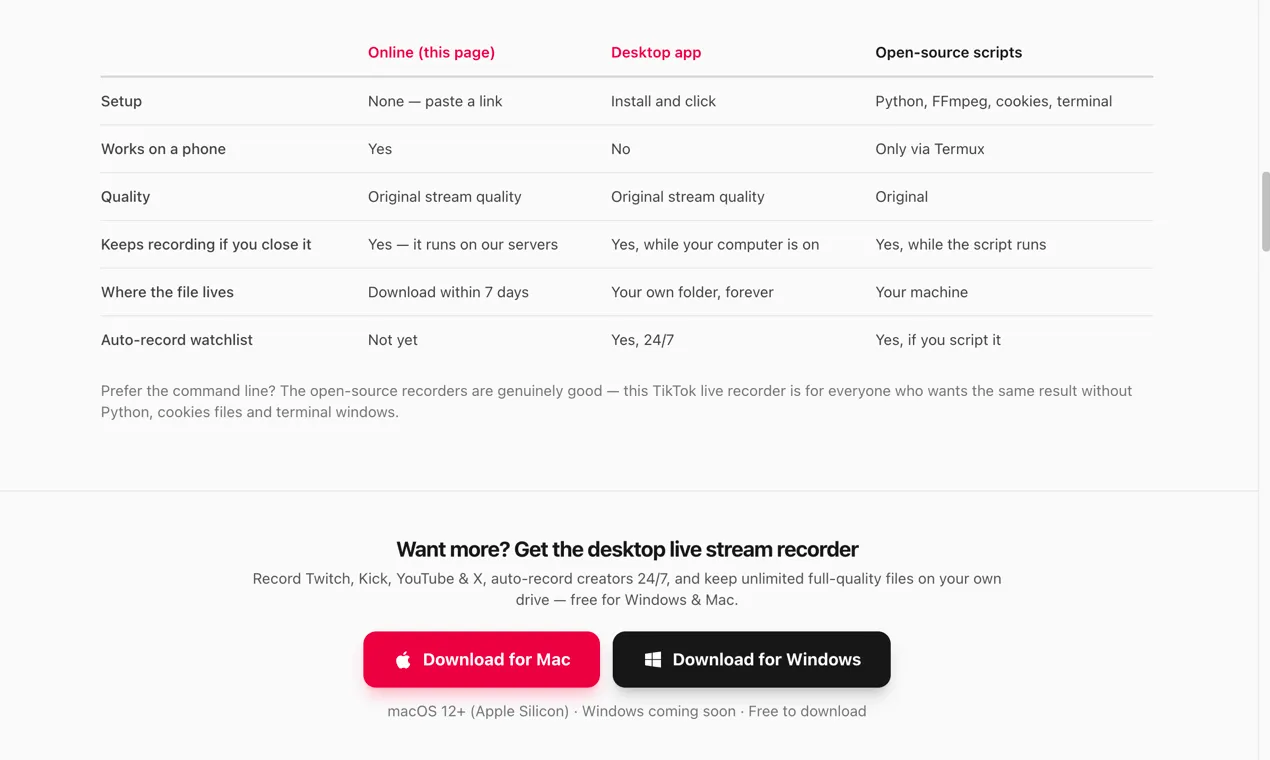
- First 5 recordings free without sign-up; each recording can run up to 2 hours
- Files are kept for 7 days for download
- Kick LIVE is also supported online; a Mac desktop app adds Twitch, YouTube and X broadcasts
Limits Only public streams can be recorded. Private, subscriber-only or paywalled streams are not supported. Please respect creators' rights and only reuse recordings with permission.
Tok Live Recorder saves public TikTok LIVE streams in your browser. Paste a LIVE link and the stream is recorded on the server in original quality, so it keeps recording after you close the tab. Download the result as an MP4 with no watermark. No install or sign-up needed for the first 5 recordings; each recording can run up to 2 hours.
Key use cases and capabilities
Page Insights
Pros & Cons
Pros
- Records on the server, so closing the tab does not stop the recording
- Original broadcast quality MP4 with no watermark
- Works in any browser on phone or desktop, no install
Cons
- Only public LIVE streams can be recorded
- Each recording is limited to 2 hours; files are kept for 7 days
Frequently Asked Questions (FAQ)
Do I need to keep the browser tab open while recording?
No. The recording runs on the server, so you can close the tab or lock your phone. Come back after the LIVE ends to download the MP4.
Can I record private or subscriber-only streams?
No. Only public TikTok LIVE streams can be recorded. Private, subscriber-only and paywalled streams are not supported.
Related AIs
Featured


Compare with Alternatives
All VS
jie wang
@jie-wang
Professional Content Creation tools for creators.
Pricing Details
More Related AIs
View AllBeastcam
Beastcam is an AI-powered camera and photo enhancement platform designed to help creators, photogra
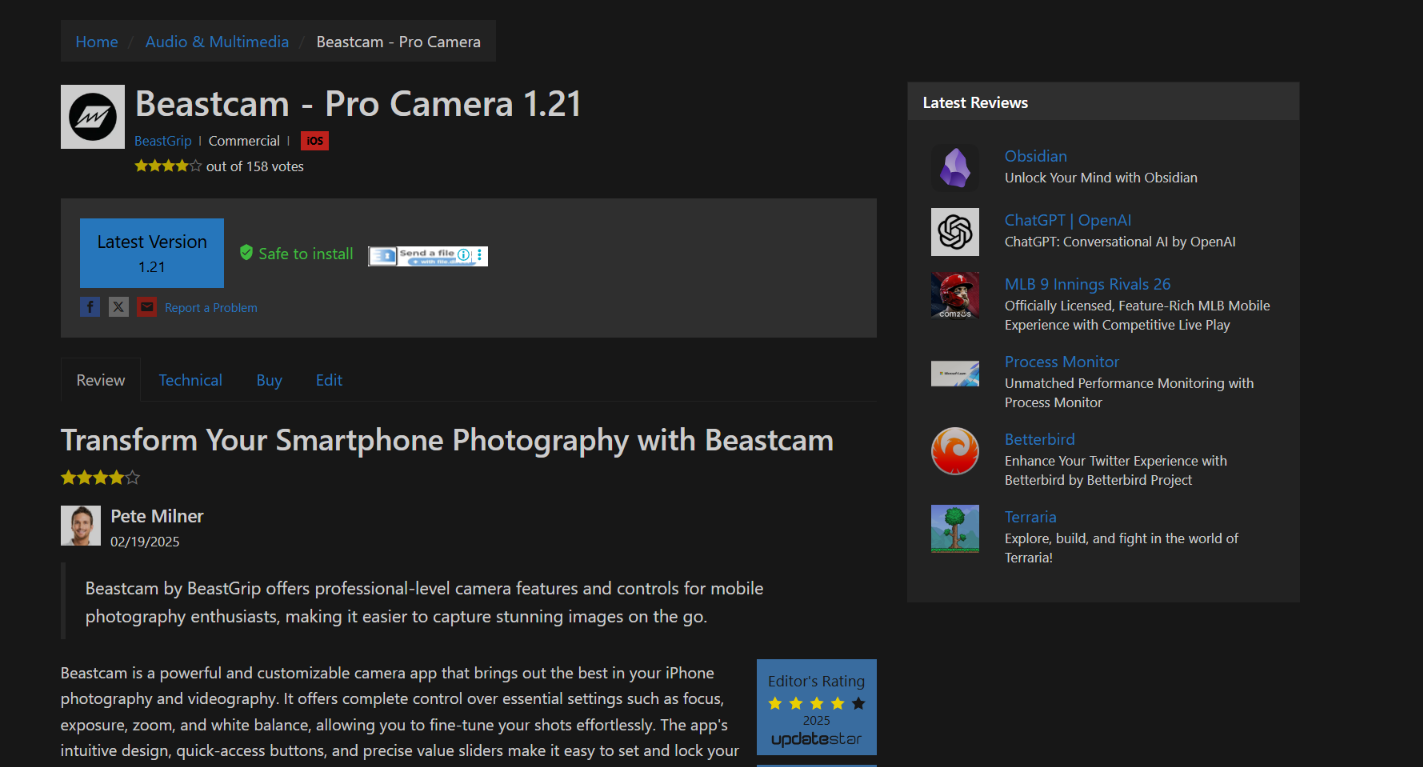
Beastcam is an AI-powered camera and photo enhancement platform designed to help creators, photographers, influencers, businesses, and everyday users capture, edit, and transform images with professional-quality results. Whether you're taking selfies, creating social media content, improving produc
Soona
Opening Overview Soona is a powerful AI-powered creative platform designed to help users streaml
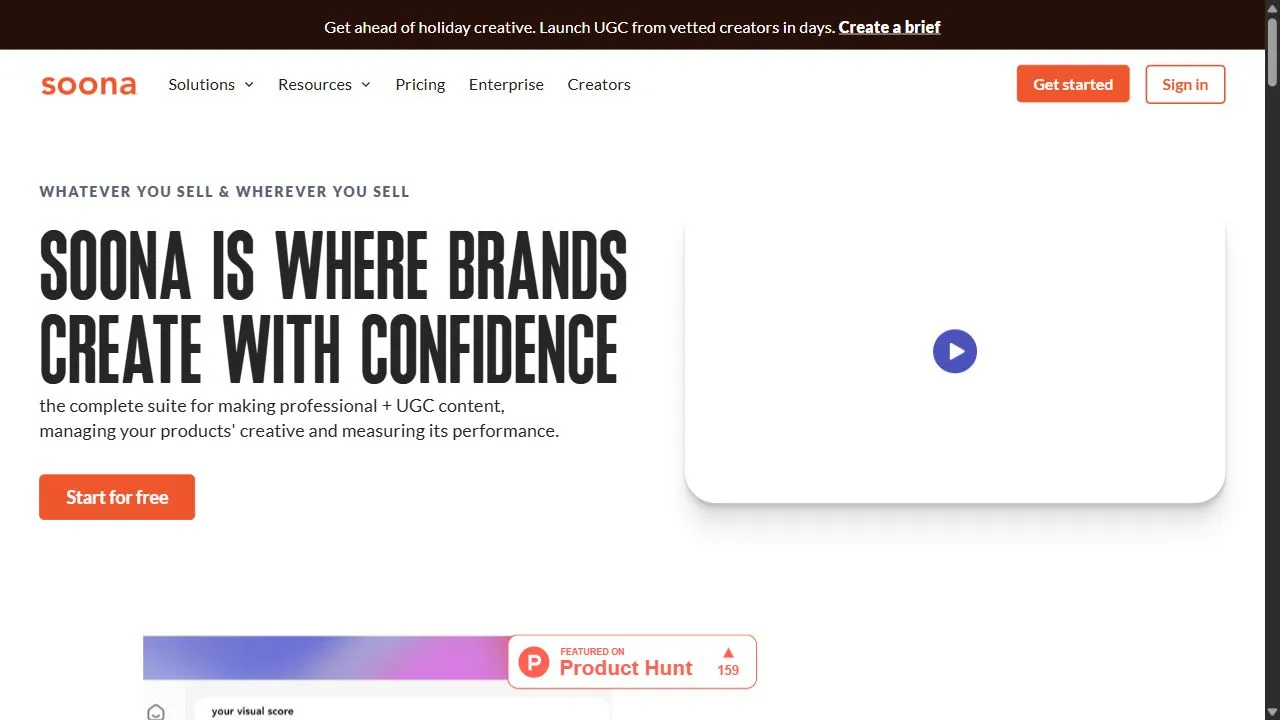
Opening Overview Soona is a powerful AI-powered creative platform designed to help users streamline professional content production and performance tracking by leveraging artificial intelligence, automation, and intelligent workflows . The platform addresses the critical problem of fragmented
