EaseUS Online Video Repair
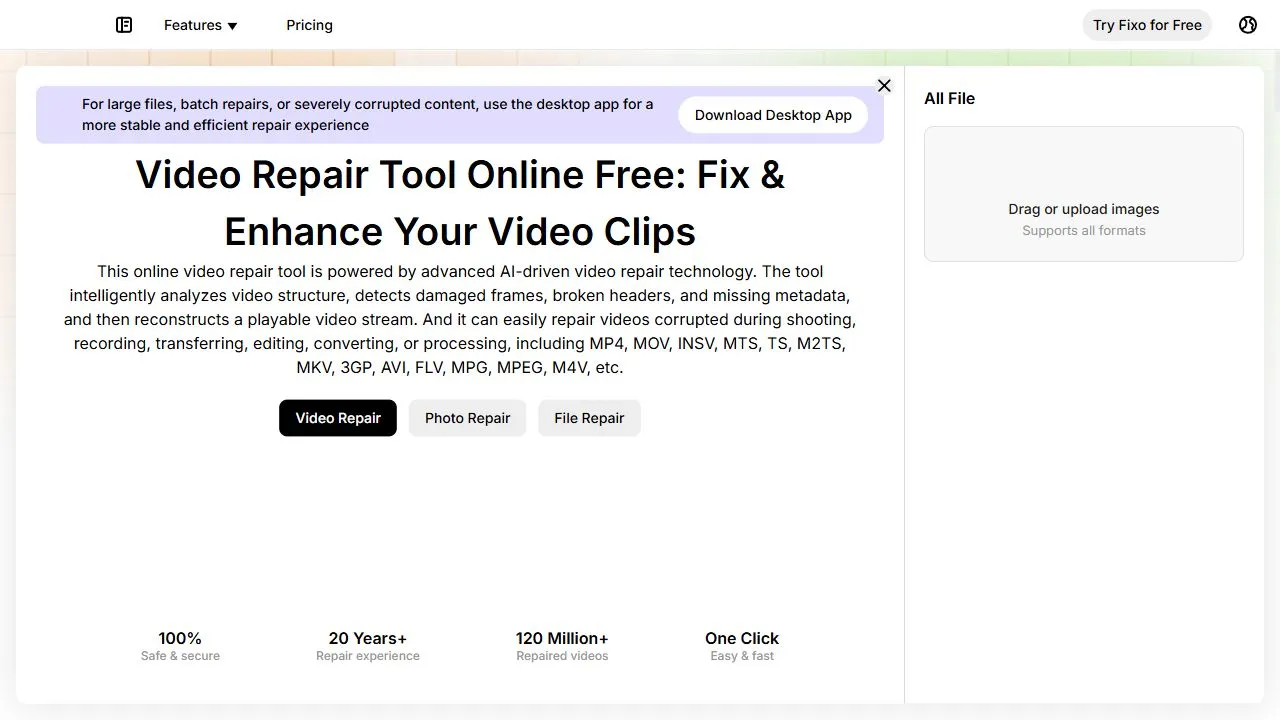
EaseUS Online Video Repair
Ai Tool Screenshots & Usage
Overview
EaseUS Online Video Repair is a powerful AI-powered video restoration tool designed to help users recover corrupted and unplayable video files by leveraging artificial intelligence, automation, and intelligent data reconstruction. This cloud-based solution specifically targets the common frustration of encountering "file format not supported" or "video cannot be played" errors, providing a streamlined path to restoring critical visual data without requiring the user to possess deep technical knowledge of video codecs or hex editing.
The tool addresses the critical problem of data corruption, which often occurs due to interrupted file transfers, camera malfunctions, power failures during recording, or software crashes during the exporting process. By utilizing advanced AI algorithms, the tool analyzes the structure of damaged MP4 and MOV files, identifies the specific points of corruption—such as damaged headers or broken indexes—and reconstructs the missing or distorted data to restore the file to a playable state. This eliminates the need for manual repair attempts that are often time-consuming and prone to failure.
Designed for a wide array of users, from professional videographers and social media content creators to casual users preserving family memories, EaseUS Online Video Repair simplifies the recovery process. It removes the barrier of complex software installations by operating entirely within a web browser, ensuring that users can access their recovered footage from any device with an internet connection. By focusing on high-intent recovery needs, the tool ensures that precious footage is not permanently lost due to unforeseen technical glitches.
Key Features of EaseUS Online Video Repair
- AI-driven scanning to identify the root cause of video corruption.
- Automated data reconstruction for corrupted MP4 and MOV files.
- Secure cloud-based processing that eliminates the need for local software installation.
- Intuitive drag-and-drop interface for rapid file uploading.
- Intelligent analysis of video headers to fix playback synchronization.
- High-fidelity restoration aimed at maintaining original video and audio quality.
- Cross-platform compatibility via any modern web browser.
- Real-time repair progress tracking for transparency during the reconstruction process.
- Automated detection of corrupted frames and bitstream errors.
- Secure data handling protocols to protect sensitive uploaded content.
Why People Use EaseUS Online Video Repair
The primary motivation for using EaseUS Online Video Repair is the avoidance of the steep learning curve associated with manual video repair. Traditionally, fixing a corrupted video file required the use of complex command-line tools, hex editors, or expensive professional data recovery services. For most users, these methods are inaccessible, risky, and time-consuming. This tool replaces those manual hurdles with an automated AI workflow that handles the technical complexities in the background.
Furthermore, the shift toward cloud-based repair is a significant driver for adoption. Many users no longer wish to download and install heavy software packages that consume system resources and may require administrative permissions. By moving the computational heavy lifting to the cloud, the tool allows users to repair files regardless of their hardware specifications. Whether the user is on a low-end laptop or a high-end workstation, the AI processes the video on powerful remote servers, ensuring a consistent and fast recovery speed.
Accuracy and reliability also play a major role. Manual attempts to "force" a video to play using third-party players often fail or result in distorted audio and video synchronization. People turn to this AI-powered solution because it doesn't just "bypass" the error; it attempts to reconstruct the actual data structure of the file, leading to a more stable and permanent fix.
Popular Use Cases
- Content Creators and YouTubers: Fixing B-roll footage or primary takes that became corrupted during the transfer from an SD card to a computer, ensuring production deadlines are met.
- Professional Videographers: Recovering critical wedding or event footage that was corrupted due to a camera battery failure or an unexpected shutdown during the recording process.
- Corporate Professionals: Repairing recorded Zoom, Microsoft Teams, or webinar sessions that failed to save correctly, allowing for the preservation of important business meetings and training materials.
- Social Media Managers: Restoring high-resolution MOV files intended for Instagram or TikTok that became unplayable after a failed cloud upload or download.
- Family Archivists: Recovering old digital home movies and vacation clips that have developed "bit rot" or corruption over years of storage on aging hard drives.
- Drone Pilots: Fixing aerial footage that was corrupted when a drone crashed or lost power before the file could be properly closed and saved.
- Educational Institutions: Restoring recorded lectures or educational presentations that suffered from file system errors during the saving process.
Benefits of EaseUS Online Video Repair
- Rapid Recovery Turnaround: The AI automation significantly reduces the time between discovering a corrupted file and having a playable version, moving the process from hours of manual work to a few minutes of automated processing.
- Elimination of Technical Barriers: Users do not need to understand the intricacies of video containers, codecs, or metadata; the tool abstracts the complexity, making professional-grade repair accessible to everyone.
- Enhanced Data Preservation: By reconstructing damaged data rather than simply attempting to skip corrupted frames, the tool maximizes the amount of salvageable footage, reducing the risk of permanent data loss.
- Increased Productivity: Professionals can avoid the costly need to reshoot footage, saving time, money, and logistical effort by restoring existing files.
- Zero Local Footprint: Since the tool is web-based, there is no need to manage software updates, licenses on multiple machines, or worry about disk space for installation.
- High Accessibility: The ability to upload and repair files from any operating system (Windows, macOS, Linux) ensures that users can fix their footage regardless of their current computing environment.
- Peace of Mind: Providing a reliable safety net for videographers and creators, knowing that a technical glitch during recording does not necessarily mean the loss of a once-in-a-lifetime moment.
Fix corrupted MP4 and MOV files online using AI-powered restoration that recovers damaged videos in just a few minutes.
Key use cases and capabilities
Page Insights
Pros & Cons
Pros
- Fast recovery process
- Web-based, no installation required
Cons
- Limited free repair preview
- File size limits for free users
Frequently Asked Questions (FAQ)
What formats are supported?
It currently supports common video formats like MP4 and MOV.
Is the process secure?
Yes, EaseUS provides a secure environment for uploading and repairing your sensitive video data.
Related AIs
Featured
Compare with Alternatives
All VS
GetAi
@getai
Professional Free Video Tools tools for creators.
Pricing Details
More Related AIs
View All
AIVector
AIVector is a powerful AI-powered vectorization tool designed to help users convert raster image
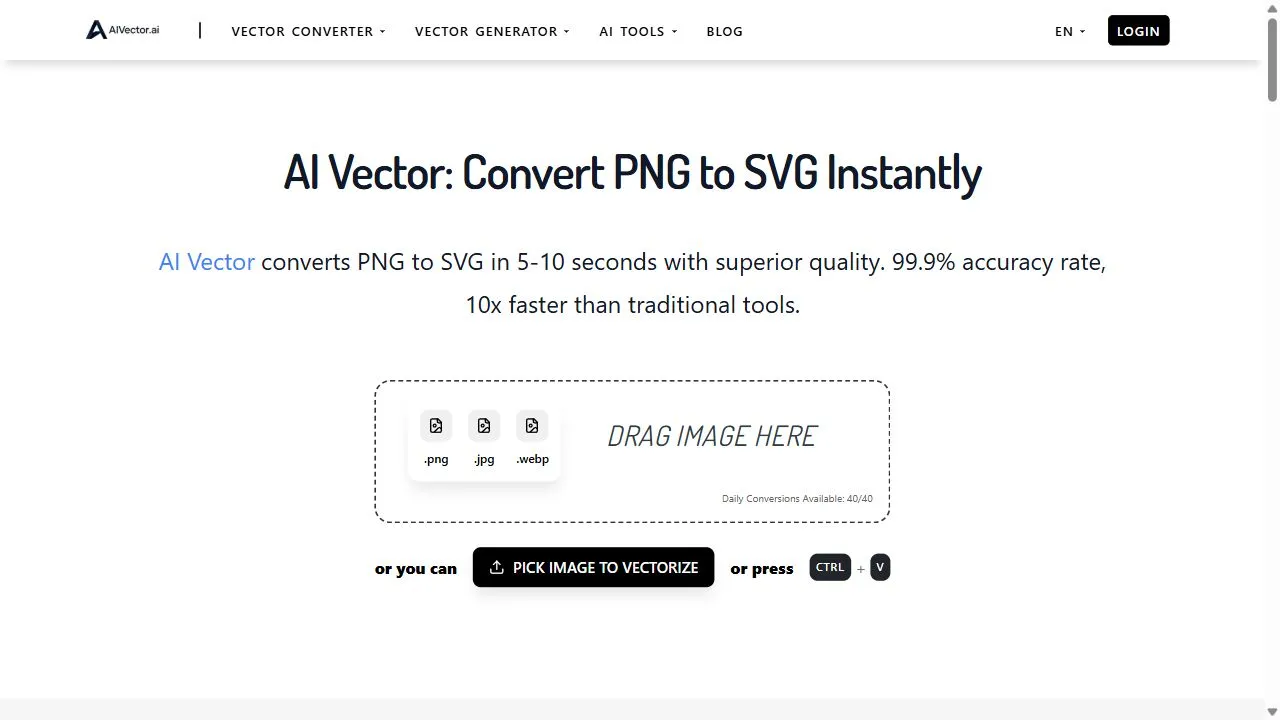
AIVector is a powerful AI-powered vectorization tool designed to help users convert raster images and text prompts into high-quality scalable vector graphics by leveraging artificial intelligence, deep learning, and automated path tracing . By transforming static, pixel-based images into resol

Snaploid
Opening Overview Snaploid is a powerful AI-powered vintage photography platform designed to help

Opening Overview Snaploid is a powerful AI-powered vintage photography platform designed to help users transform modern digital images into authentic, retro-style Polaroid cards by leveraging artificial intelligence, automated image processing, and intelligent visual workflows . In an era of ult

TapEdit
TapEdit is a powerful AI-powered photo editing platform designed to help users simplify complex
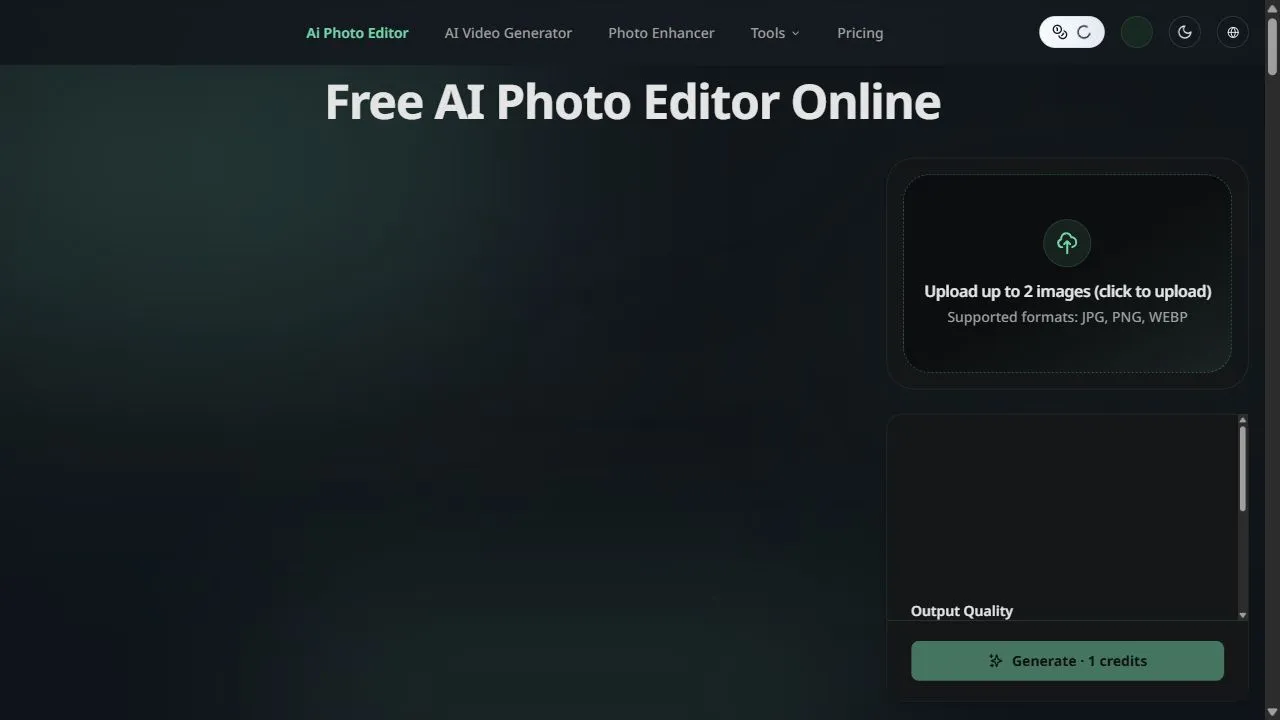
TapEdit is a powerful AI-powered photo editing platform designed to help users simplify complex image manipulation tasks by leveraging artificial intelligence, automation, and intelligent workflows . The platform addresses the common challenge of high-end photo editing, which traditionally req
Movie Maker Create
Opening Overview Movie Maker Create is a powerful AI-powered video editor and concatenator design
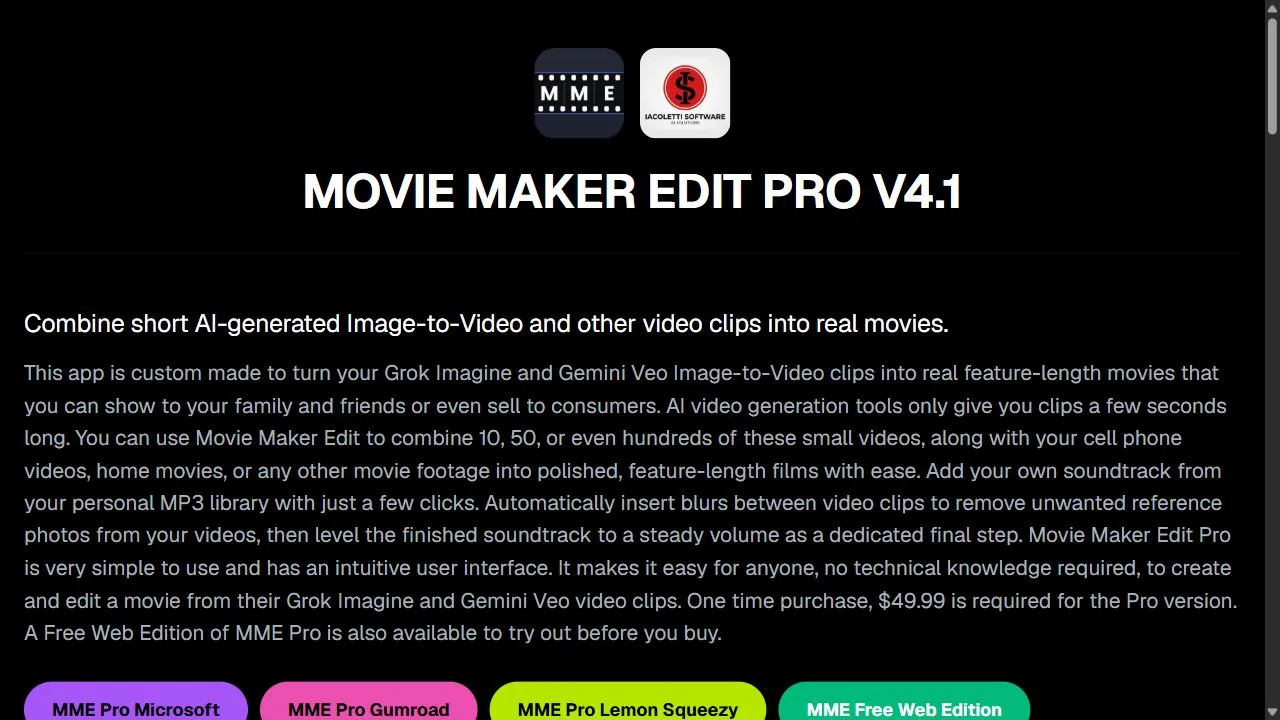
Opening Overview Movie Maker Create is a powerful AI-powered video editor and concatenator designed to help users produce professional-grade video content by leveraging artificial intelligence, automation, and direct API integration . In an era where video content dominates digital communicati
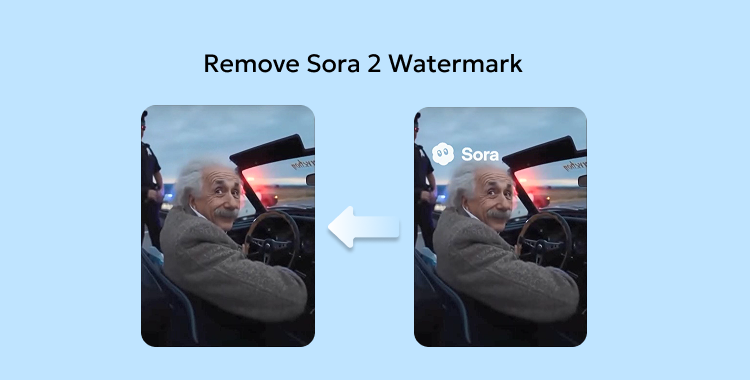
Remove Sora Watermark.ai
Opening Overview Remove Sora Watermark.ai is a specialized AI-powered video utility designed to h
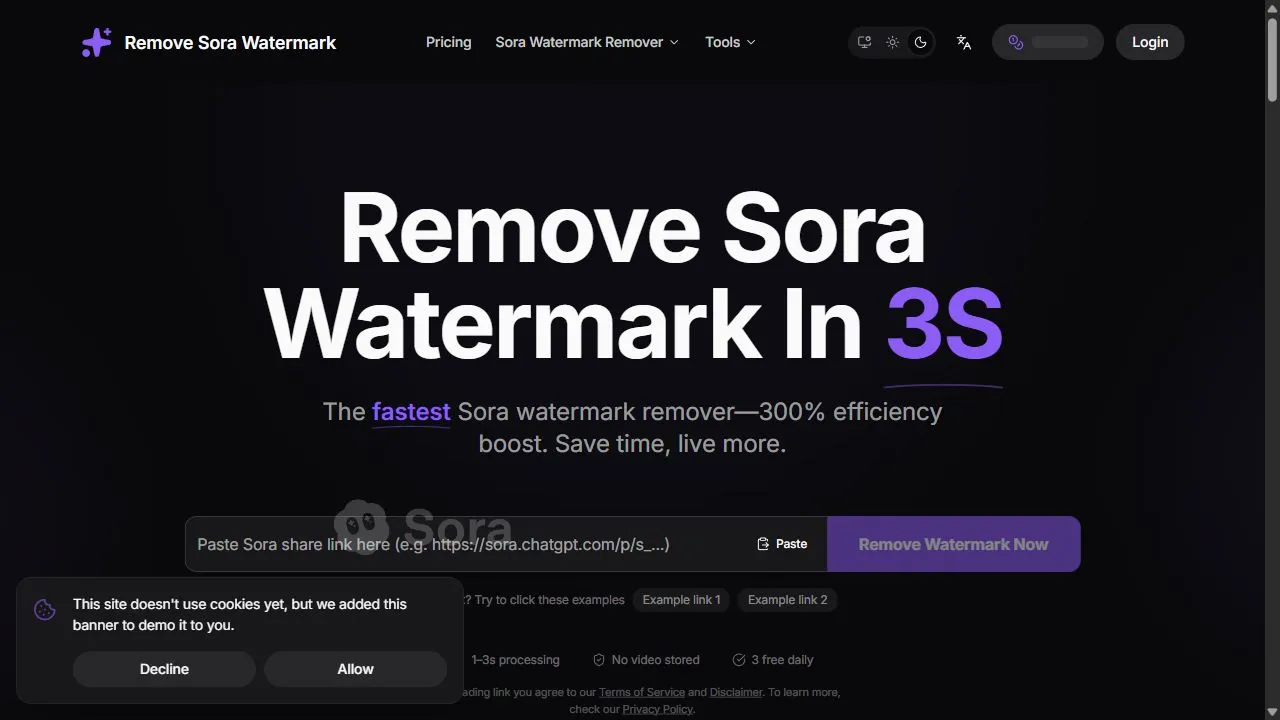
Opening Overview Remove Sora Watermark.ai is a specialized AI-powered video utility designed to help content creators and video editors remove obstructive watermarks from MP4 files by leveraging advanced artificial intelligence, object removal, and intelligent in-painting algorithms . The tool a

Try AI Editor
Opening Overview Try AI Editor is a powerful AI-powered image editing tool designed to help users
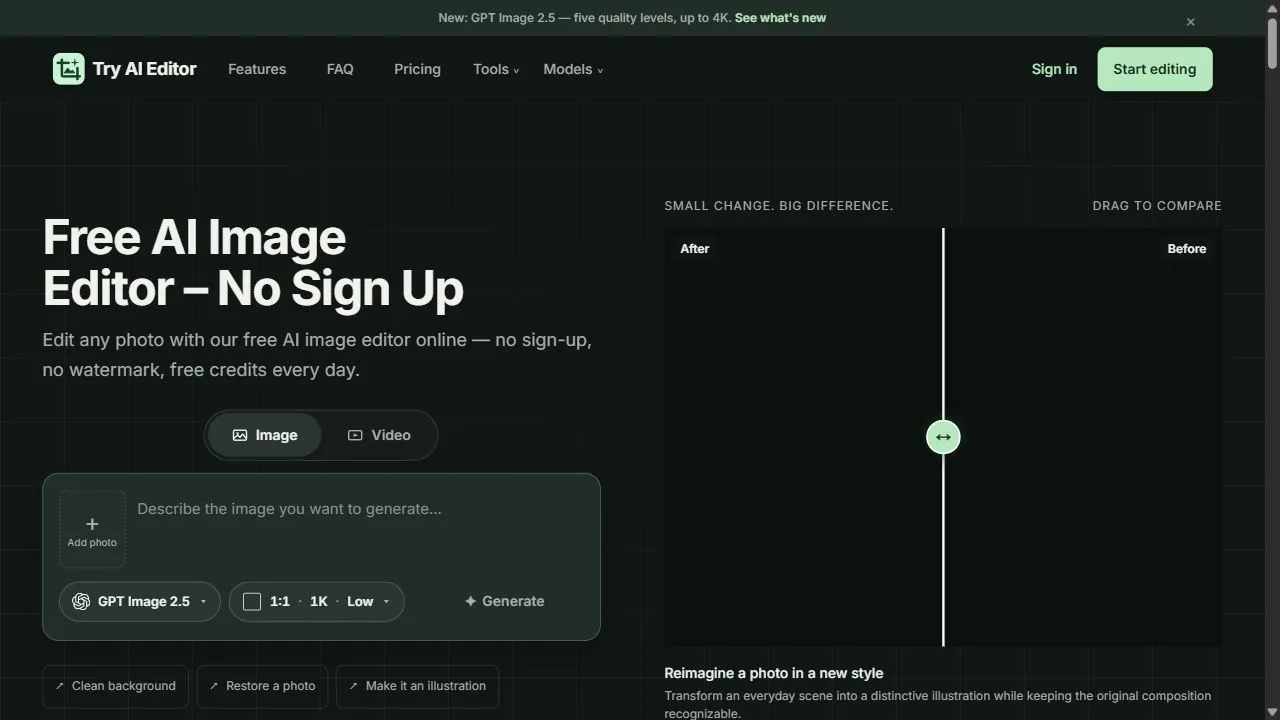
Opening Overview Try AI Editor is a powerful AI-powered image editing tool designed to help users achieve professional-grade photo modifications by leveraging artificial intelligence, automation, and intelligent workflows . By integrating advanced machine learning algorithms directly into a web-

Tight Studio
Tight Studio is a sophisticated screen recording and video editing platform designed primarily for p
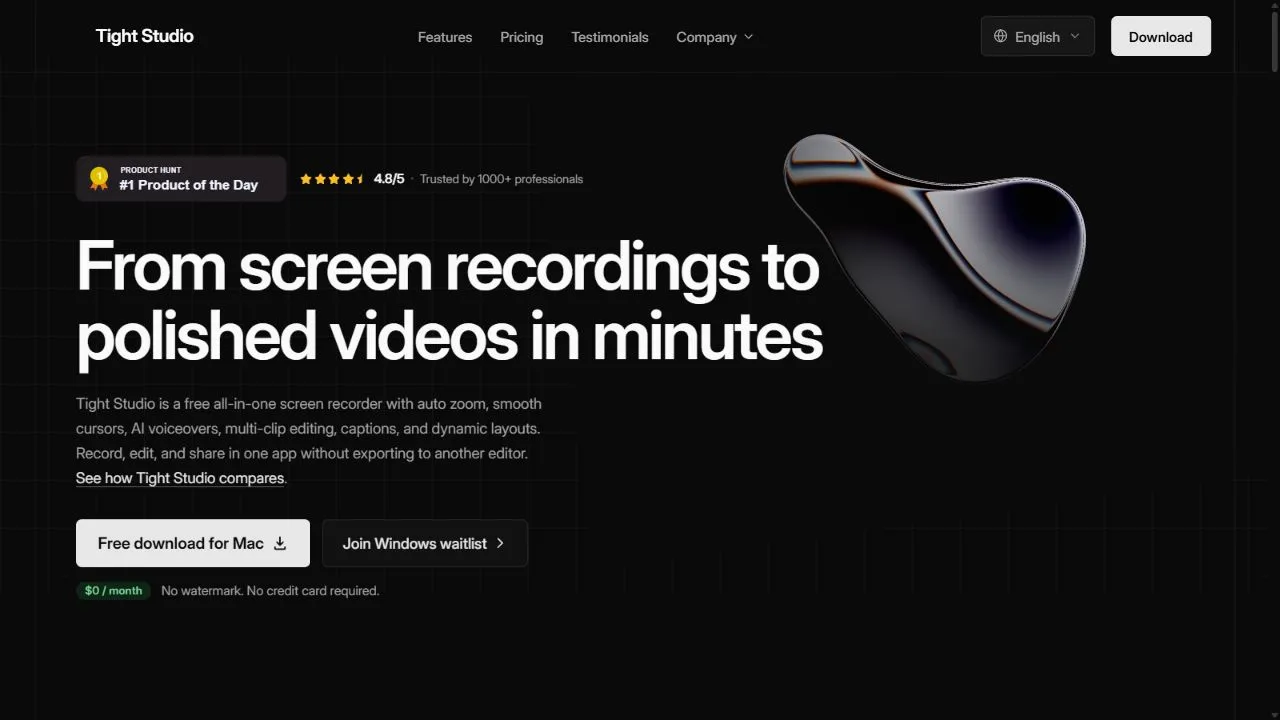
Tight Studio is a sophisticated screen recording and video editing platform designed primarily for product demos and user tutorials. It takes the hassle out of recording, processing, and editing footage by providing a polished suite of tools that turn raw recordings into professional, engaging video

Tinker
Tinker is a free, all-in-one AI creative playground that empowers users to explore the limits of the
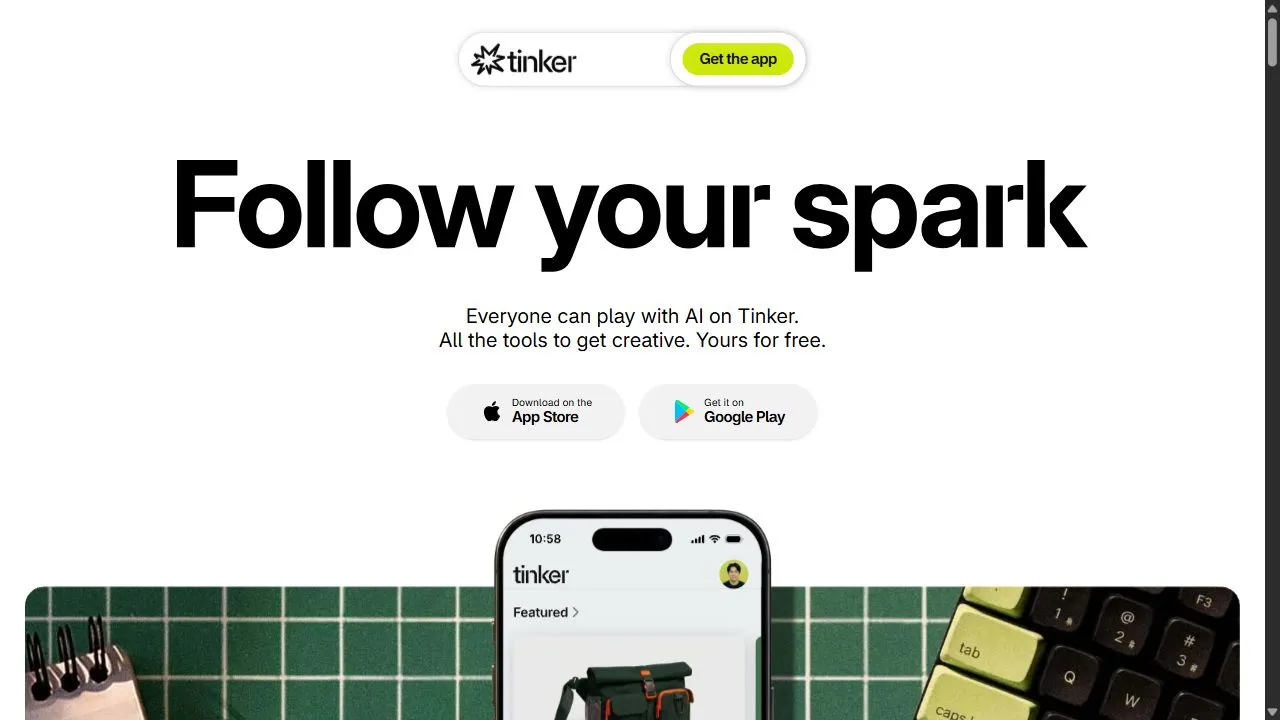
Tinker is a free, all-in-one AI creative playground that empowers users to explore the limits of their imagination. The platform offers a diverse set of tools for various creative pursuits, including image generation, creative writing, and text-based experimentation. By providing high-quality AI mod