
Try AI Editor




Try AI Editor
Ai Tool Screenshots & Usage
Overview
Opening Overview
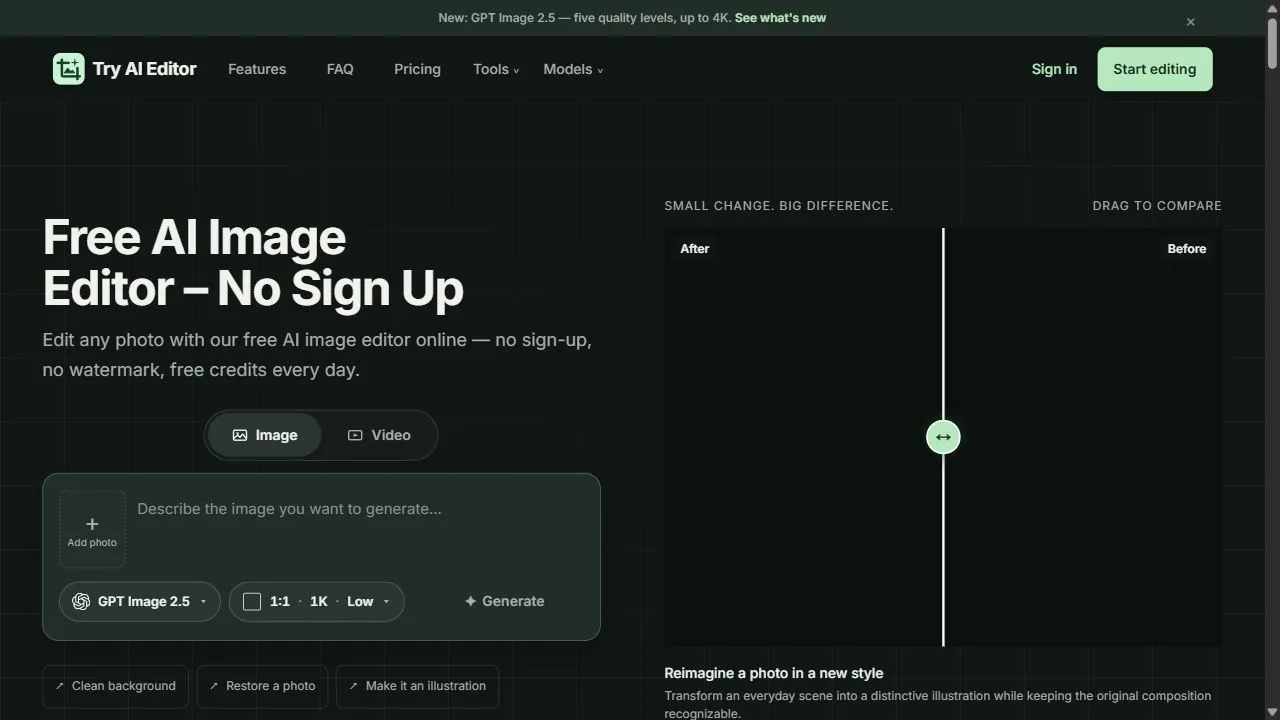
Try AI Editor is a powerful AI-powered image editing tool designed to help users achieve professional-grade photo modifications by leveraging artificial intelligence, automation, and intelligent workflows. By integrating advanced machine learning algorithms directly into a web-browser interface, the platform eliminates the need for complex software installations or extensive graphic design training. It solves the primary problem of high technical barriers in photo editing, allowing users to perform intricate tasks—such as precision background removal and object enhancement—in a matter of seconds rather than hours.
The tool utilizes AI to analyze image pixels, identify subject boundaries, and apply intelligent filters that maintain image integrity while enhancing visual appeal. This automation removes the tedious manual labor associated with traditional masking and layering techniques. Try AI Editor is specifically engineered for content creators, social media managers, e-commerce entrepreneurs, and casual users who require high-quality visual assets without the steep learning curve of professional desktop suites. By focusing on a "no sign-up" entry point for basic functions, it streamlines the workflow for those who need immediate results.
In an era where visual content drives engagement, the ability to quickly polish an image is a competitive advantage. This AI photo editor provides a scalable solution for producing clean, professional imagery that is suitable for everything from high-conversion landing pages to polished Instagram feeds. By combining accessibility with sophisticated AI processing, the tool empowers users to maintain a high standard of visual branding regardless of their technical proficiency.
Key Features of Try AI Editor
- AI-driven background removal for clean, transparent, or customized backdrops.
- Intelligent object enhancement to improve the clarity and detail of specific image elements.
- Web-based architecture that enables full functionality without software installation.
- Sign-up-free access for immediate basic image editing and processing.
- High-speed AI rendering that provides near-instantaneous results.
- Intuitive user interface designed for seamless navigation and one-click actions.
- Support for various image formats to ensure compatibility across different devices.
- Automated edge detection for precise subject isolation.
- Intelligent color and lighting adjustments powered by AI.
- Optimized output settings for social media and professional documentation.
Why People Use Try AI Editor
The primary motivation for using Try AI Editor is the desire to bypass the complexity and time commitment associated with traditional image editing software. Manual photo editing typically requires a deep understanding of layers, masks, and pen tools, which can take months or years to master. Users turn to this AI tool to achieve the same professional results through automated processes that require zero prior expertise.
Furthermore, the traditional workflow of installing heavy software and creating accounts for every single edit creates significant friction. People use this platform because it removes these barriers, providing a streamlined "upload-edit-download" pipeline. The shift from manual pixel manipulation to AI-driven intent allows users to focus on the creative vision rather than the technical execution.
Scalability is another driving factor. For individuals managing multiple social media accounts or small online stores, editing dozens of photos manually is unsustainable. The AI-powered nature of the tool ensures that consistency is maintained across a batch of images while drastically reducing the time spent per photo. This efficiency allows users to increase their content output without sacrificing quality or increasing their budget for professional designers.
Popular Use Cases
- E-commerce Product Photography: Online sellers use the tool to remove distracting backgrounds from product shots, creating clean, white-background images that meet the strict requirements of marketplaces like Amazon, eBay, and Shopify.
- Social Media Content Creation: Influencers and digital marketers utilize the AI enhancements to polish their photos, ensuring that their visual feed looks professional and cohesive to drive higher engagement and follower growth.
- Professional Headshot Polishing: Job seekers and corporate employees use the tool to clean up the backgrounds of their portraits, transforming a casual home photo into a professional-looking headshot for LinkedIn or company directories.
- Digital Marketing Assets: Graphic designers and marketers use the tool for rapid prototyping, quickly removing backgrounds from elements to create composites for advertisements and promotional banners.
- Real Estate Imagery: Agents use AI editing to enhance the brightness and clarity of property photos, making spaces look more inviting and professional for potential buyers.
- Personal Blogging and Journaling: Bloggers integrate the tool into their workflow to ensure that the imagery accompanying their articles is sharp, centered, and free of visual clutter.
Benefits of Try AI Editor
- Drastic Reduction in Turnaround Time: By automating complex tasks like masking and background removal, users can complete in seconds what previously took hours of manual effort.
- Professional Quality for Non-Designers: The AI ensures that edges are smooth and enhancements are natural, allowing users without a design degree to produce industry-standard visuals.
- Elimination of Software Overhead: Because the tool is web-based, there is no need to invest in expensive hardware or pay for high-cost monthly subscriptions to access basic editing capabilities.
- Enhanced Accessibility: The removal of mandatory sign-up processes for basic tasks lowers the entry barrier, making professional editing tools available to everyone instantly.
- Increased Productivity: The streamlined interface and fast processing speeds allow users to handle a higher volume of images, facilitating a more aggressive content publishing schedule.
- Improved Brand Consistency: AI-driven tools apply modifications consistently across different images, helping users maintain a uniform look and feel across their digital presence.
- Reduced Learning Curve: The intuitive nature of the AI eliminates the need for tutorials or training manuals, enabling immediate utility from the first interaction.
Edit any photo online using powerful AI tools with no sign-up required, providing fast and professional results instantly.
Key use cases and capabilities
Page Insights
Pros & Cons
Pros
- No sign-up required for basic use
- Fast and intuitive web-based interface
Cons
- Advanced features are hidden behind a paywall
- Limited batch editing capabilities
Frequently Asked Questions (FAQ)
Is it really free?
The platform offers a free version for basic editing, while advanced features require a monthly subscription.
Related AIs
Featured
Compare with Alternatives
All VS
GetAi
@getai
Professional Free Image Tools tools for creators.
Pricing Details
More Related AIs
View All
AIVector
AIVector is a powerful AI-powered vectorization tool designed to help users convert raster image
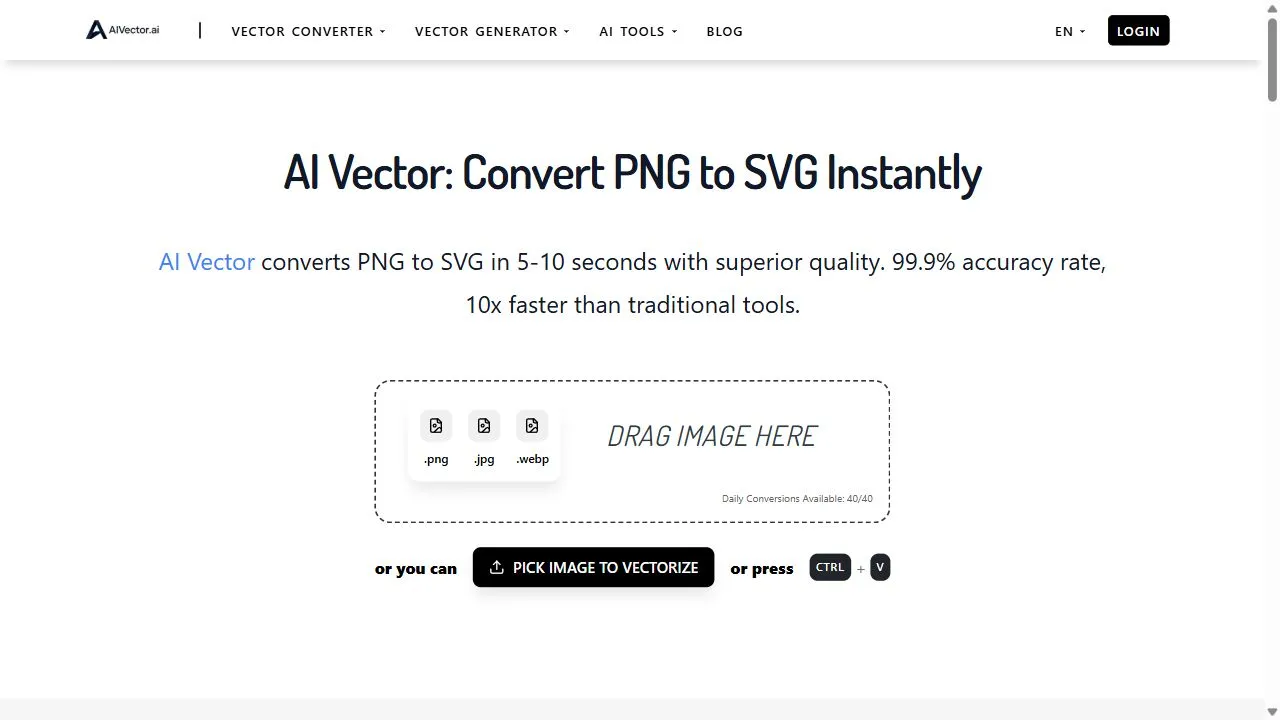
AIVector is a powerful AI-powered vectorization tool designed to help users convert raster images and text prompts into high-quality scalable vector graphics by leveraging artificial intelligence, deep learning, and automated path tracing . By transforming static, pixel-based images into resol
EaseUS Online Video Repair
EaseUS Online Video Repair is a powerful AI-powered video restoration tool designed to help users
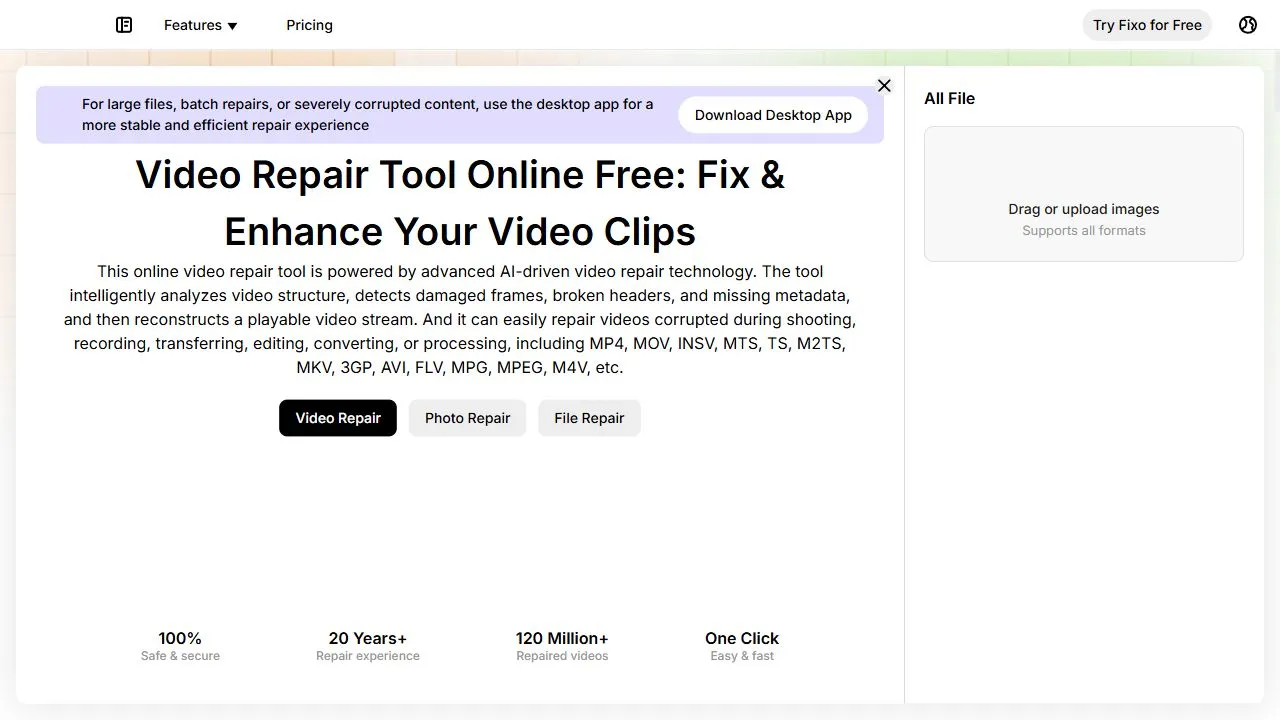
EaseUS Online Video Repair is a powerful AI-powered video restoration tool designed to help users recover corrupted and unplayable video files by leveraging artificial intelligence, automation, and intelligent data reconstruction . This cloud-based solution specifically targets the common frus

Snaploid
Opening Overview Snaploid is a powerful AI-powered vintage photography platform designed to help
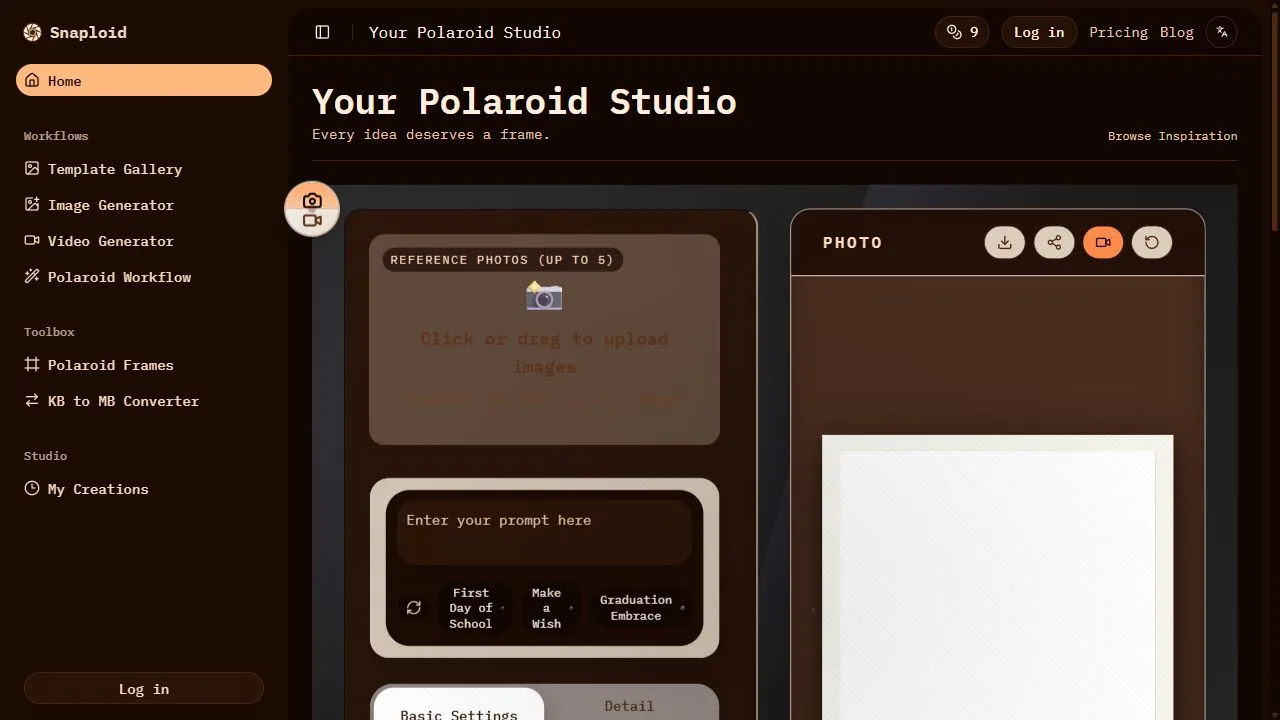
Opening Overview Snaploid is a powerful AI-powered vintage photography platform designed to help users transform modern digital images into authentic, retro-style Polaroid cards by leveraging artificial intelligence, automated image processing, and intelligent visual workflows . In an era of ult

TapEdit
TapEdit is a powerful AI-powered photo editing platform designed to help users simplify complex
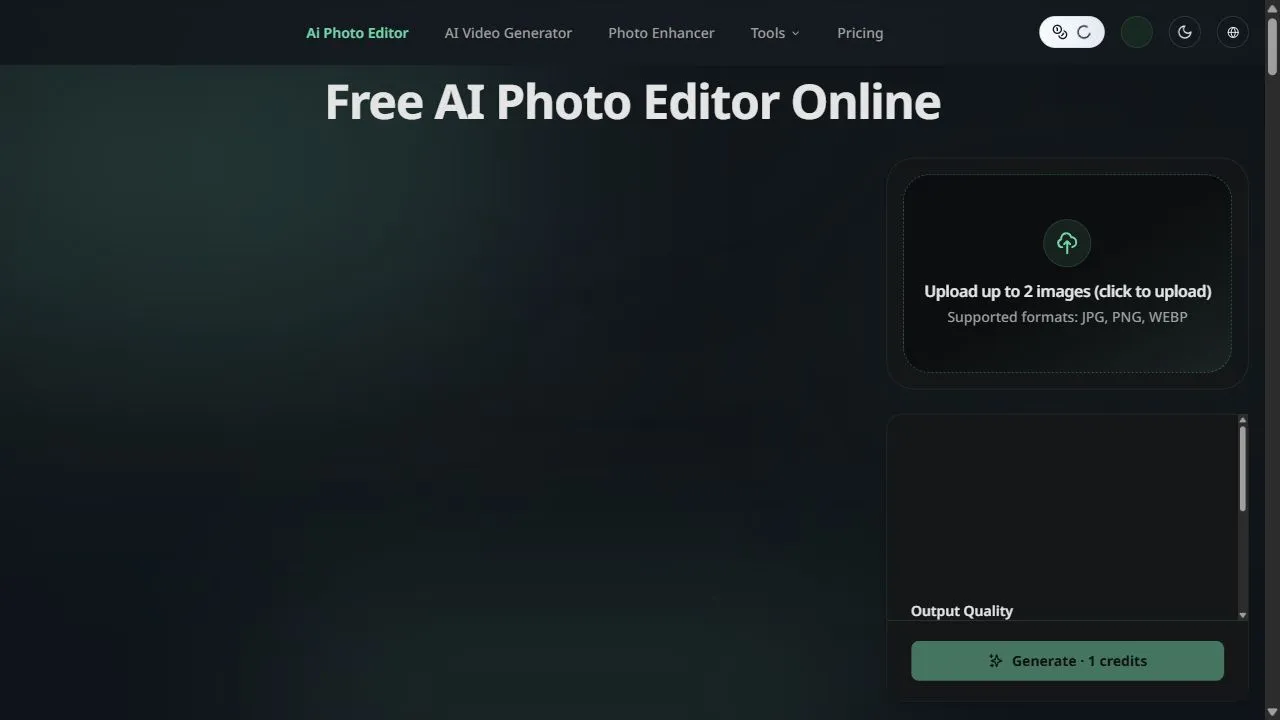
TapEdit is a powerful AI-powered photo editing platform designed to help users simplify complex image manipulation tasks by leveraging artificial intelligence, automation, and intelligent workflows . The platform addresses the common challenge of high-end photo editing, which traditionally req
Movie Maker Create
Opening Overview Movie Maker Create is a powerful AI-powered video editor and concatenator design
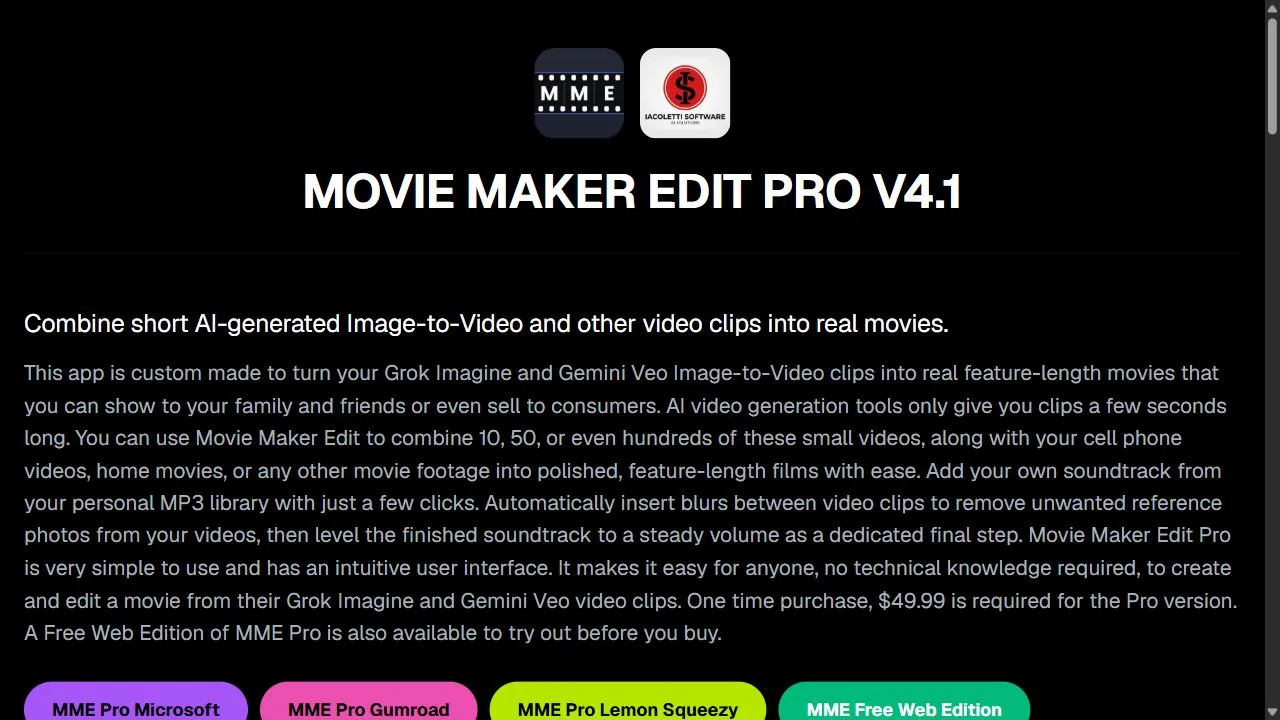
Opening Overview Movie Maker Create is a powerful AI-powered video editor and concatenator designed to help users produce professional-grade video content by leveraging artificial intelligence, automation, and direct API integration . In an era where video content dominates digital communicati
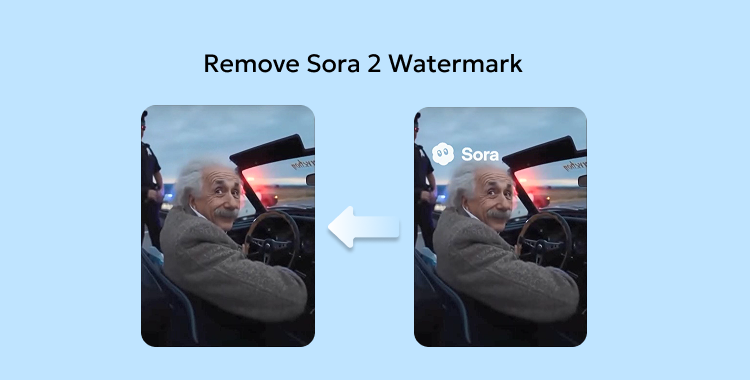
Remove Sora Watermark.ai
Opening Overview Remove Sora Watermark.ai is a specialized AI-powered video utility designed to h
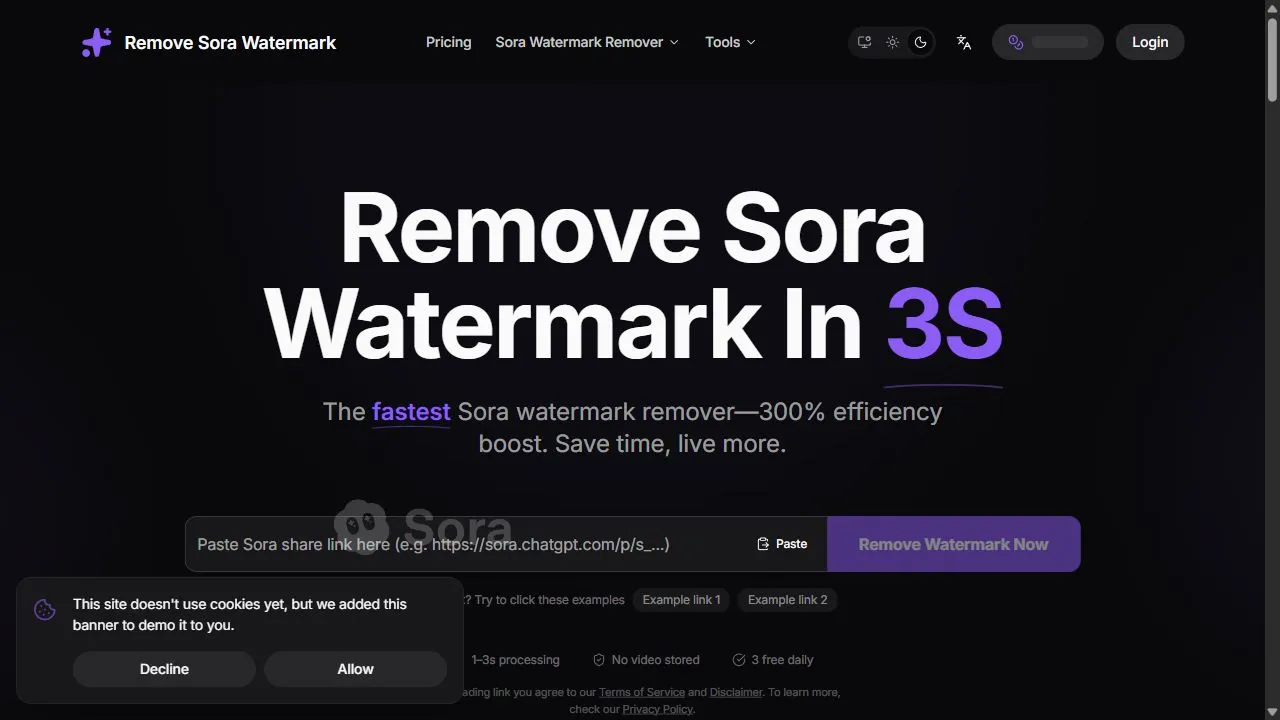
Opening Overview Remove Sora Watermark.ai is a specialized AI-powered video utility designed to help content creators and video editors remove obstructive watermarks from MP4 files by leveraging advanced artificial intelligence, object removal, and intelligent in-painting algorithms . The tool a

Tight Studio
Tight Studio is a sophisticated screen recording and video editing platform designed primarily for p
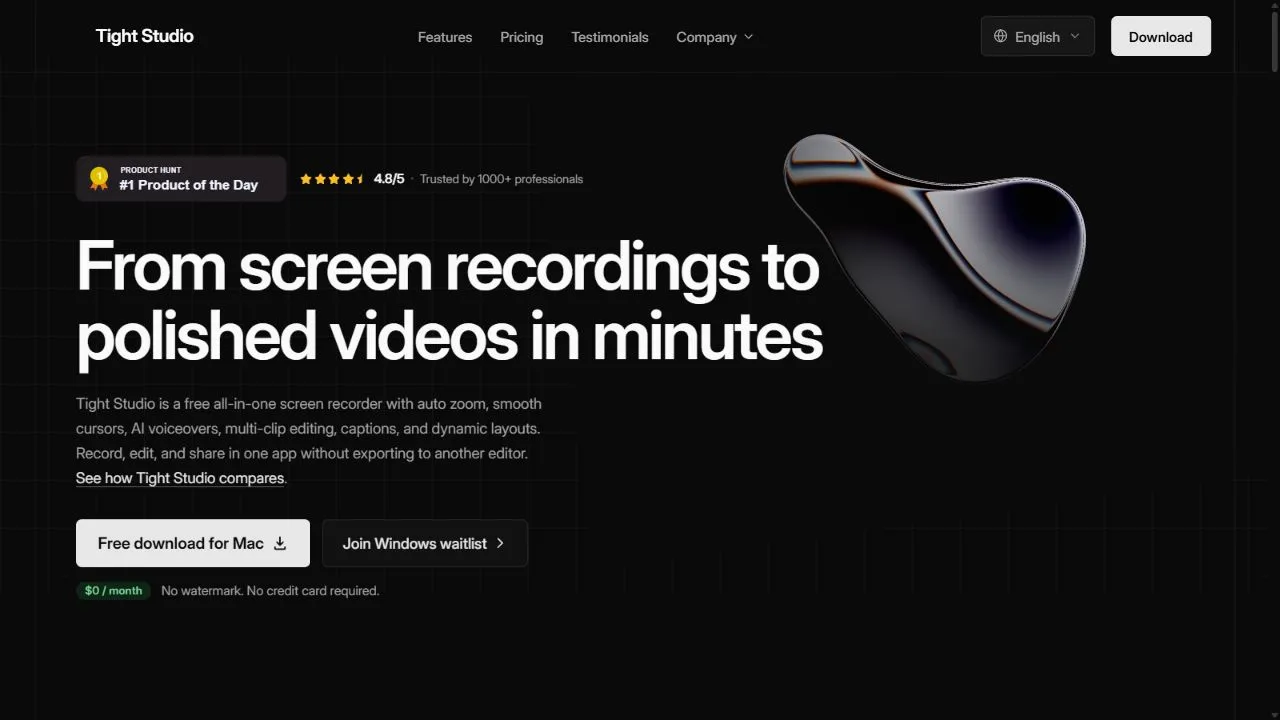
Tight Studio is a sophisticated screen recording and video editing platform designed primarily for product demos and user tutorials. It takes the hassle out of recording, processing, and editing footage by providing a polished suite of tools that turn raw recordings into professional, engaging video

Tinker
Tinker is a free, all-in-one AI creative playground that empowers users to explore the limits of the
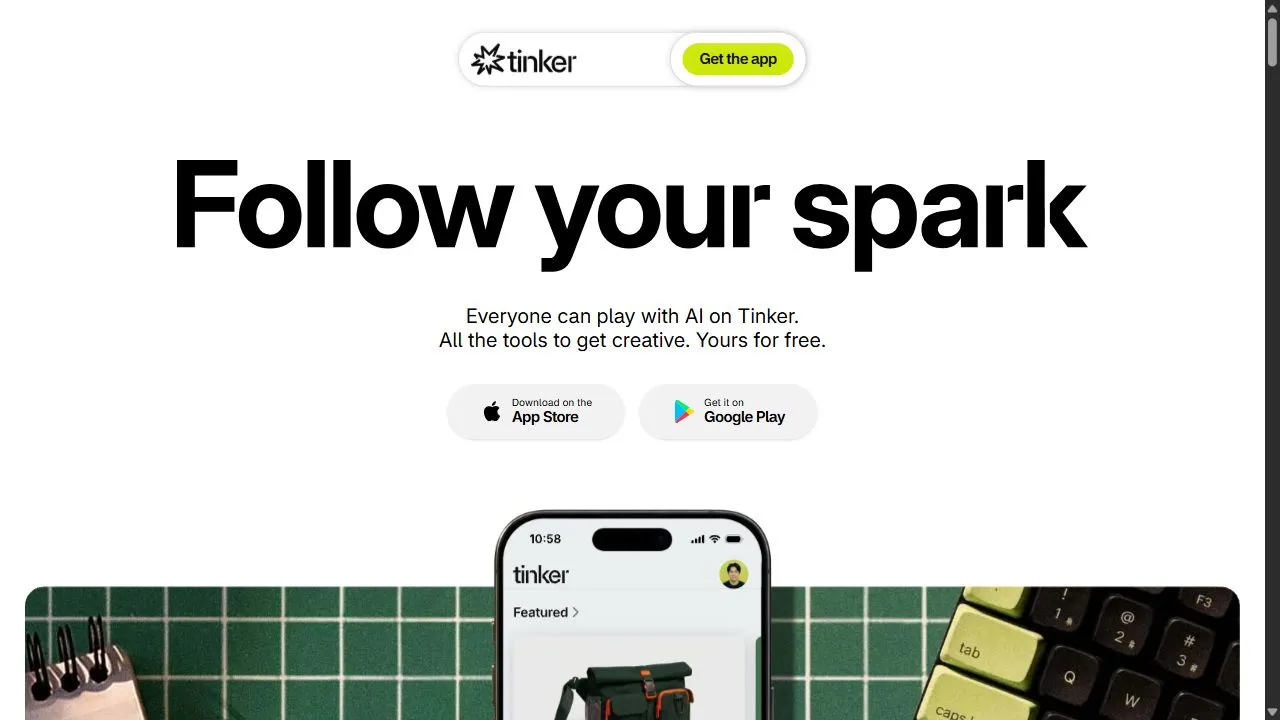
Tinker is a free, all-in-one AI creative playground that empowers users to explore the limits of their imagination. The platform offers a diverse set of tools for various creative pursuits, including image generation, creative writing, and text-based experimentation. By providing high-quality AI mod