VectoSolve
VectoSolve
Ai Tool Screenshots & Usage
Overview
Opening Overview
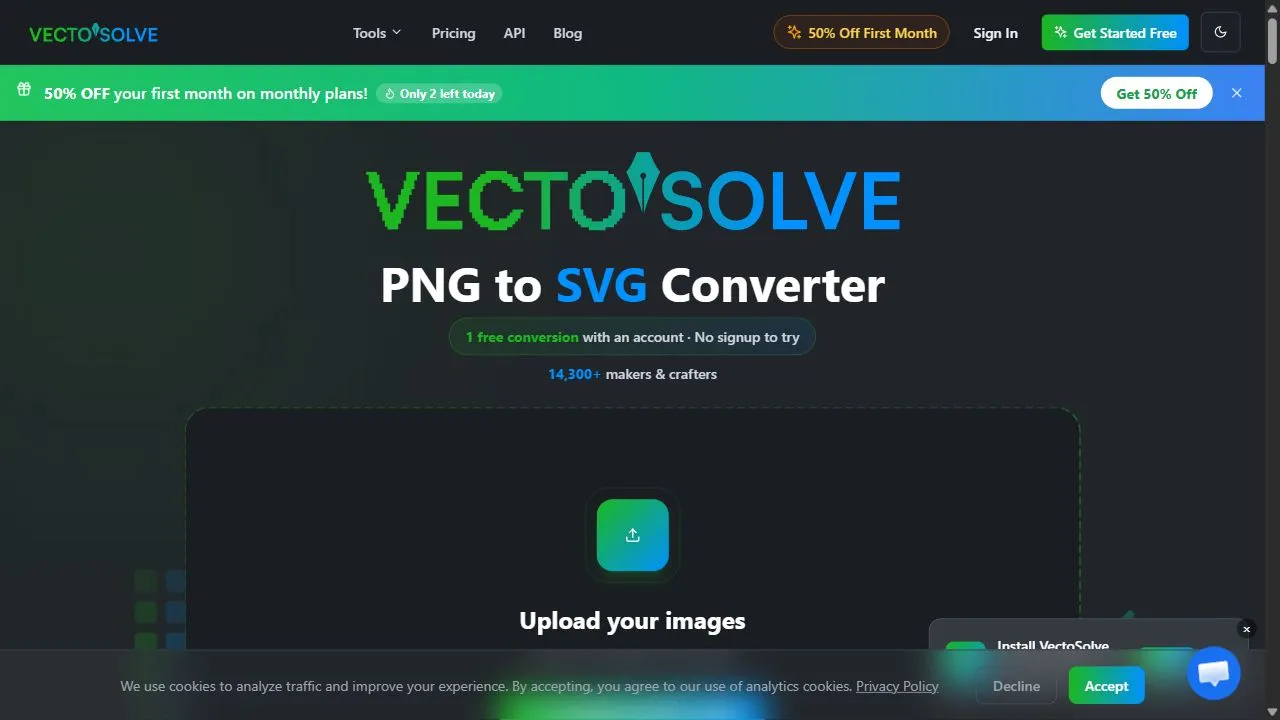
VectoSolve is a powerful AI-powered image processing toolkit designed to help users convert raster images into scalable vector graphics by leveraging artificial intelligence, automation, and intelligent tracing algorithms. The platform specifically addresses the common industry challenge of pixelation and quality loss that occurs when enlarging raster-based images, such as PNGs or JPEGs. By transforming static pixel grids into mathematical paths, the tool ensures that graphics can be scaled to any size without losing clarity, sharpness, or professional integrity.
The core functionality of the platform relies on an advanced AI-driven conversion engine that intelligently analyzes the edges, colors, and shapes within a raster image to map them into clean, scalable vector paths. This process eliminates the need for tedious manual tracing, allowing creators to move from a low-resolution source file to a high-fidelity SVG (Scalable Vector Graphics) output in seconds. The tool is specifically engineered for graphic designers, web developers, and print-on-demand business owners who require precise, high-resolution assets for professional branding and manufacturing.
By integrating artificial intelligence into the vectorization workflow, VectoSolve streamlines the bridge between conceptual raster art and production-ready vector assets. It solves the problem of "blurry" images in professional print and digital environments, providing a scalable solution that maintains the artistic intent of the original work. For professionals working in fast-paced environments, this AI utility serves as a critical component in their design stack, ensuring that output remains crisp regardless of the final medium, whether it is a favicon for a website or a massive vinyl wrap for a commercial vehicle.
Key Features of VectoSolve
- AI-driven PNG to SVG conversion engine for high-precision vectorization.
- Intelligent pixel-to-path mapping that recognizes shapes and boundaries.
- High-fidelity tracing capable of maintaining the integrity of complex artwork.
- Automated image processing workflows to reduce manual design intervention.
- Generation of infinitely scalable SVG outputs for high-resolution requirements.
- Support for various raster input formats to ensure versatility in file handling.
- Precise edge detection algorithms for clean, smooth vector lines.
- Optimized file output designed for seamless integration into web and print software.
- Intelligent noise reduction to ensure converted vectors are clean and free of artifacts.
- Rapid processing speeds that allow for near-instantaneous file transformation.
Why People Use VectoSolve
The primary motivation for using VectoSolve stems from the inherent limitations of raster graphics. Traditional image formats like PNG and JPG are composed of a fixed grid of pixels; when these images are enlarged, the software must "guess" the missing data, resulting in a blurred, pixelated appearance. To overcome this, designers historically had to use manual vectorization techniques, such as the Pen Tool in professional design software, to painstakingly trace over every curve and line of a raster image. This manual process is not only time-consuming but requires a high level of technical skill and patience.
Users turn to VectoSolve to automate this labor-intensive process. By employing artificial intelligence, the tool can identify the contours of an image and convert them into mathematical vectors far faster than any human operator. This shift from manual tracing to AI-driven automation results in massive time savings and a significant reduction in human error. Instead of spending hours refining a single logo, a designer can generate a clean vector base in seconds and spend their time on the creative aspects of the project.
Furthermore, the demand for scalability in the modern digital landscape makes VectoSolve an essential utility. With the prevalence of high-density retina displays and the need for responsive web design, static images are often insufficient. SVG files are preferred because they are lightweight and remain sharp at any zoom level. Professionals use this tool to ensure their assets are future-proof, allowing them to deliver a single file that works perfectly on a mobile screen, a tablet, and a large-scale billboard without requiring multiple versions of the same asset.
Popular Use Cases
- Logo Restoration and Upscaling: Converting old, low-resolution company logos provided in PNG format into professional SVG files for modern branding updates.
- Print-on-Demand Production: Preparing artwork for t-shirts, hoodies, and posters where high-resolution, scalable files are required to prevent printing blurriness.
- CNC and Laser Cutting: Transforming digital sketches into vector paths that can be read by laser cutters, plotters, and CNC machinery for physical manufacturing.
- Web Development and UI Design: Converting raster icons or illustrations into SVGs to improve website loading speeds and ensure visual clarity across different screen resolutions.
- App Icon Creation: Developing scalable assets for mobile application interfaces that must look crisp on various device densities.
- Digital Illustration Cleanup: Taking hand-drawn sketches scanned as raster images and converting them into clean, editable vector lines for digital coloring.
- Corporate Branding Kits: Standardizing visual assets for a company by ensuring all imagery is available in a scalable format for use in slide decks, business cards, and signage.
- Architectural Symbolism: Converting simple raster-based blueprints or symbols into vectors for precise scaling in CAD-like environments.
Benefits of VectoSolve
- Elimination of Pixelation: Ensures that images remain perfectly sharp and clear regardless of how much they are enlarged or reduced.
- Increased Operational Efficiency: Dramatically reduces the time spent on manual tracing, allowing designers to handle a higher volume of projects.
- Enhanced File Versatility: Provides outputs that are compatible with almost all professional design, web, and manufacturing software.
- Improved Web Performance: By converting images to SVG, users can reduce the overall page weight of websites, leading to faster load times and better SEO rankings.
- Cost Reduction: Removes the need to outsource simple vectorization tasks to freelance designers, keeping the workflow internal and cost-effective.
- Professional Grade Quality: Produces clean paths with minimal anchor points, ensuring that the final vector is easy to edit and aesthetically polished.
- Accessibility for Non-Designers: Enables users without deep knowledge of vector software to create professional-grade scalable assets from basic images.
- Consistency Across Media: Guarantees that a brand's visual identity remains consistent whether it is viewed on a small smartphone screen or a large-format print.
All-in-one AI image toolkit that specializes in high-quality PNG to SVG vector conversion.
Key use cases and capabilities
Page Insights
Pros & Cons
Pros
- High precision vectorization
- Fast processing speeds
Cons
- Limited to image processing tasks
Frequently Asked Questions (FAQ)
Does it support high resolution?
Yes, since the output is SVG, it is infinitely scalable.
Related AIs
Featured
Compare with Alternatives
All VS
GetAi
@getai
Professional Free Image Tools tools for creators.
Pricing Details
More Related AIs
View AllEaseUS Online Video Repair
EaseUS Online Video Repair is a powerful AI-powered video restoration tool designed to help users
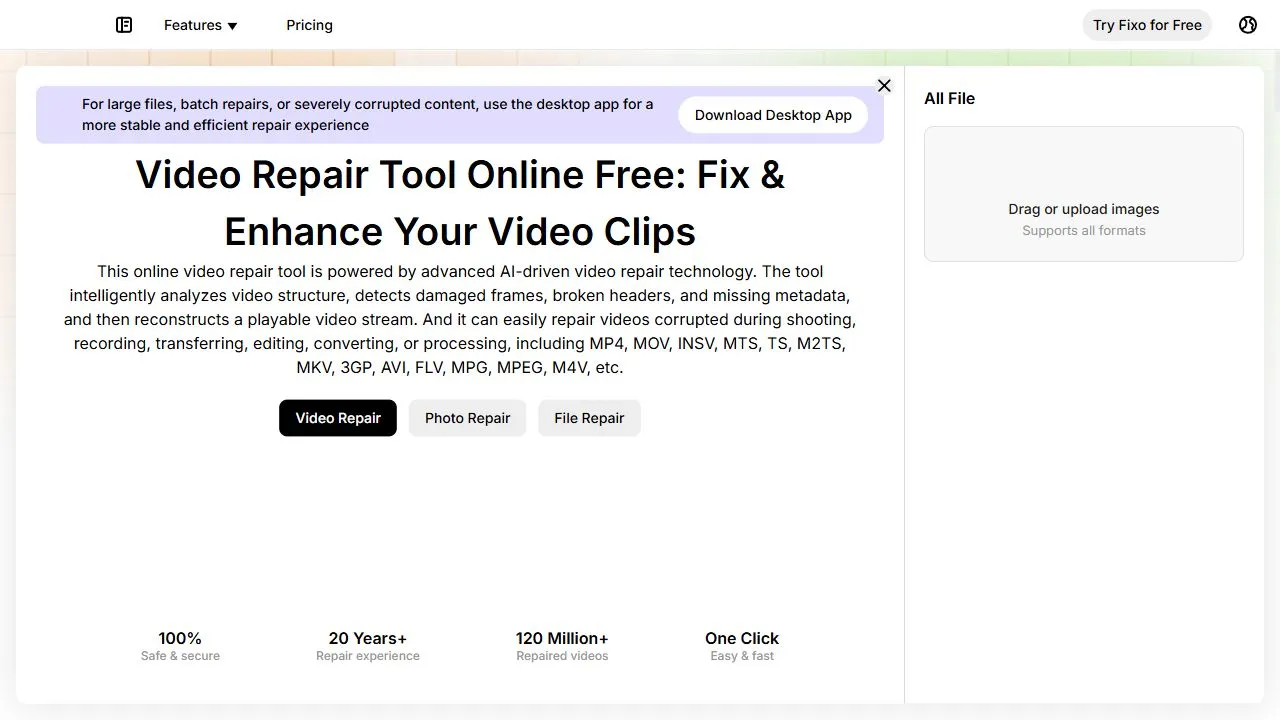
EaseUS Online Video Repair is a powerful AI-powered video restoration tool designed to help users recover corrupted and unplayable video files by leveraging artificial intelligence, automation, and intelligent data reconstruction . This cloud-based solution specifically targets the common frus

Snaploid
Opening Overview Snaploid is a powerful AI-powered vintage photography platform designed to help
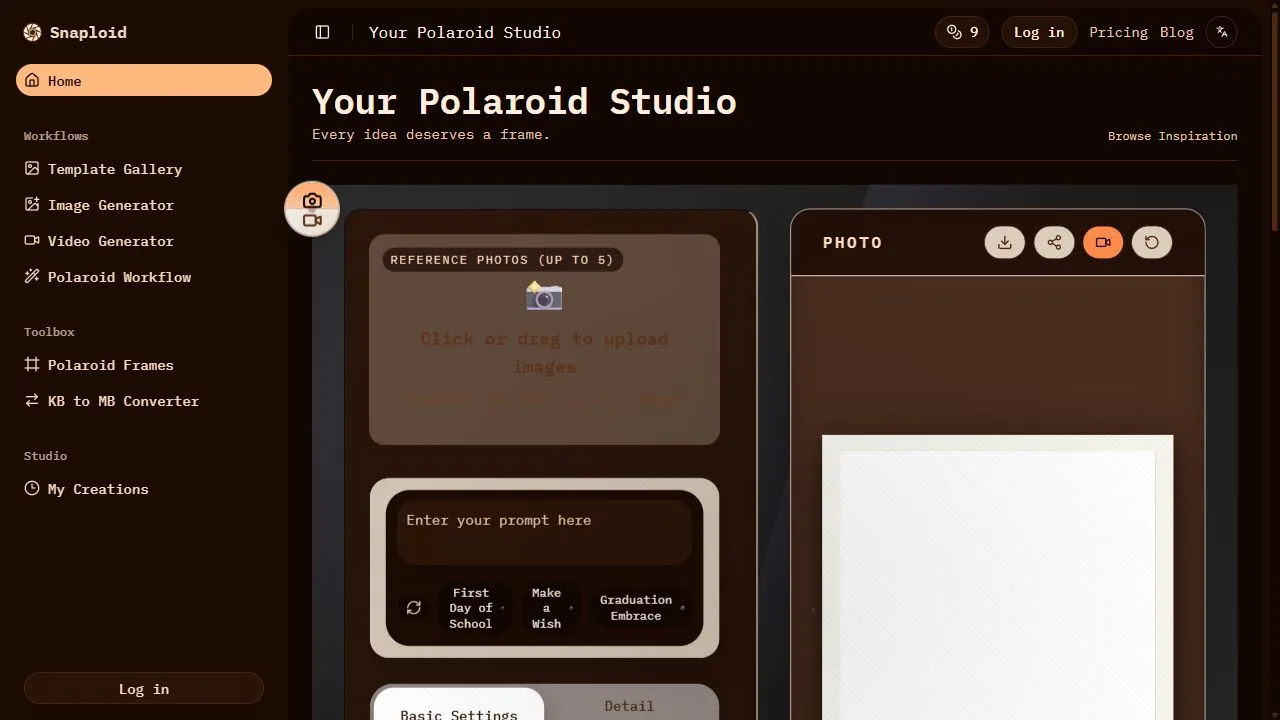
Opening Overview Snaploid is a powerful AI-powered vintage photography platform designed to help users transform modern digital images into authentic, retro-style Polaroid cards by leveraging artificial intelligence, automated image processing, and intelligent visual workflows . In an era of ult

TapEdit
TapEdit is a powerful AI-powered photo editing platform designed to help users simplify complex
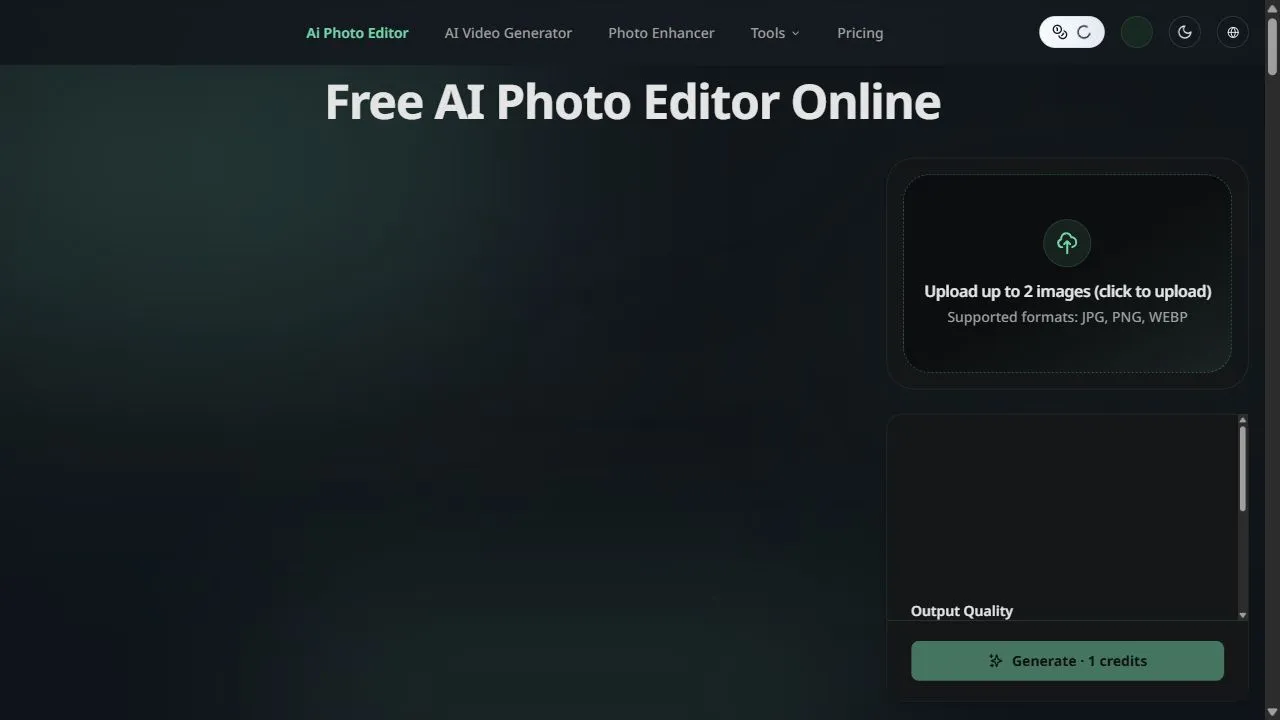
TapEdit is a powerful AI-powered photo editing platform designed to help users simplify complex image manipulation tasks by leveraging artificial intelligence, automation, and intelligent workflows . The platform addresses the common challenge of high-end photo editing, which traditionally req
Movie Maker Create
Opening Overview Movie Maker Create is a powerful AI-powered video editor and concatenator design
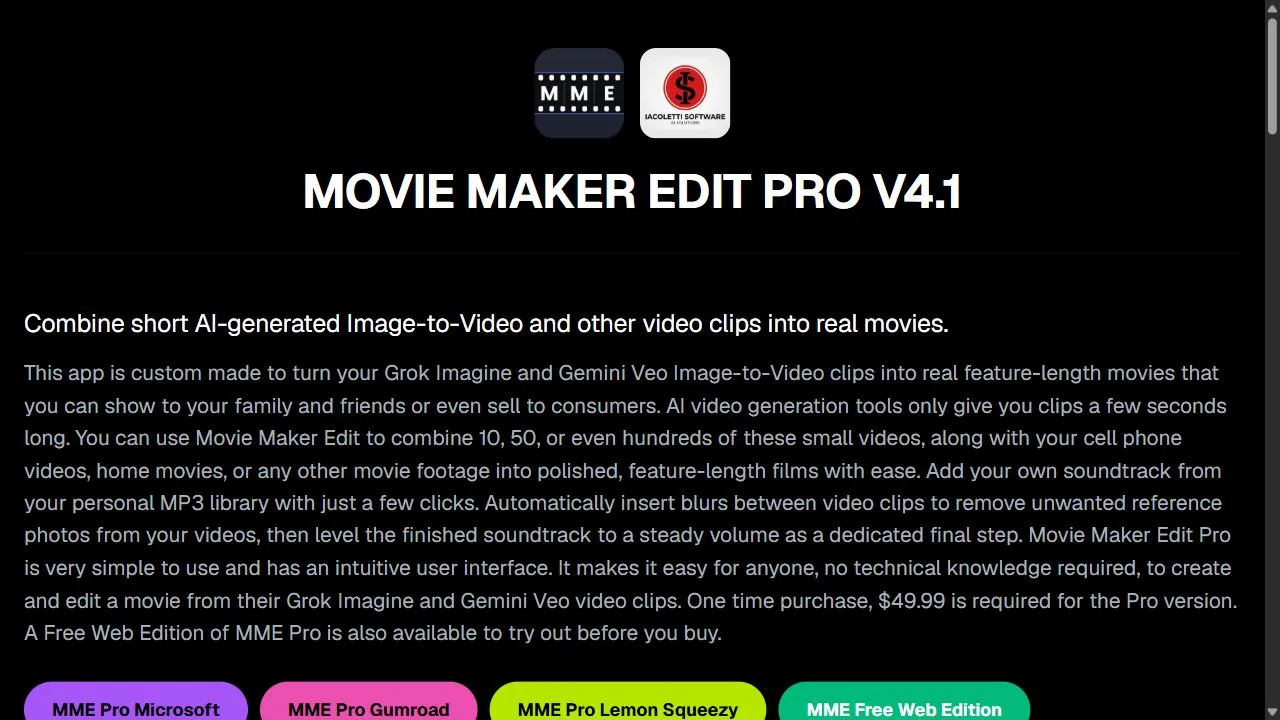
Opening Overview Movie Maker Create is a powerful AI-powered video editor and concatenator designed to help users produce professional-grade video content by leveraging artificial intelligence, automation, and direct API integration . In an era where video content dominates digital communicati
Remove Sora Watermark.ai
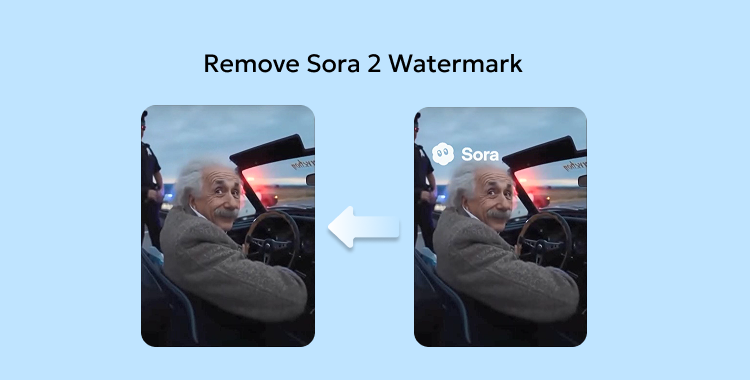
Opening Overview Remove Sora Watermark.ai is a specialized AI-powered video utility designed to h
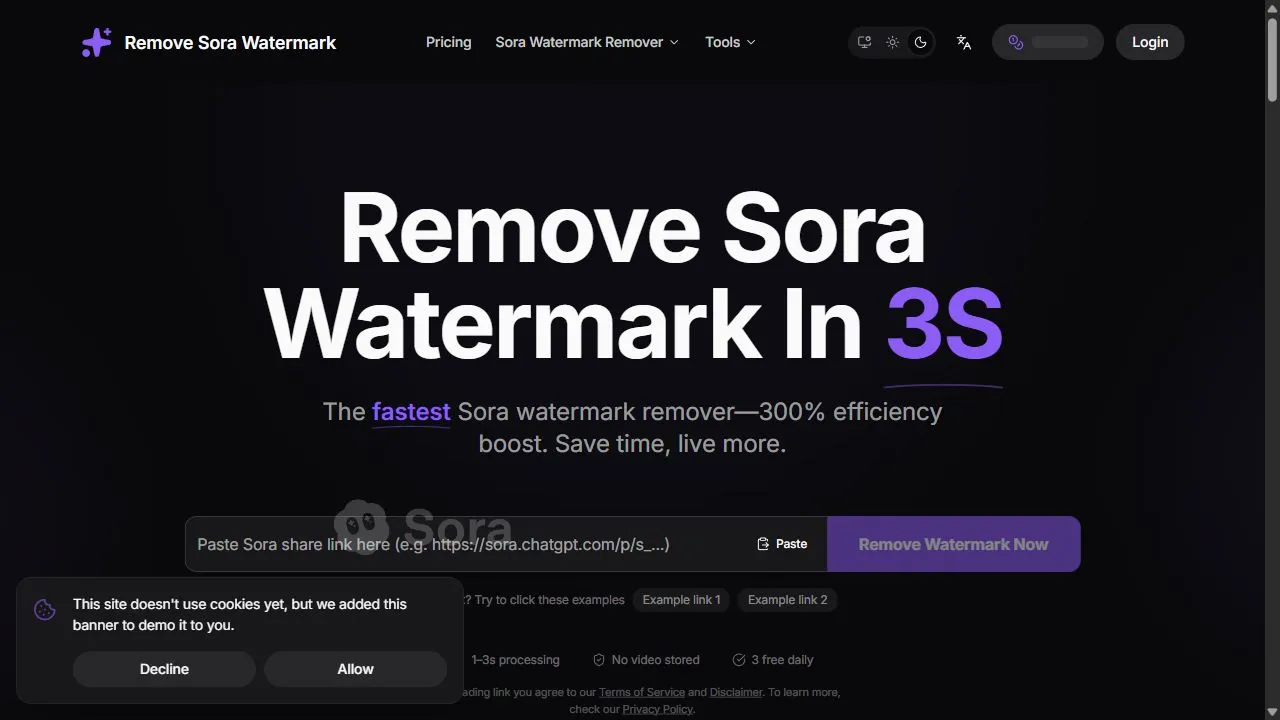
Opening Overview Remove Sora Watermark.ai is a specialized AI-powered video utility designed to help content creators and video editors remove obstructive watermarks from MP4 files by leveraging advanced artificial intelligence, object removal, and intelligent in-painting algorithms . The tool a

Try AI Editor
Opening Overview Try AI Editor is a powerful AI-powered image editing tool designed to help users
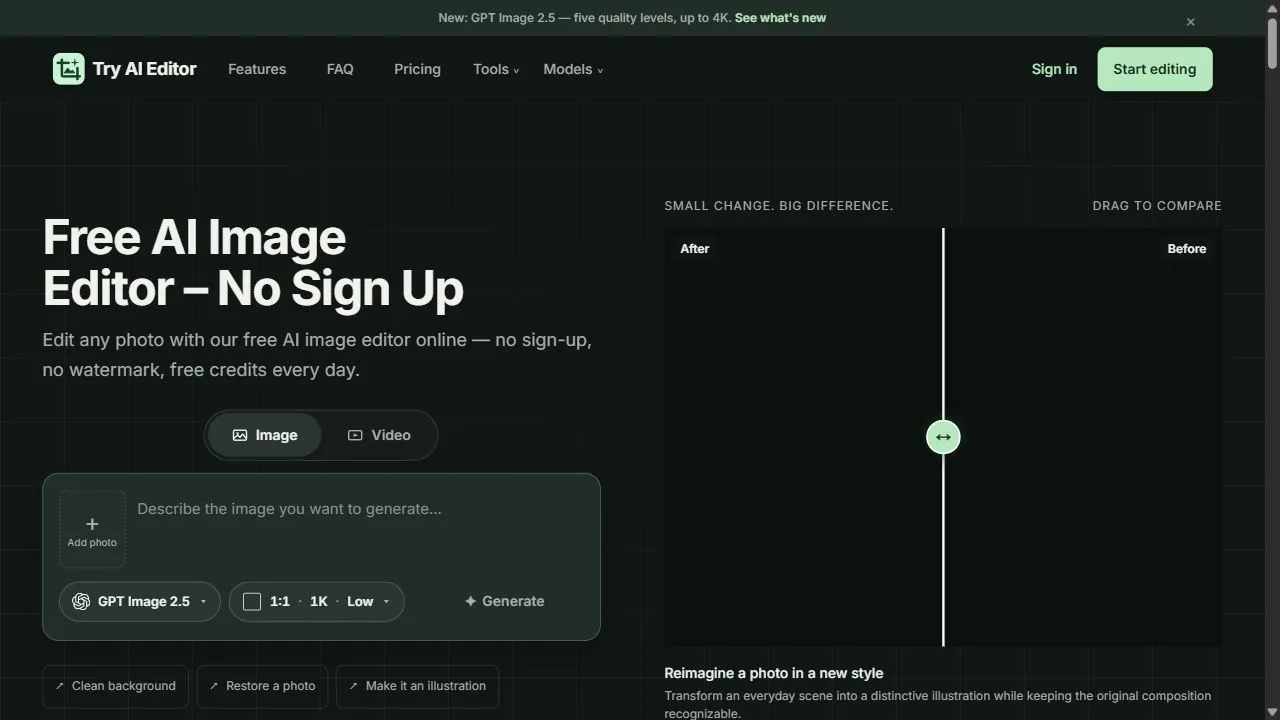
Opening Overview Try AI Editor is a powerful AI-powered image editing tool designed to help users achieve professional-grade photo modifications by leveraging artificial intelligence, automation, and intelligent workflows . By integrating advanced machine learning algorithms directly into a web-

Tight Studio
Tight Studio is a sophisticated screen recording and video editing platform designed primarily for p

Tight Studio is a sophisticated screen recording and video editing platform designed primarily for product demos and user tutorials. It takes the hassle out of recording, processing, and editing footage by providing a polished suite of tools that turn raw recordings into professional, engaging video

Tinker
Tinker is a free, all-in-one AI creative playground that empowers users to explore the limits of the

Tinker is a free, all-in-one AI creative playground that empowers users to explore the limits of their imagination. The platform offers a diverse set of tools for various creative pursuits, including image generation, creative writing, and text-based experimentation. By providing high-quality AI mod