
RoomDesign
RoomDesign
Ai Tool Screenshots & Usage
Overview
Opening Overview
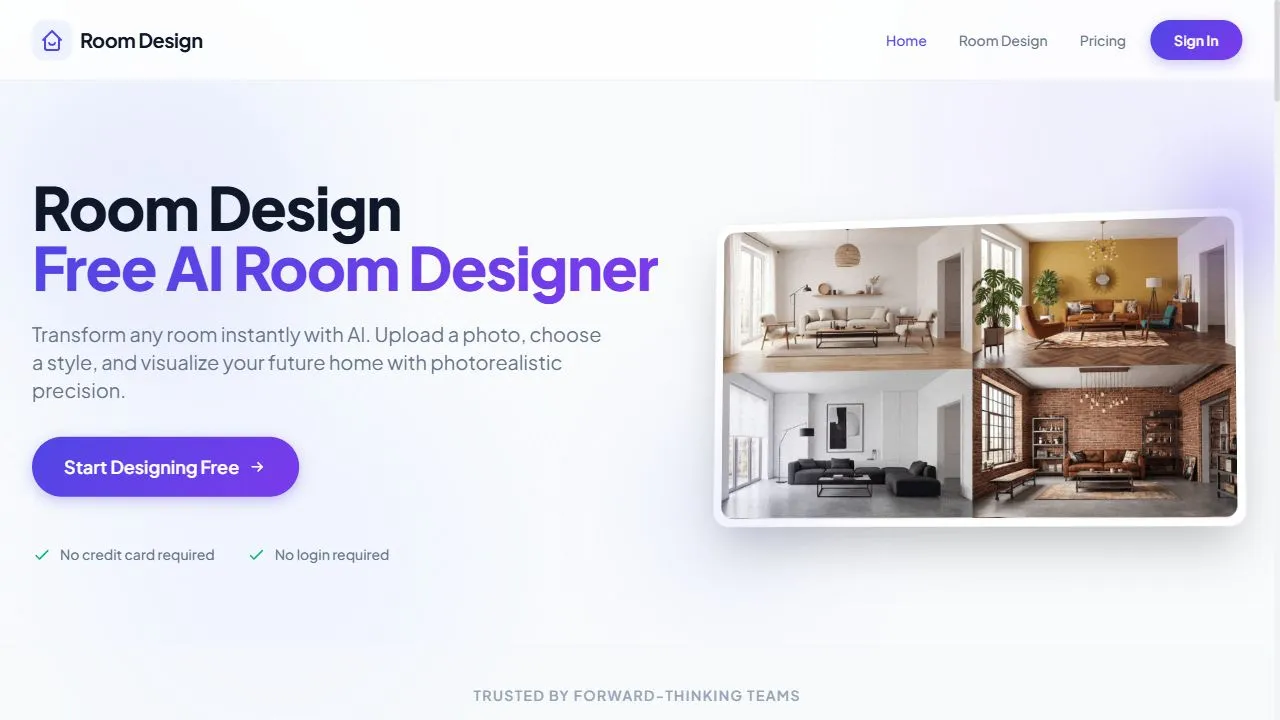
RoomDesign is a powerful AI-powered interior design tool designed to help users reimagine and visualize their living spaces by leveraging artificial intelligence, automation, and generative image processing. The platform solves the common struggle of visualizing how new furniture, color schemes, or design styles will look in a specific room without the physical labor of moving furniture or the high cost of hiring a professional interior designer. By utilizing advanced generative AI, the tool analyzes the architecture and lighting of a user-uploaded photograph to suggest realistic design alternatives that align with various aesthetic preferences.
The tool is primarily built for homeowners, renters, and DIY enthusiasts who are in the planning stages of a home improvement project. Instead of relying on imagination or static mood boards, users can see a digitally rendered version of their actual room transformed into a new style. This application of AI streamlines the decision-making process, reducing the risk of expensive purchasing mistakes and providing a clear visual roadmap for renovations.
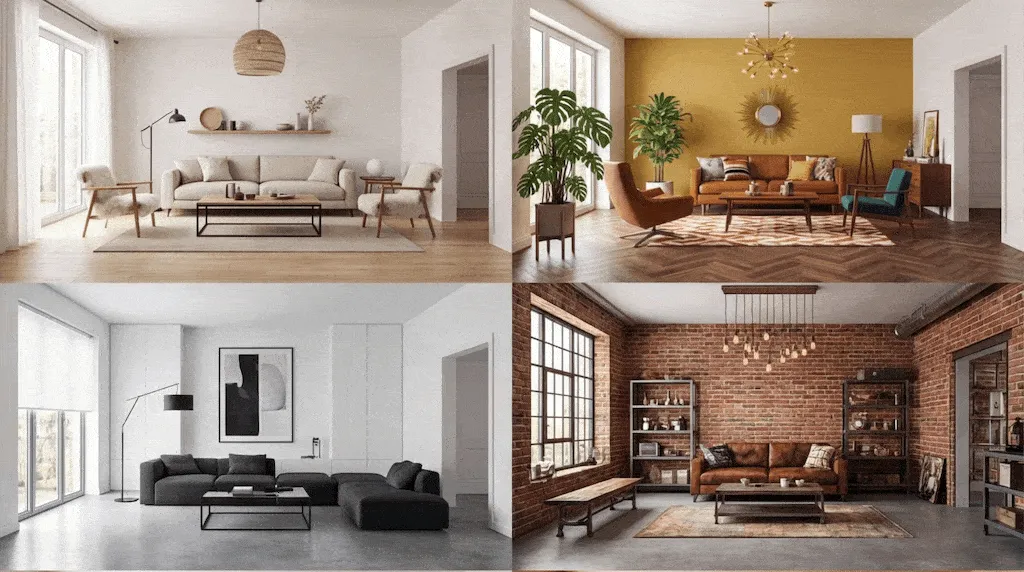
By integrating sophisticated image-to-image AI workflows, RoomDesign enables the instant transformation of a dull or cluttered space into a curated environment. Whether the goal is to transition a room to a minimalist aesthetic, a modern industrial look, or a classic traditional feel, the AI handles the complex task of perspective, scaling, and lighting to ensure the generated mockups feel grounded in the original space. This makes it an essential utility for anyone looking to optimize their living environment through technology.
Key Features of RoomDesign
- Generative AI Room Transformation: Converts standard photographs of interior spaces into high-fidelity design mockups using artificial intelligence.
- Multi-Style Preset Library: Offers a variety of design themes, including modern, minimalist, and traditional, to guide the AI generation process.
- Instant Image Processing: Generates redesigned room visuals in seconds, eliminating the need for manual 3D modeling.
- Photo-Based Analysis: Analyzes the existing layout, walls, and lighting of the uploaded image to maintain spatial consistency.
- User-Friendly Interface: Provides a streamlined upload-and-generate workflow that requires no prior experience with design software.
- Realistic Texture Rendering: Simulates different materials and fabrics to provide an accurate representation of how new furniture would look.
- Automated Space Optimization: Suggests furniture placements and stylistic changes that maximize the aesthetic appeal of the room.
Why People Use RoomDesign
The primary motivation for using RoomDesign is the elimination of the "trial-and-error" phase of interior decorating. Traditionally, changing the look of a room required either a significant financial investment in a professional designer or the physical exertion of moving heavy furniture to see if a specific layout worked. For many, the fear of purchasing an expensive piece of furniture that does not fit the room's vibe or scale is a major deterrent to home improvement. RoomDesign removes this barrier by providing a risk-free digital sandbox.
Compared to manual sketching or using complex CAD (Computer-Aided Design) software, this AI tool is accessible to the average person. Professional design software often has a steep learning curve, requiring hours of training to create a basic 3D render. In contrast, this tool uses generative AI to do the heavy lifting, allowing users to go from a raw photo to a finished concept in a matter of clicks.
Furthermore, the tool is highly valued for its ability to provide instant inspiration. Many users know they dislike their current space but struggle to define exactly what style they prefer. By cycling through different AI-generated styles, users can discover their design preferences organically, seeing their own home transformed into various aesthetics before committing to a specific direction. This scalability of ideas allows for a much more creative and confident approach to home renovation.
Popular Use Cases
- Homeowners Planning Renovations: Users who are preparing for a full home makeover use the tool to test different architectural styles and color palettes before committing to paint or construction.
- Renters Personalizing Apartments: Individuals living in rental properties use the tool to see how non-permanent additions, such as new rugs or furniture arrangements, can change the atmosphere of a space they cannot permanently alter.
- Real Estate Virtual Staging: Agents and sellers use the tool to visualize how an empty or outdated room could look if it were professionally staged, helping potential buyers imagine the property's full potential.
- Interior Design Prototyping: Freelance designers use the platform to quickly generate several mood-based concepts to present to clients as a starting point for more detailed professional plans.
- DIY Decorators: Hobbyists who enjoy refreshing their home on a budget use the AI to experiment with the furniture they already own or to see if a specific new piece would complement their existing decor.
- Property Managers: Those overseeing multiple rental units use the tool to standardize the look of their properties and create a cohesive aesthetic across different apartments.
Benefits of RoomDesign
- Significant Cost Reduction: Eliminates the need for expensive initial consultations with interior designers by providing instant, high-quality visual concepts.
- Time Efficiency: Replaces the hours spent browsing catalogs and manually measuring spaces with instant AI-generated visualizations.
- Reduced Decision Fatigue: Simplifies the selection process by narrowing down style options through direct visual evidence rather than abstract descriptions.
- Enhanced Planning Accuracy: Provides a realistic expectation of how colors and styles interact with the specific lighting and dimensions of the user's actual room.
- Lowered Risk of Error: Reduces the likelihood of purchasing furniture or decor that clashes with the room's existing architectural elements.
- Democratization of Design: Makes high-end interior visualization accessible to everyone, regardless of their budget or technical skill level.
- Increased Creative Confidence: Empowers users to experiment with bold design choices that they might have otherwise avoided due to a lack of visual certainty.
Reimagine your living space instantly with this free AI interior design tool that generates realistic room mockups.
Key use cases and capabilities
Page Insights
Pros & Cons
Pros
- Completely free to use for basic designs
- Very fast and intuitive interface
Cons
- Limited furniture style customization
- Occasionally lacks architectural accuracy
Frequently Asked Questions (FAQ)
Can I upload any room photo?
Yes, you can upload photos of any room, though results are best with clean, well-lit shots of the space.
Related AIs
Featured



Compare with Alternatives
All VS
GetAi
@getai
Professional Home Design Tools tools for creators.
Pricing Details
More Related AIs
View All
Arcadium 3D
Arcadium 3D is a revolutionary platform for 3D house design, utilizing AI to democratize architectur
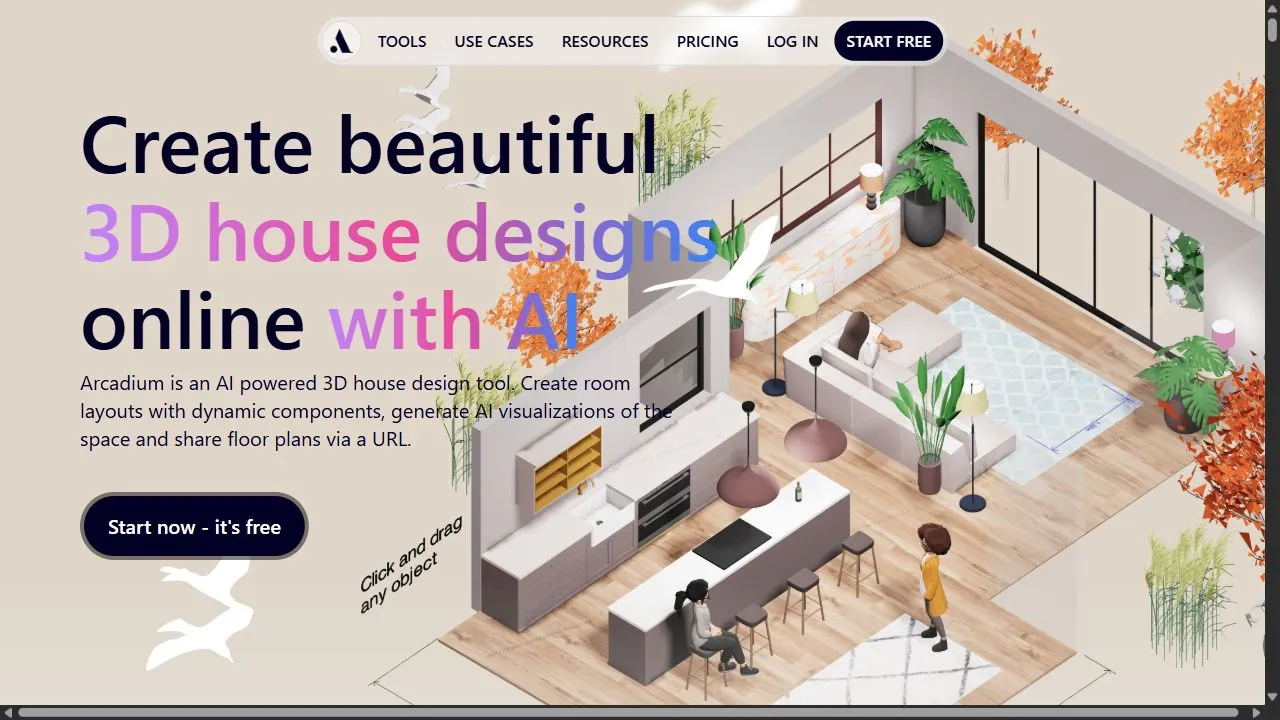
Arcadium 3D is a revolutionary platform for 3D house design, utilizing AI to democratize architectural planning. It provides an intuitive, user-friendly interface that allows users to draft, visualize, and furnish their dream homes in a 3D environment without needing an extensive background in CAD s

AI Landscape Garden
AI Landscape Garden is an innovative tool that helps homeowners and professional landscapers visuali
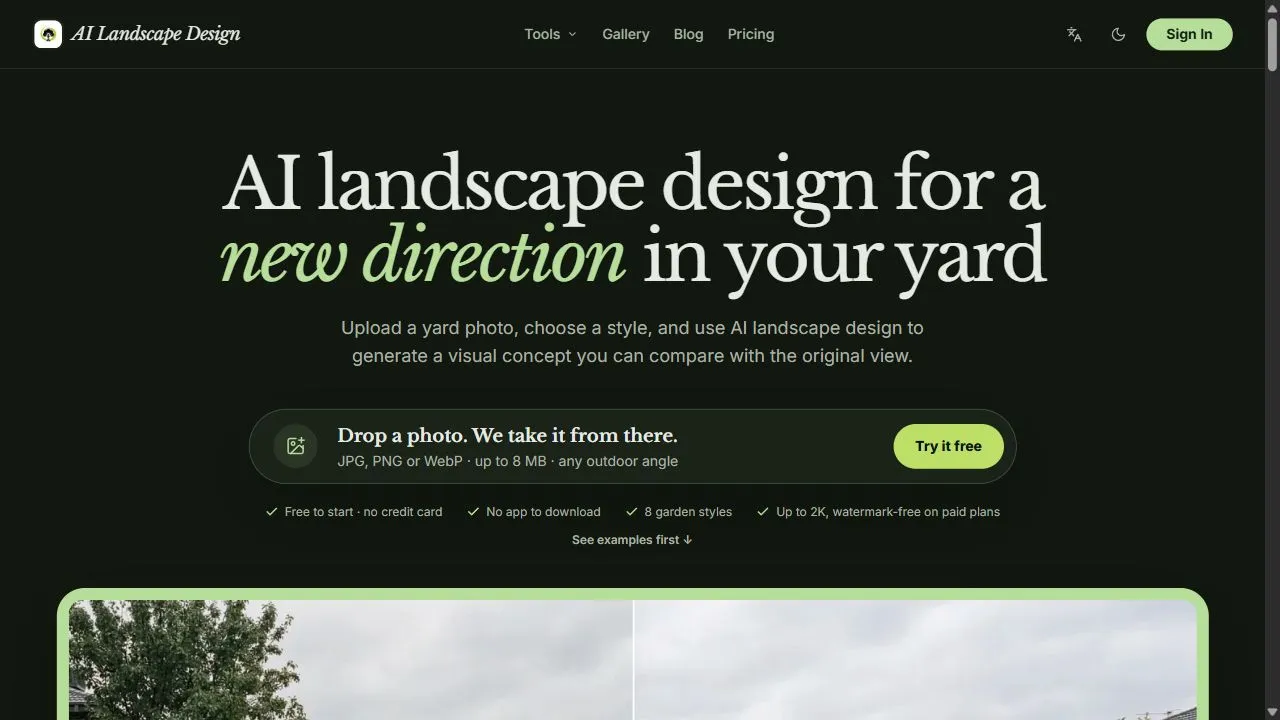
AI Landscape Garden is an innovative tool that helps homeowners and professional landscapers visualize potential transformations for their outdoor spaces. Simply upload a photo of your existing yard or garden, and the platform's advanced AI algorithms will generate stunning, customized landscape des

Landscape Design AI
Landscape Design AI offers a revolutionary way to reimagine your outdoor spaces through advanced art
Landscape Design AI offers a revolutionary way to reimagine your outdoor spaces through advanced artificial intelligence. By simply uploading a photo of your existing yard or garden, the platform analyzes the layout, sunlight conditions, and architectural context to generate stunning garden design c