Photo Animation
getaitool.in/c/image-to-video/photo-animation# Free Photo Animation Tool – Animate Photos with AI, Bring Images to Life & Create Stunning Visual Effects Welcome to the ultimate **Free Photo Animation Tool**, designed to transform your static images into realistic animated photos using advanced AI technology. Whether you're a content creator, photographer, social media influencer, marketer, designer, or simply looking to make your memories more engaging, our AI-powered photo animation tool helps you create lifelike animations in just a few clicks. Turn portraits into talking photos, add facial expressions, blinking eyes, smiling effects, head movements, lip sync, motion effects, cinematic camera movements, and creative visual animations—all without requiring professional editing skills. Whether you're creating social media content, YouTube videos, Instagram Reels, TikTok videos, presentations, marketing campaigns, or personal memories, our Free Photo Animation Tool helps you produce eye-catching animated visuals effortlessly. ## Why Choose Our Free Photo Animation Tool? AI has revolutionized photo editing by making it possible to animate still images naturally. Our tool combines powerful AI models with an intuitive interface, allowing anyone to create professional-quality photo animations in minutes. ### Key Features ✅ 100% Free Online Photo Animation Tool ✅ AI-Powered Photo Animation ✅ Animate Faces & Portraits ✅ Talking Photo Generator ✅ Lip Sync & Facial Expressions ✅ Eye Blink & Head Movement Effects ✅ Cinematic Camera Motion ✅ High-Quality HD Export ✅ Mobile & Desktop Compatible ✅ No Editing Experience Required ## Popular Photo Animation Features ### AI Photo Animator Transform static images into realistic animated photos with natural facial and body movements. ### Talking Photo Generator Make portraits appear to speak by synchronizing facial movements with text or audio. ### Face Animation Add realistic smiles, blinking eyes, eyebrow movements, and subtle facial expressions. ### AI Lip Sync Create synchronized lip movements that match speech or audio for realistic talking avatars. ### Portrait Animation Bring selfies, family photos, historical portraits, and profile pictures to life using AI. ### Camera Motion Effects Apply cinematic zoom, pan, tilt, and parallax effects to create dynamic video-style animations. ### Old Photo Animation Restore and animate vintage family photographs to create memorable visual experiences. ### Social Media Content Creator Generate engaging animated images for YouTube, Instagram, TikTok, Facebook, LinkedIn, and other platforms. ### AI Motion Effects Apply smooth transitions, motion blur, particle effects, and animated overlays for creative storytelling. ### High-Resolution Export Download animated videos in high quality for personal, professional, and commercial use where permitted. ## Who Can Use This Tool? - Content Creators - YouTubers - Social Media Influencers - Photographers - Digital Marketers - Designers - Businesses - Educators - Students - Video Editors - Agencies - Anyone Who Loves Creative Photo Editing Whether you're creating viral social media content, marketing campaigns, educational presentations, family memories, or entertainment videos, our AI Photo Animation Tool helps transform ordinary images into engaging animated experiences. ## Bring Your Photos to Life with AI Start using the **Free Photo Animation Tool** to animate portraits, create talking photos, generate realistic facial expressions, and add cinematic motion effects. Turn ordinary pictures into extraordinary animated visuals with fast, AI-powered editing tools—all completely free. ## Frequently Asked Questions (FAQs) ### 1. What is a Photo Animation Tool? A Photo Animation Tool uses artificial intelligence to transform static images into animated visuals by adding realistic motion, facial expressions, camera movement, or other visual effects. ### 2. Is the Photo Animation Tool free? Yes. Our Photo Animation Tool is free to use for core features, with no registration required for most functionality. ### 3. What types of photos can I animate? You can animate: - Portraits - Selfies - Family Photos - Old Photographs - Pet Photos - Avatars - Character Illustrations - Profile Pictures - Landscapes (with motion effects) ### 4. Can I create talking photos? Yes. You can generate talking photo effects with AI-powered lip sync and facial animation, depending on the available features. ### 5. Do I need photo editing experience? No. Our tool is beginner-friendly and designed for anyone to create animations without professional editing skills. ### 6. Can I use the tool on my phone? Yes. The Photo Animation Tool works on smartphones, tablets, laptops, and desktop computers. ### 7. What file formats are supported? Common image formats such as JPG, JPEG, PNG, and WebP are typically supported. Export formats may include MP4 or GIF, depending on the animation features. ### 8. Can I animate old family photos? Yes. You can animate old portraits and vintage photographs to create engaging visual memories. ### 9. Do I need to create an account? No. Most features are available without registration. ### 10. Can businesses use this tool? Absolutely. Businesses, marketers, agencies, and creators can use animated images for advertising, presentations, product promotions, and social media campaigns. ### 11. How long does photo animation take? Most animations are generated within seconds to a few minutes, depending on image complexity and the selected animation effects. ### 12. How often are new AI animation features added? We regularly update our platform with new AI models, animation styles, editing tools, templates, and creative effects to provide an even better photo animation experience.

Top featured
RiversideNew
Riverside is a powerful online podcast and video recording platform that enables creators, business
Riverside is a powerful online podcast and video recording platform that enables creators, businesses, educators, marketers, and professionals to record studio-quality audio and 4K video remotely. Designed for modern content creators, Riverside combines high-quality local recording with AI-powered
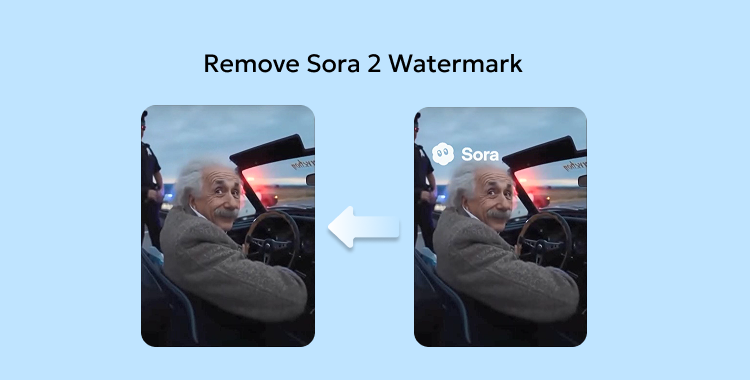
Remove Sora Watermark.ai
Opening Overview Remove Sora Watermark.ai is a specialized AI-powered video utility designed to h
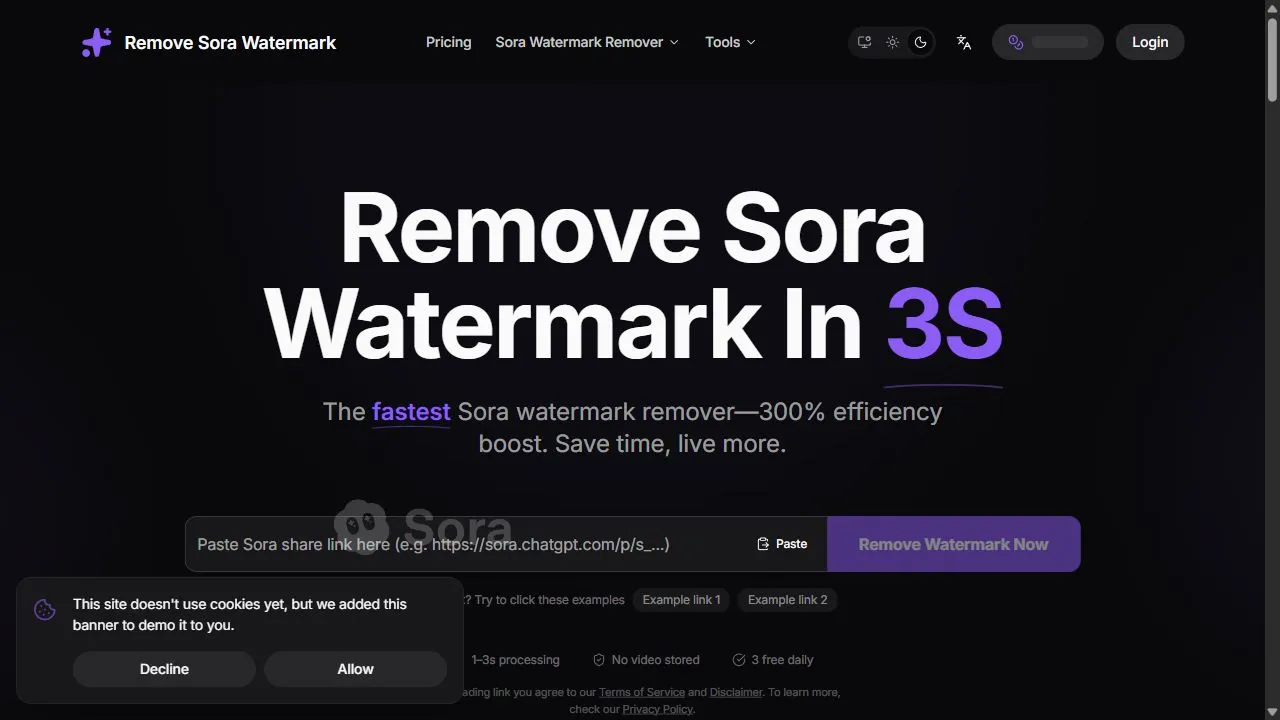
Opening Overview Remove Sora Watermark.ai is a specialized AI-powered video utility designed to help content creators and video editors remove obstructive watermarks from MP4 files by leveraging advanced artificial intelligence, object removal, and intelligent in-painting algorithms . The tool a
Hug AI
Hug AI is a specialized AI-powered video generation tool designed to transform static photographs

Hug AI is a specialized AI-powered video generation tool designed to transform static photographs into realistic, emotionally resonant animations of two or more people embracing. By leveraging advanced artificial intelligence, computer vision, and automated animation workflows , the platform sol

Motionleap
Opening Overview Motionleap is a powerful AI-powered photo animation tool designed to help users
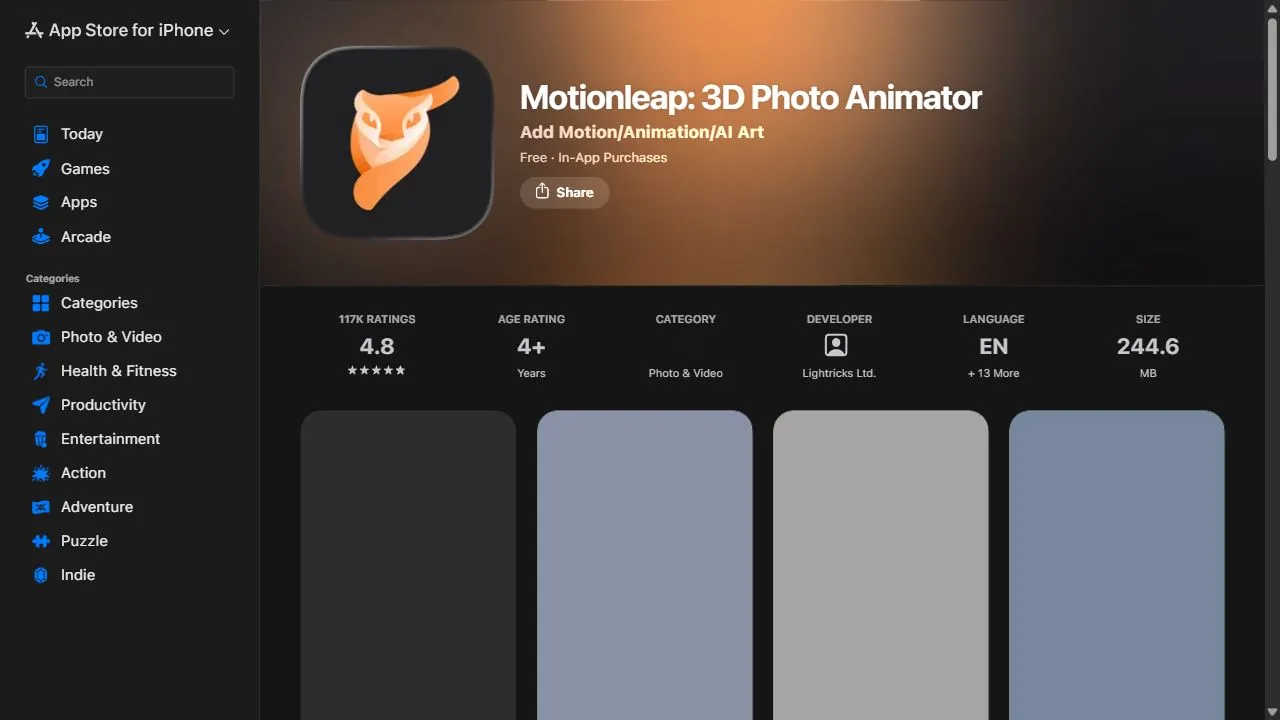
Opening Overview Motionleap is a powerful AI-powered photo animation tool designed to help users transform static images into living photos by leveraging artificial intelligence, automation, and intelligent motion workflows . The tool solves the primary challenge of creating high-quality cinem
Deep NostalgiaAi
Opening Overview Deep NostalgiaAi is a powerful AI-powered photo animation tool designed to help
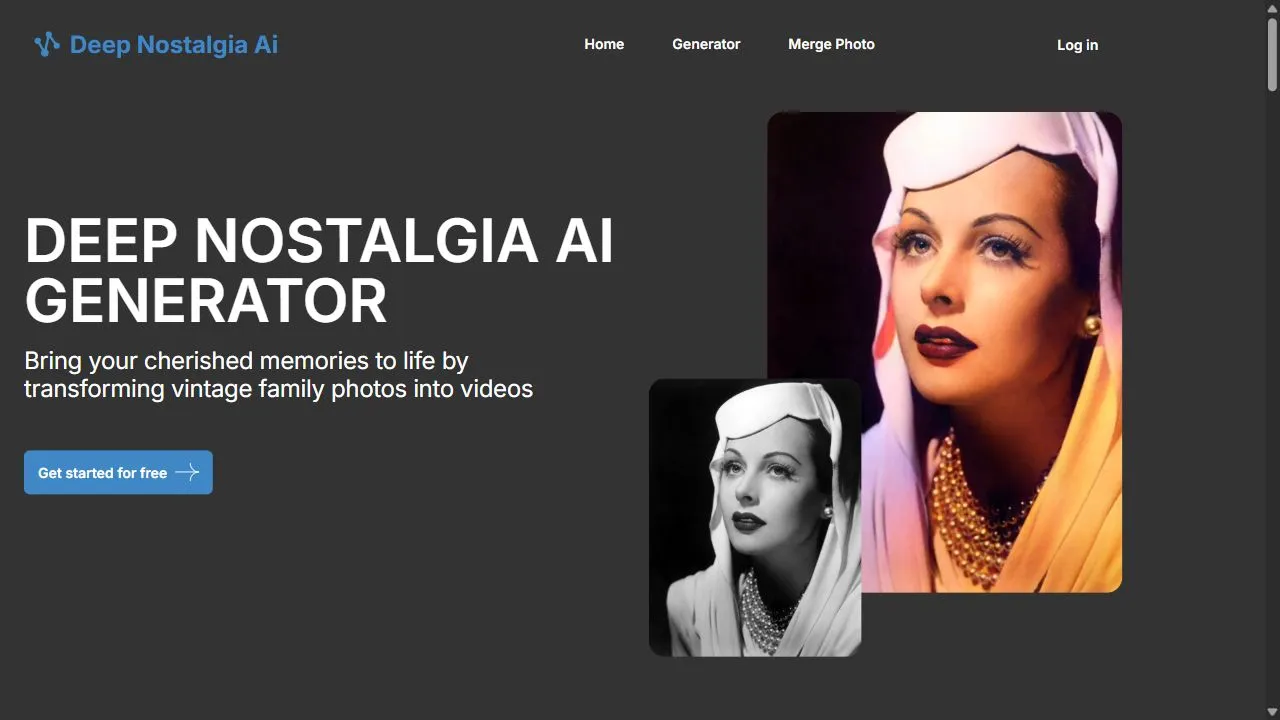
Opening Overview Deep NostalgiaAi is a powerful AI-powered photo animation tool designed to help users bring vintage photographs to life by leveraging artificial intelligence, deep learning algorithms, and advanced motion synthesis . The tool addresses the inherent limitation of static imagery

ImageToClip.com
Opening Overview ImageToClip.com is a specialized AI image-to-video generator designed to transfo
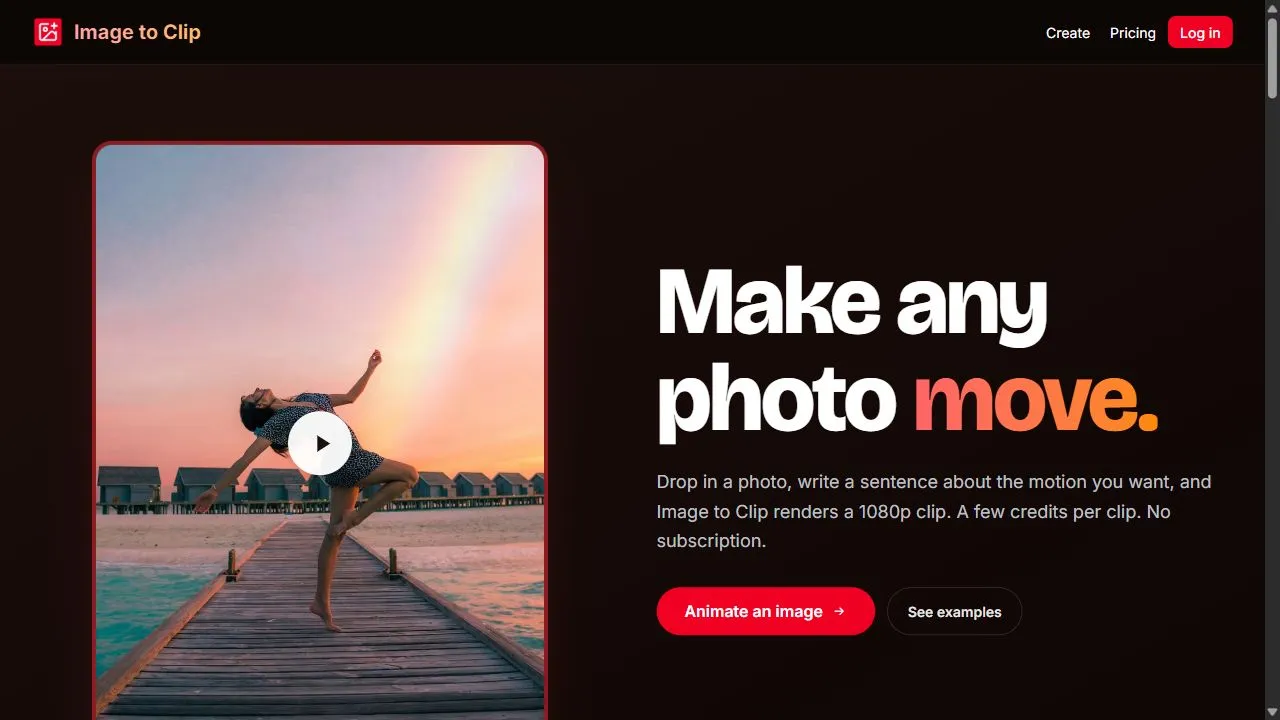
Opening Overview ImageToClip.com is a specialized AI image-to-video generator designed to transform static photographs into dynamic, high-quality video clips. By leveraging artificial intelligence and motion synthesis , the platform solves the common problem of static content fatigue, allowing u