The 5 Best AI Tools Released This Month 2026
For professionals, creators, and tech‑curious readers, this is the moment to take stock: **which tools are genuinely worth integrating into your workflow this month**, and which ones are just hype?
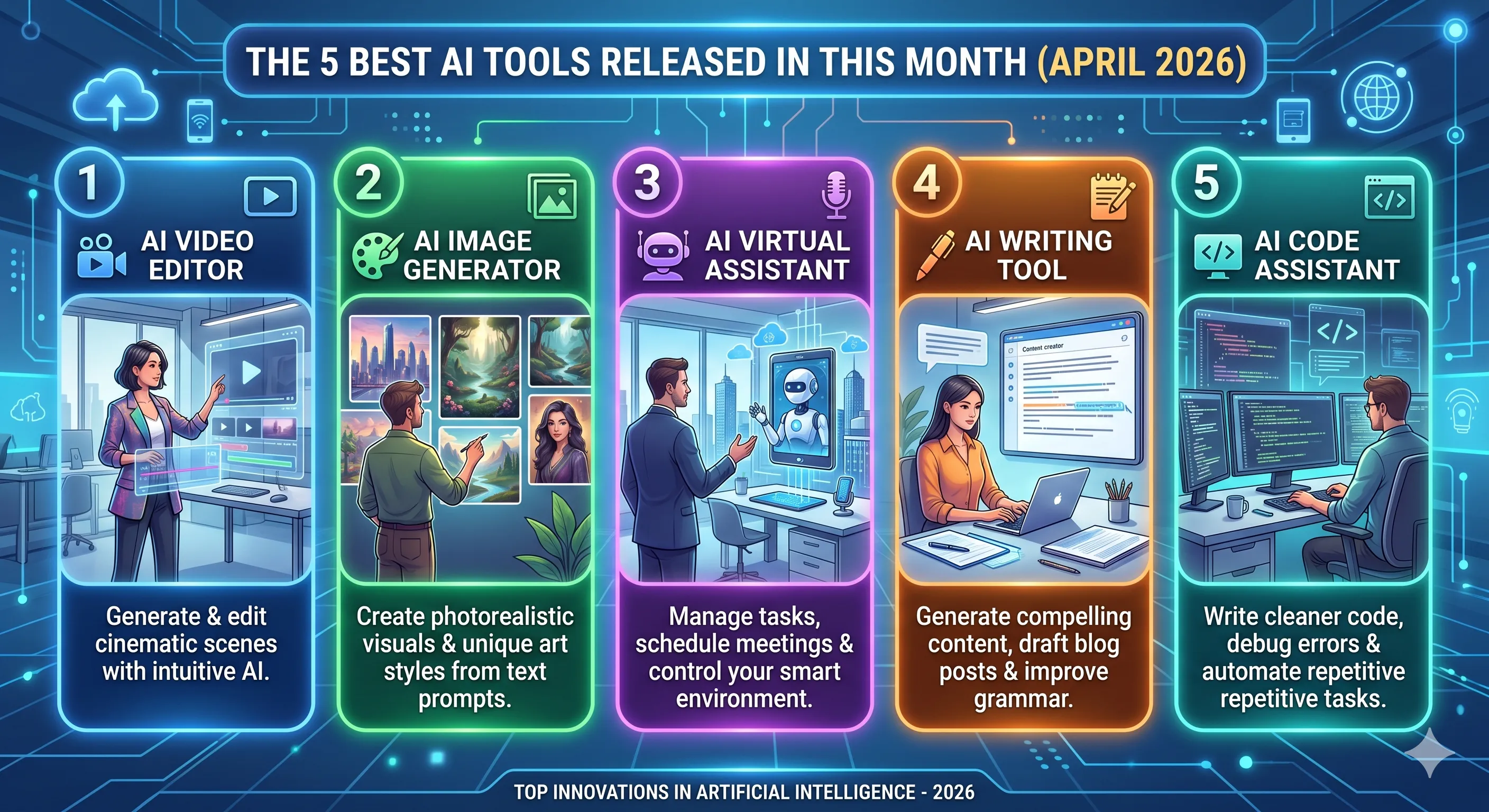
April 2026 is shaping up as one of the most intense months yet for AI innovation. Several major labs and startups have pushed out new models, agent‑style assistants, and vertical‑specific tools that feel like genuine generational steps forward, not just “another chatbot update.”
For professionals, creators, and tech‑curious readers, this is the moment to take stock: which tools are genuinely worth integrating into your workflow this month, and which ones are just hype?
Below is a deep, long‑form look at five of the most powerful and useful AI tools that have either launched or received major upgrades during April 2026. Each one is described in enough detail that you can immediately understand how to use it and whether it fits your niche—whether you’re a developer, marketer, data‑driven operator, or general‑productivity user.
1. GPT‑5.4 (OpenAI) – The “Agent‑Native” General‑Purpose AI

OpenAI’s latest flagship system, GPT‑5.4, is the most polished and agent‑ready evolution of the GPT lineage yet. It sits at the top of the “general‑assistant” category, combining stronger reasoning, better tool‑use, and tighter memory with noticeably fewer hallucinations compared with earlier generations.
What’s new in GPT‑5.4
-
Agent‑style memory and context stitching
GPT‑5.4 can remember long‑running working states across days, not just sessions. That makes it much better at multi‑step projects like content calendars, research dossiers, and product‑launch planning, where context needs to persist across dozens of interactions. -
Deeper tool integration
It hooks more tightly into:- Web search
- Code execution (via sandboxed runtimes)
- API‑based workflows (e.g., CRM, CMS, analytics)
This means it can perform tasks, not just answer questions, while still arguing for safety and permissions.
-
Improved coding and reasoning
In technical benchmarks, GPT‑5.4 shows a noticeable jump in:- Code generation quality
- Bug‑fix accuracy
- Algorithmic reasoning
- Documentation understanding
For developers, this translates into faster prototyping and more reliable recommendations for refactors or architecture choices.
-
Better multimodal understanding
When you upload charts, diagrams, or UI‑mock files, GPT‑5.4 can now analyze structure, layout, and intent more accurately, not just read text. This is especially useful for UX feedback, report summaries, and visual‑design reviews.
Who should use GPT‑5.4

-
Content creators who want one AI that can help with:
- SEO‑friendly long‑form drafts
- outlines, headings, and internal linking
- tone‑matching across multiple platforms
-
Developers who want:
- Faster boilerplate and scaffolding
- Bug‑detection and “code review”‑style feedback
- Documentation generation and explanation
-
Product managers and operators who want:
- Market‑research summaries
- Competitive‑analysis outlines
- Structured OKR or roadmap suggestions
If you already use ChatGPT‑4 or GPT‑4.1, upgrading to GPT‑5.4 (or switching to its interface) is arguably the single most impactful move you can make this month to level‑up your general‑purpose AI usage.
2. Claude Mythos 5 – The Powerhouse for Coding and Deep Tasks

Anthropic’s Claude Mythos 5 launched this month as one of the most powerful models available for deep coding, automation, and long‑running workflows. It is positioned as a “power user” system rather than a casual chatbot, and it shows in how it approaches long‑form reasoning, debugging, and software‑architecture design.
What makes Mythos 5 stand out
-
Very long context windows
Mythos 5 can handle hundreds of thousands of tokens in a single context, which means you can:- Paste entire codebases
- Upload full documentation trees
- Have long‑running, multi‑step discussions about system design
This is ideal for refactoring legacy code, rewriting large code modules, or migrating between frameworks.
-
Structural reasoning over polite chat
Unlike some assistants that default to conversational fluff, Mythos 5 is optimized for technical precision:- Clean, readable code
- Clear architectural comments
- Explicit trade‑off explanations (e.g., “this will be faster but harder to test”)
-
Built‑in file‑management and “project modes”
The tool ships with workspace‑style interfaces where you can:- Open a project folder
- Ask the AI to “refactor this entire directory”
- Track changes and diffs before you commit
This begins to feel less like a chatbot and more like a co‑engineer sitting next to you.
-
Agent‑style automation
In its full‑stack mode, Mythos 5 can:- Write and run small scripts
- Parse logs and generate action items
- Propose CI/CD improvements
All of this is constrained by safety guards and explicit permission steps, but the underlying capability is already quite strong.
Who should choose Mythos 5
-
Senior engineers and tech leads who want to:
- Accelerate refactors and migrations
- Document complex systems in a structured way
- Generate high‑level architecture drafts before whiteboarding
-
Solo founders and small‑team devs who need:
- Rapid prototyping without a full‑time team
- Help with testing, edge‑case brainstorming, and error‑handling structure
-
Engineering‑adjacent PMs who want to understand code decisions at a higher level:
- Trade‑off summaries
- Security‑ and performance‑oriented explanations
- “Explain this like I’m a non‑engineer” features
If GPT‑5.4 is your “daily‑driver general assistant,” Claude Mythos 5 is the power‑user partner for the heavy‑lifting moments where you need depth, not just breadth.
3. Gemini 3.1 – Google’s Most Cohesive AI Suite Yet

Google’s Gemini 3.1 is not just a model update; it is a major refresh of Google’s entire AI‑product stack, tightly integrating search, Workspace, Android, and the new Gemini Agents layer. This release feels like the first time Google has truly unified its “AI across products” strategy in a coherent way, rather than a collection of separate experiments.
What’s new in Gemini 3.1
-
Gemini Native everywhere
Gemini 3.1 powers:- Search – answer cards now include richer, multi‑step reasoning and better citations.
- Workspace – Drafts, Sheets, Slides, and Docs all get deeper AI‑assisted suggestions, not just “rewrite this sentence.”
- Android – on‑device summarization, smart replies, and context‑aware quick‑actions feel more consistent.
-
Improved factuality and “grounding”
Gemini 3.1 leans harder on:- Search results
- Verified sources
- Your own documents
This reduces the “confident hallucinator” behavior that earlier versions sometimes showed, especially in research and report‑style queries.
-
Workspace‑centric workflows
You can now:- Ask Gemini to summarize a Drive folder
- Generate a presentation outline from a long Doc
- Reformat a messy Sheet into a clean dashboard layout
All of this happens within the Google ecosystem, so permissions and privacy controls feel more integrated than in third‑party wrappers.
-
Developer‑facing upgrades
For builders using Google’s AI stack:- Vertex AI gets better model‑versioning and tooling
- Gemini Code Assist becomes more accurate for TypeScript and Python
- Gemini‑for‑Ops helps with log analysis and incident‑investigation workflows
Who should use Gemini 3.1
-
Existing Google Workspace users who want:
- Smarter drafting, editing, and summarization inside Docs, Sheets, Slides
- Less friction between research (Search) and writing (Docs)
-
Enterprise and corporate teams
- Gemini 3.1 is designed to work well within Google’s identity and compliance layer (Admin Console, DLP, etc.), which makes it attractive for companies that already standardize on Google.
-
Developers who live in Google Cloud
- Better integration with Vertex, BigQuery, and other GCP services
- More reliable code‑assistance and documentation generation
If you’re already in the Google ecosystem, upgrading to Gemini 3.1 might be the most frictionless way this month to level‑up your AI usage without leaving your current stack.
4. Cursor Pro (with April 2026 Agent‑Mode) – The AI‑First Code Editor

The Cursor AI‑code‑editor platform has quietly become one of the most loved tools among developers, and its April 2026 “Agent‑Mode” update pushes it closer to feeling like a full‑time AI pair‑programmer that lives inside your editor.
What’s new in Cursor Pro’s April 2026 update
-
Agent‑Mode for long‑running tasks
Instead of treating each command as a separate chat, Cursor can now:- Keep a running state for a specific feature or bug
- Propose and run refactors across multiple files
- Track progress and ask clarifying questions mid‑task
This makes it feel less like a “quick fix” tool and more like a persistent assistant that you can hand off a feature request to.
-
Better cross‑file understanding
The editor now understands:- Imports and dependencies across a project
- Type‑hints from TypeScript/Python
- Configuration files (e.g.,
package.json,Dockerfile,Makefile)
That means suggestions are more context‑aware and less likely to suggest something that breaks the build.
-
Built‑in debugging and error‑explanation
When your code throws an error, Cursor can:- Highlight the likely cause
- Suggest multiple fixes
- Explain the underlying concept (e.g., async‑await, race conditions, imports)
-
Workflow‑level automation
In advanced workflows, Cursor can:- Generate tests
- Write commit messages
- Draft PR descriptions
- Even help with CI/CD pipeline tweaks
All of this is still gated by your review, but it drastically reduces the “boilerplate mental load” of shipping code.
Who should be using Cursor
-
Full‑stack and web‑app developers
- Building React, Next.js, or Node projects and wanting faster iteration
- Debugging complex UI or API‑layer bugs
-
Data‑ and backend‑focused engineers
- Working with Python, SQL, or ETL‑style pipelines
- Needing help with schema design, validation, or performance tuning
-
Solo builders and indie‑hackers
- Cursor reduces the gap between “idea” and “working prototype” by making it easier to:
- Scaffold APIs
- Wire up frontends
- Add tests
- Cursor reduces the gap between “idea” and “working prototype” by making it easier to:
If you care about developer experience and AI‑assisted coding, Cursor’s April 2026 Agent‑Mode is one of the most genuinely useful releases this month.
5. Perplexity Comet Browser (April 2026 Agent‑Edition) – The AI‑Research Browser

Perplexity’s Comet Browser (April 2026 Agent‑Edition) is not just another AI‑powered search tool; it is a full‑blown AI‑research browser that rethinks how you navigate and synthesize information on the web. It combines real‑time search, summarization, and agent‑style workflows into a single interface that feels like the “knowledge‑layer” on top of your normal browsing.
What’s new in Comet Browser’s April update
-
Agent‑style research flows
You can now:- Give Comet a research goal (e.g., “Compare three AI‑code‑assistants for 2026”)
- Let it visit multiple pages, take notes, and summarize
- Review its working notes before it generates a final answer
This is closer to “human‑style research” than a single‑shot query.
-
Source‑tracking and citation
Comet keeps track of:- Which pages it visited
- How it used information from each
- When it is inferring versus directly quoting
You can see the “research trail,” which is useful if you later need to double‑check or cite sources.
-
In‑browser summarization and highlighting
On long‑form pages, Comet can:- Summarize sections
- Extract key takeaways
- Highlight relevant quotes
This is especially valuable for research, long‑form content, or legal‑style documents.
-
Workspace‑style boards
For bigger projects, you can:- Create a research board
- Save links, notes, and AI‑generated summaries
- Export to a structured markdown or Doc‑style outline
This makes it feel like a hybrid of Notion, Miro, and a research assistant all in one.
Who should use Comet Browser
-
Researchers and analysts
- People who need to:
- Compare multiple sources
- Track down citations
- Synthesize complex topics
- People who need to:
-
Content writers and SEO professionals
- Comet helps you:
- Quickly grasp existing coverage on a topic
- Identify content gaps
- Generate structured outlines directly from your research
- Comet helps you:
-
Product managers and decision‑makers
- When you need to:
- Understand a new market, product, or regulation
- Summarize findings for stakeholders
- When you need to:
If your workflow involves heavy research or competitive analysis, Comet Browser’s April 2026 Agent‑Edition is one of the most powerful tools released this month.
FAQ About the 5 Best AI Tools of April 2026
1. Should I use all five tools?
Not necessarily.
- GPT‑5.4 and Gemini 3.1 are best if you want one strong “general‑assistant” inside existing ecosystems.
- Claude Mythos 5 is ideal if you do a lot of deep coding or long‑form reasoning.
- Cursor Pro is best if you live in your editor and want AI directly in your workflow.
- Perplexity’s Comet Browser is perfect if you do heavy research or content‑based analysis.
You can mix and match based on your role and workflow.
2. Are these tools free?
Most of these tools offer free tiers, but the April 2026 versions are usually strongest in paid or pro‑mode plans.
- GPT‑5.4, Gemini 3.1, Claude Mythos 5, Cursor Pro, and Comet Browser all have:
- Free plans with limits
- Pro or enterprise tiers with higher token limits, advanced features, and better support
For serious usage, expect to pay for at least one or two of these tools.
3. Which one is best for SEO and content?
- Gemini 3.1 is strong if you are already in Google’s ecosystem.
- GPT‑5.4 is excellent for general‑purpose writing, outlining, and optimization.
- Comet Browser is the best if you want to deeply research a topic before you write.
Many SEO‑focused creators use two or more of these tools together.
4. Which one is best for developers?
- Claude Mythos 5 for deep coding, architecture, and refactors
- Cursor Pro for daily‑driving AI‑assisted editing and debugging
- GPT‑5.4 for documentation, API‑design help, and explaining concepts
The “best” depends on your stack, but a combo of Cursor + Mythos 5 is very powerful for serious developers.
5. Are these tools safe for enterprise use?
Most of the tools above have enterprise‑friendly policies around:
- Data privacy
- Access control
- Audit‑logging
However:
- Always check your company’s AI‑policy and data‑governance rules before uploading sensitive code or documents.
- Prefer tools that let you keep data on your own infrastructure where possible.
When in doubt, start with a pilot project rather than full‑company rollout.
Final Thoughts
April 2026 feels like a turning
Mentioned in this article
Tools
Skillora
Skillora is an innovative AI-powered interview practice platform that empowers job seekers to ref

Skillora is an innovative AI-powered interview practice platform that empowers job seekers to refine their interviewing skills and build confidence through realistic simulations and personalized feedback. It addresses the challenge of interview anxiety and inadequate preparation by providing a sa

Salley
Opening Overview Salley is a sophisticated AI-powered career development platform designed to hel

Opening Overview Salley is a sophisticated AI-powered career development platform designed to help professionals identify and mitigate professional risks by leveraging artificial intelligence, predictive analytics, and personalized learning workflows . The platform addresses the critical problem

Blush
Blush is a sophisticated AI-powered dating simulator designed to help users refine their social a

Blush is a sophisticated AI-powered dating simulator designed to help users refine their social and interpersonal skills through safe, engaging, and realistic role-playing scenarios. By leveraging advanced artificial intelligence and natural language processing, the platform creates a simulated e

PruE AI
Opening Overview PruE AI is a comprehensive AI-powered career coach platform designed to streamli

Opening Overview PruE AI is a comprehensive AI-powered career coach platform designed to streamline and accelerate the professional development journey by leveraging artificial intelligence, automation, and intelligent workflows . The platform addresses the significant challenges modern job seek
DETPractice
DETPractice is a specialized AI-powered test preparation platform designed to help users achieve

DETPractice is a specialized AI-powered test preparation platform designed to help users achieve high scores on the Duolingo English Test (DET) by leveraging artificial intelligence, automated assessment, and simulated testing environments . The platform addresses the specific challenge of prepa
Crickzy
Crickzy is a powerful AI-powered sports coaching platform designed to help users enhance their c

Crickzy is a powerful AI-powered sports coaching platform designed to help users enhance their cricket performance by leveraging artificial intelligence, automated video analysis, and intelligent biomechanical workflows . By utilizing sophisticated computer vision and motion tracking algorithm

Beamery
Beamery is an AI-powered workforce transformation platform that helps organizations streamline an

Beamery is an AI-powered workforce transformation platform that helps organizations streamline and optimize their entire talent lifecycle, from attracting candidates to developing existing employees. It addresses the challenges of modern talent management by providing a centralized, data-driven s
MatchMyType - MBTI Compatibility Analysis
MatchMyType is an AI-powered MBTI compatibility analysis tool designed to help users understand r

MatchMyType is an AI-powered MBTI compatibility analysis tool designed to help users understand relationship dynamics and interpersonal connections by leveraging the Myers-Briggs Type Indicator framework. This tool addresses the challenge of navigating complex relationships – romantic, platonic,

Sapio AI
Sapio AI is an innovative AI-powered personal development platform designed to help users master

Sapio AI is an innovative AI-powered personal development platform designed to help users master essential life skills through intelligent, conversational AI coaching. Sapio AI addresses the challenge of acquiring and integrating crucial life skills – such as critical thinking, emotional intell

Uplimit
Uplimit is an AI-powered learning platform designed to help organizations upskill and reskill th

Uplimit is an AI-powered learning platform designed to help organizations upskill and reskill their workforce through personalized, active learning experiences. Uplimit addresses the challenge of inefficient and ineffective corporate training programs by leveraging artificial intelligence to cr

LogoGenerator.Art
LogoGenerator.Art is an innovative AI logo generator that empowers users to create professional-g

LogoGenerator.Art is an innovative AI logo generator that empowers users to create professional-grade logos quickly and affordably. It addresses the challenge of expensive and time-consuming traditional logo design by leveraging artificial intelligence to produce a diverse range of logo concept


