GPTAnywhere


GPTAnywhere
Ai Tool Screenshots & Usage
Overview
GPTAnywhere is a powerful AI-powered Chrome extension designed to help users access ChatGPT instantly from any web page by leveraging artificial intelligence, automation, and intelligent browser integration. By embedding the capabilities of OpenAI's advanced conversational models directly into the browsing experience, the tool eliminates the friction associated with switching tabs, copying text, and navigating between different applications to obtain AI-generated insights. It solves the common problem of context switching, allowing users to maintain their focus on their primary task while receiving real-time assistance.
The tool is specifically engineered for students, digital professionals, content creators, and researchers who require a seamless way to interact with a large language model without interrupting their workflow. Through the use of artificial intelligence, GPTAnywhere enables users to highlight specific segments of text on any website and immediately trigger prompts for summarization, explanation, or transformation. This integration transforms the static web browsing experience into an interactive, AI-enhanced environment, making the vast knowledge base of ChatGPT accessible and convenient for a wide variety of daily digital interactions.
By optimizing the way users interact with AI content generation and intelligent research tools, GPTAnywhere ensures that the bridge between information consumption and information processing is as short as possible. Whether the goal is to synthesize complex data from a technical whitepaper or to quickly rephrase a professional email, the extension provides a streamlined interface that prioritizes speed and utility. This makes it an essential utility for anyone looking to enhance their digital productivity and leverage AI automation within their standard web browser.
Key Features of GPTAnywhere
- Instant access to ChatGPT functionality from any active browser tab.
- Text highlighting capability to send specific web content directly to the AI.
- Integrated summarization tools for condensing long-form articles and documents.
- Real-time rephrasing and rewriting features for improving text clarity and tone.
- Direct prompt interface for generating new content based on page context.
- Seamless integration into the Chrome browser ecosystem for minimal system overhead.
- Ability to request detailed explanations for complex terms or concepts on the fly.
- Support for various conversational tasks including brainstorming and creative writing.
- Lightweight design that ensures browser performance is not compromised.
- Intuitive user interface designed for immediate deployment without steep learning curves.
Why People Use GPTAnywhere
The primary motivation for using GPTAnywhere is the elimination of context switching. In a traditional workflow, a user encountering a difficult concept or a long piece of text must open a new tab, navigate to an AI platform, copy the relevant text, paste it into a prompt, and then navigate back to the original page to apply the answer. This repetitive process creates cognitive friction and breaks the user's "flow state," leading to decreased productivity and increased mental fatigue. GPTAnywhere solves this by bringing the AI to the data, rather than forcing the user to bring the data to the AI.
Furthermore, the tool is used to enhance the speed of information synthesis. With the overwhelming amount of data available on the modern web, the ability to instantly summarize a page or explain a complex paragraph is a significant competitive advantage. Users prefer this method over manual reading and note-taking because it allows for a rapid "triage" of information—determining quickly if a source is valuable before committing to a deep read.
Scalability is another driving factor. For professionals who handle dozens of tabs and multiple research streams simultaneously, having a persistent AI assistant available across all domains allows for a more scalable approach to data gathering and content drafting. The simplicity of a browser extension means that the AI becomes a natural extension of the user's digital literacy, rather than a separate tool that requires a dedicated destination.
Popular Use Cases
- Academic Research: Students and researchers use the tool to highlight complex academic jargon in peer-reviewed journals and request simplified explanations or summaries of the findings.
- Content Creation: Bloggers and copywriters use the extension to highlight their own drafts on a CMS page to quickly generate alternative headlines or rephrase clunky sentences for better flow.
- Software Development: Developers use the tool while browsing documentation or forums like StackOverflow to explain specific snippets of code or to suggest optimizations for a highlighted function.
- Corporate Communication: Professionals use GPTAnywhere to analyze long email threads or internal company wikis, extracting key action items and summaries to save time during project management.
- Language Learning: Language learners highlight foreign text on a webpage to get not just a translation, but a grammatical explanation of why a specific phrase is used in that context.
- Market Analysis: Business analysts use the tool to quickly synthesize competitor landing pages, extracting value propositions and key features into a concise list.
- Legal and Compliance Review: Legal professionals use the extension to break down dense contractual language into plain English for quicker initial reviews.
Benefits of GPTAnywhere
- Increased Productivity: By removing the need to navigate between tabs, users can complete research and writing tasks in a fraction of the time.
- Enhanced Cognitive Focus: Maintaining a single window of focus prevents the distractions often associated with opening new tabs and navigating different websites.
- Improved Content Quality: The ability to instantly rephrase and refine text leads to more polished and professional communication across all digital platforms.
- Accelerated Learning Curves: Complex topics are made accessible through instant AI explanations, allowing users to grasp new concepts without leaving their source of study.
- Streamlined Workflows: The integration of AI into the browsing experience creates a cohesive workflow where information gathering and processing happen simultaneously.
- Reduced Manual Effort: Automating the process of copying, pasting, and prompting reduces the tedious manual labor associated with AI-assisted research.
- Universal Application: Because it operates as a browser extension, the benefits are applicable across every website the user visits, regardless of the industry or niche.
Page Insights
Related AIs
Featured


Compare with Alternatives
All VS
GetAi
@getai
Professional Extensions tools for creators.
Pricing Details
More Related AIs
View AllTabMate
TabMate is an AI-powered browser tab manager that helps users overcome tab overload and improve o

 Gabriel Knight5.0 stars
Query Kitty
Opening Overview Query Kitty is a powerful AI-powered chatbox and productivity assistant designed

 Kuzey Taşlı3.0 stars
Email Finder by Snov.io
Email Finder by Snov.io is a Chrome extension designed to help users quickly locate and verify prof

Email Finder by Snov.io is a Chrome extension designed to help users quickly locate and verify professional email addresses directly from websites and LinkedIn profiles. It solves the problem of time-consuming manual email research, a common challenge for sales, marketing, and recruitment professio
Magictool.AI Chrome Extension
Magictool.AI Chrome Extension is a versatile AI-powered productivity tool designed to enhance use

 Gül Tahincioğlu2.0 stars
Cotyper
Opening Overview Cotyper is a powerful AI-powered development tool designed to help users build

 Đurađ Trajković5.0 stars
AI Blaze
AI Blaze is an advanced AI writing and editing tool designed to help users create, refine, and o

 Jenny Grant4.0 stars
ChatGPT Chrome Extension
ChatGPT Chrome Extension is a versatile AI-powered browser extension that provides users with ins

ChatGPT Chrome Extension is a versatile AI-powered browser extension that provides users with instant access to OpenAI’s ChatGPT directly within their Chrome browser, streamlining workflows and enhancing online productivity. This extension addresses the challenge of information overload and the t
Termzy AI
Opening Overview Termzy AI is a sophisticated AI-powered browser extension designed to protect di

Opening Overview Termzy AI is a sophisticated AI-powered browser extension designed to protect digital rights by instantly analyzing complex Privacy Policies and Terms & Conditions. In a digital ecosystem where legal agreements are intentionally dense and lengthy, this tool serves as an automated
Mink
Opening Overview Mink is a sophisticated AI-powered browser co-pilot designed to drastically enha

 Luukas Saarela5.0 stars
MaxFocus
MaxFocus is a specialized AI-driven link preview extension designed to enhance digital productivi

 Jean Robin5.0 stars
Read Something
Opening Overview ReadLite is a sophisticated AI-powered browser extension designed to transform t
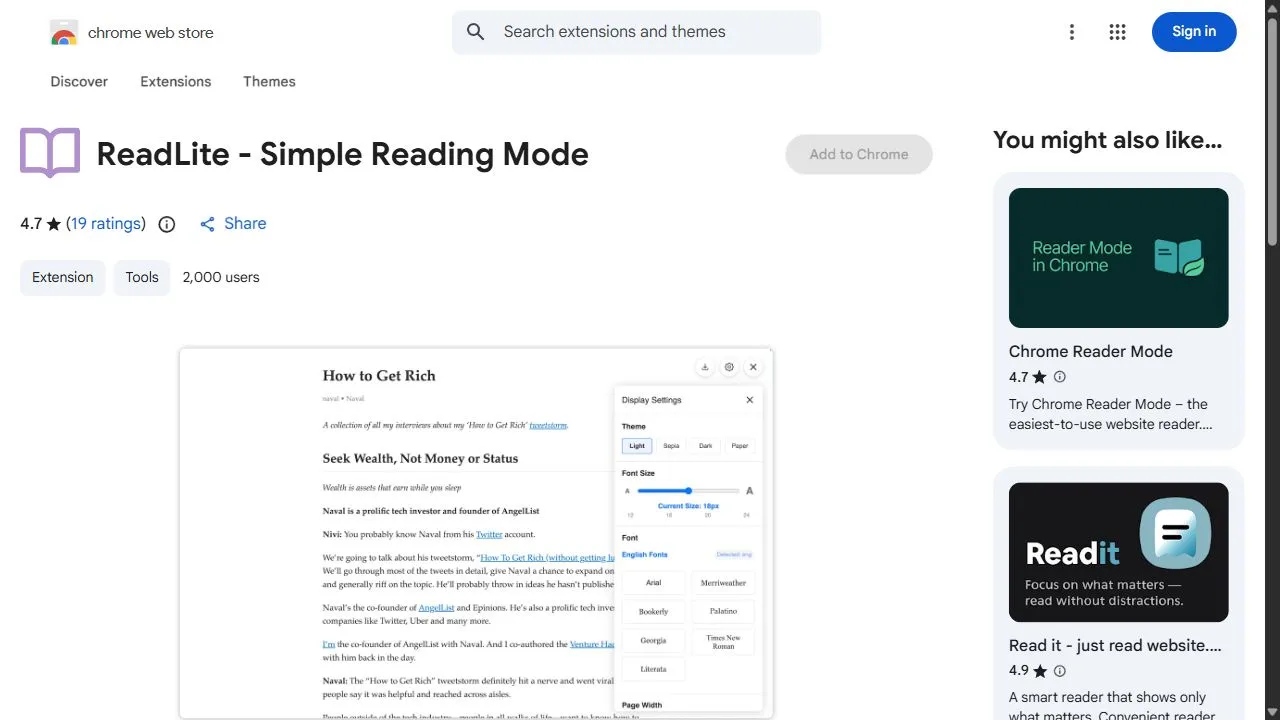
Opening Overview ReadLite is a sophisticated AI-powered browser extension designed to transform the modern web browsing experience by simplifying complex web pages into a clean, distraction-free reading format. By leveraging intelligent content extraction and automated layout optimization, the to
MaxAI.me
MaxAI.me is an innovative AI browser extension that streamlines access to leading large language

 Jeremy Slawa5.0 stars
GPTMagicPrompts
GPTMagicPrompts is a specialized AI-powered prompt generator designed to help users maximize the

 Marta Guerin5.0 stars
Tweeter
Tweeter is an AI-powered X (formerly Twitter) content creation tool designed to help users strea

 امیر سالاری3.0 stars
ChatGPT for Google
ChatGPT for Google is a free AI-powered Chrome extension that enhances Google Search by displayin

 Isabella Murray3.0 stars
Muddy
Muddy Browser is a collaborative browser designed specifically for product design teams, enabling r

Muddy Browser is a collaborative browser designed specifically for product design teams, enabling real-time co-creation, feedback, and iteration on designs. Muddy Browser addresses the challenges of fragmented workflows and communication silos often experienced by design teams using disparate tools